
Book formatter for KDP
The book formatter that turns your finished manuscript into KDP files
Built&Written's book formatter lays out a manuscript you already wrote for Amazon KDP: a print PDF at 10 trim sizes and a cover whose spine fits your page count. Every word stays as you wrote it.
- Every word kept as written
- 10 KDP trim sizes, 5 book fonts
- Cover with spine, checked against KDP's rules
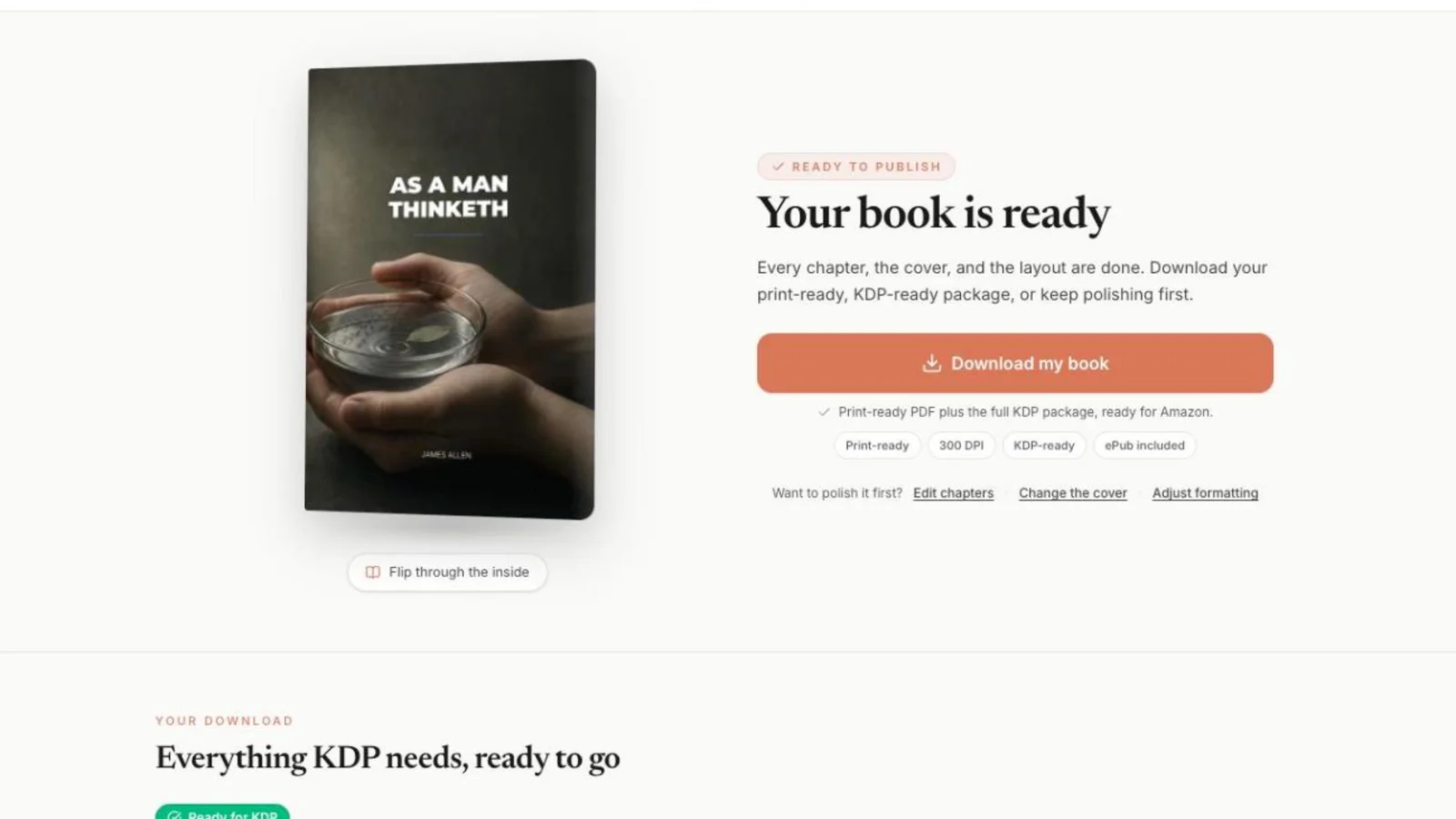
What you get
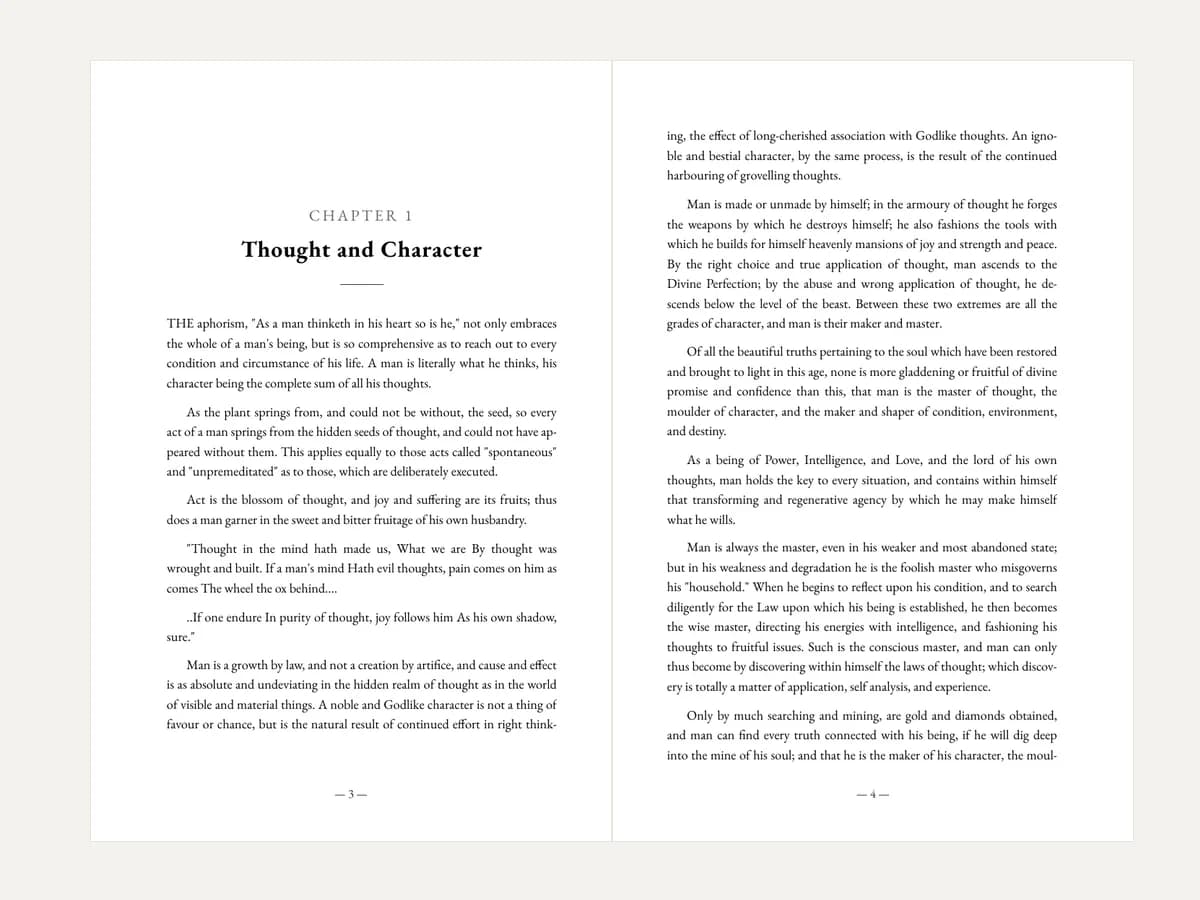
Your text, typeset
Chapters split at your headings, set in a real book font with page numbers and KDP margins.
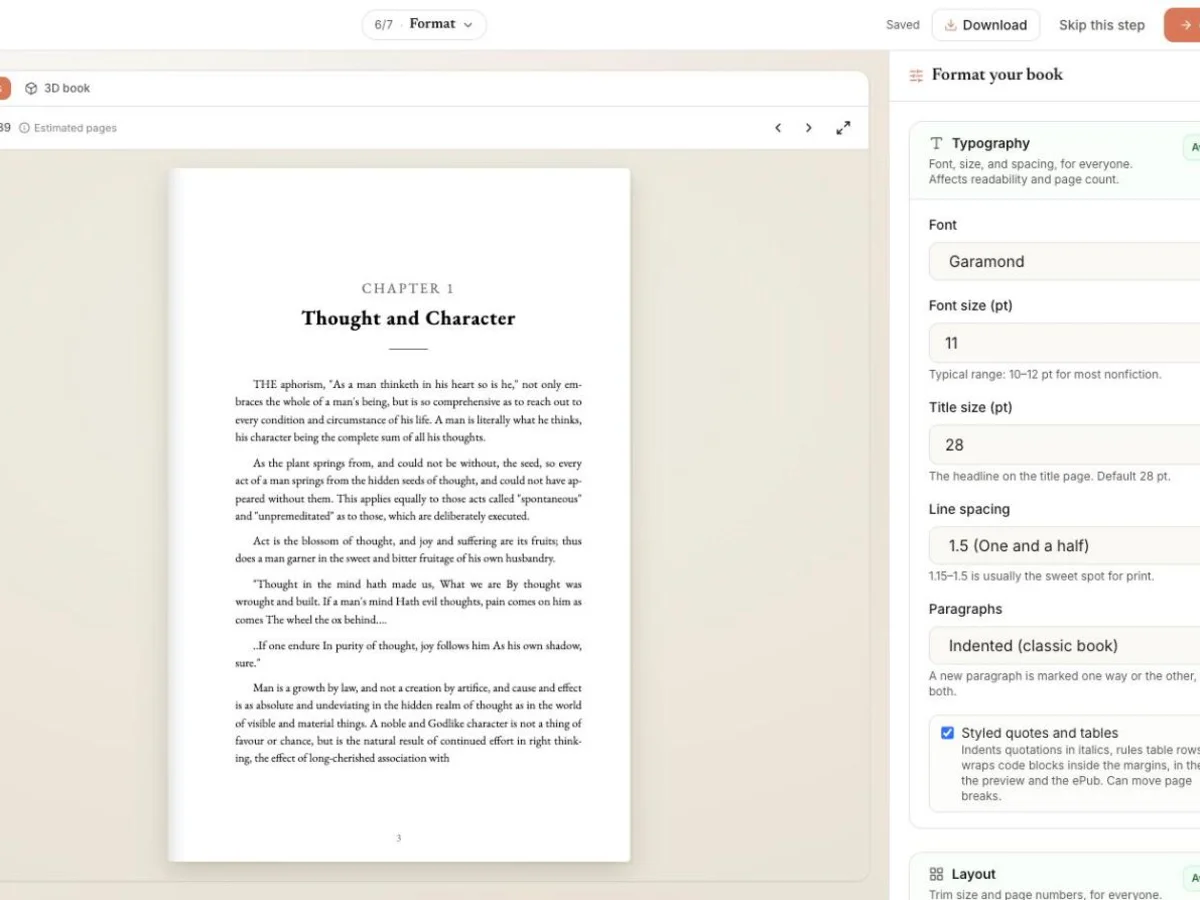
A layout you control
Trim size, font, size and spacing, with the pages updating beside the settings.
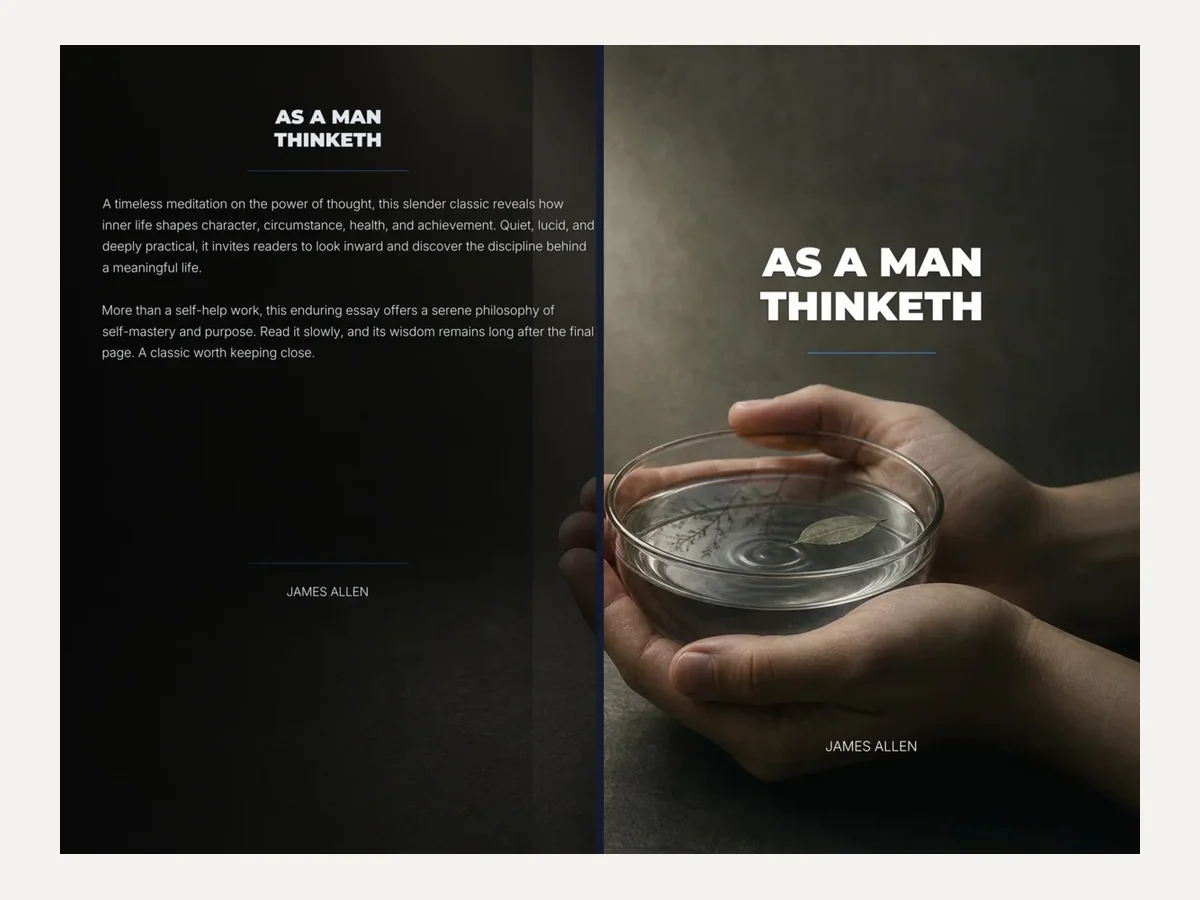
A cover that fits
Front, spine and back in one file, the spine sized to your page count and paper.
Design my cover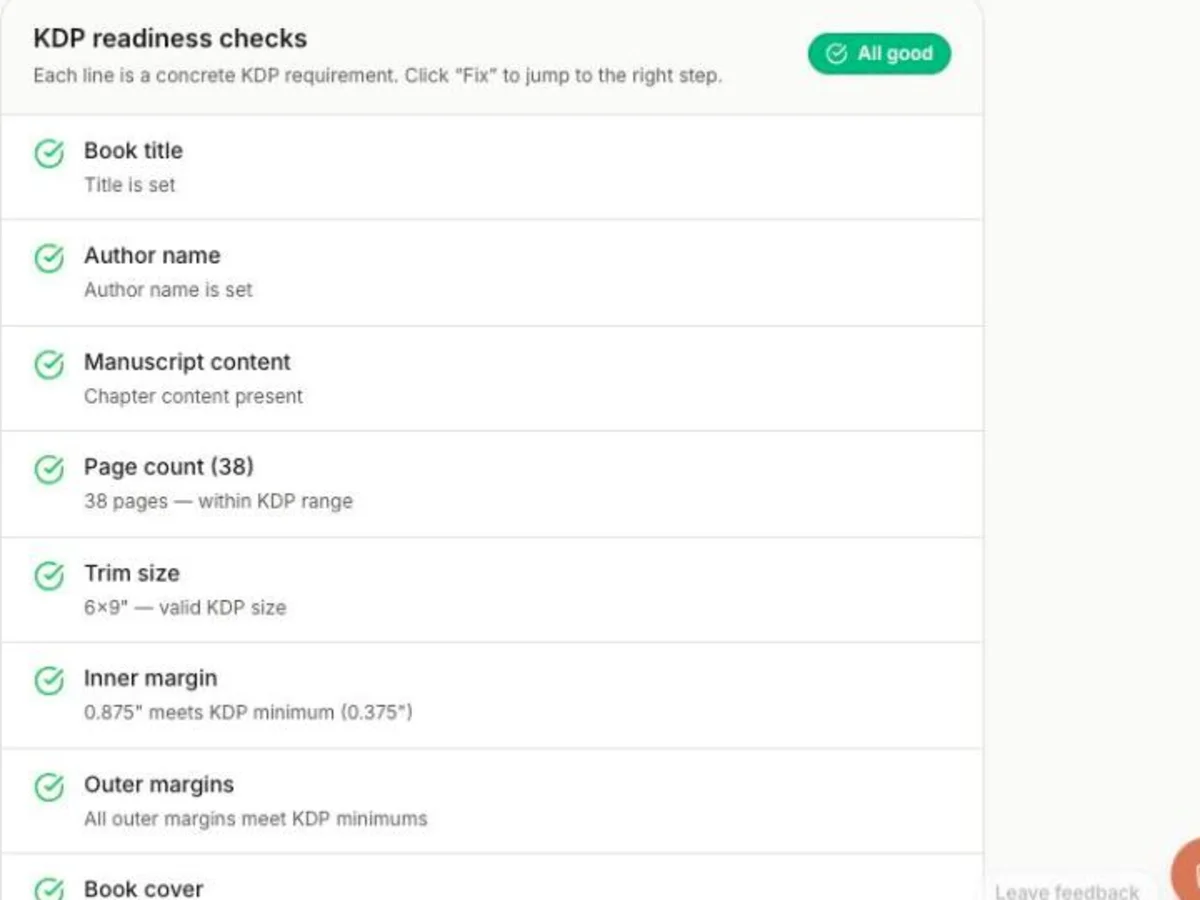
Checked before you download
Title, author, page count, trim, margins and cover, each checked against KDP's rules.
Sample book
A Word file in. A 38-page print book out.
We uploaded James Allen's As a Man Thinketh (1903, public domain) as a Word file with a heading for each chapter, and changed nothing after the upload. The Foreword stayed unnumbered and the seven chapters were numbered 1 to 7.
What went in
THE aphorism, "As a man thinketh in his heart so is he," not only embraces the whole of a man's being, but is so comprehensive as to reach out to every condition and circumstance of his life.Heading 1: Thought and CharacterA .docx file, 7,445 words, one Heading 1 per chapter
What came out

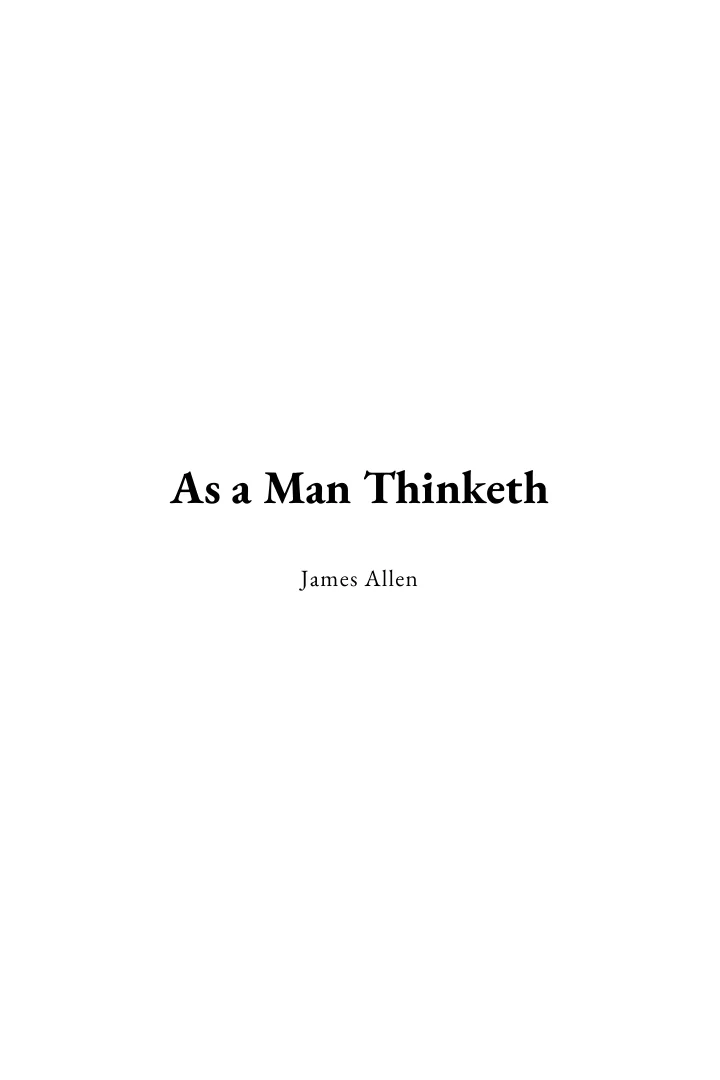
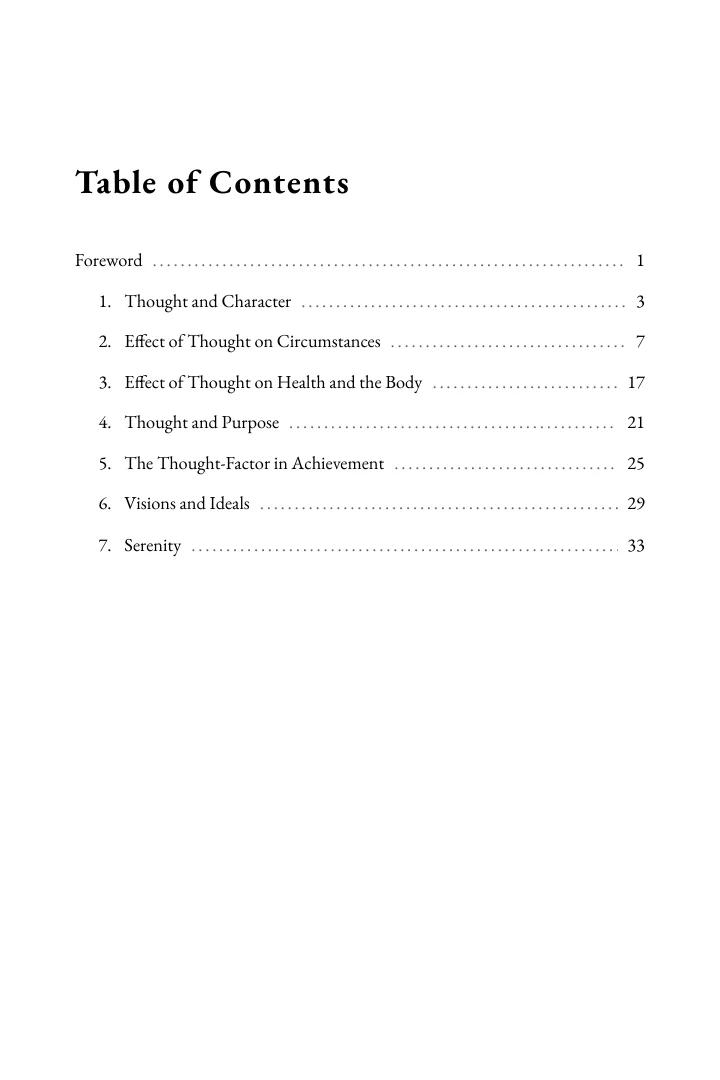
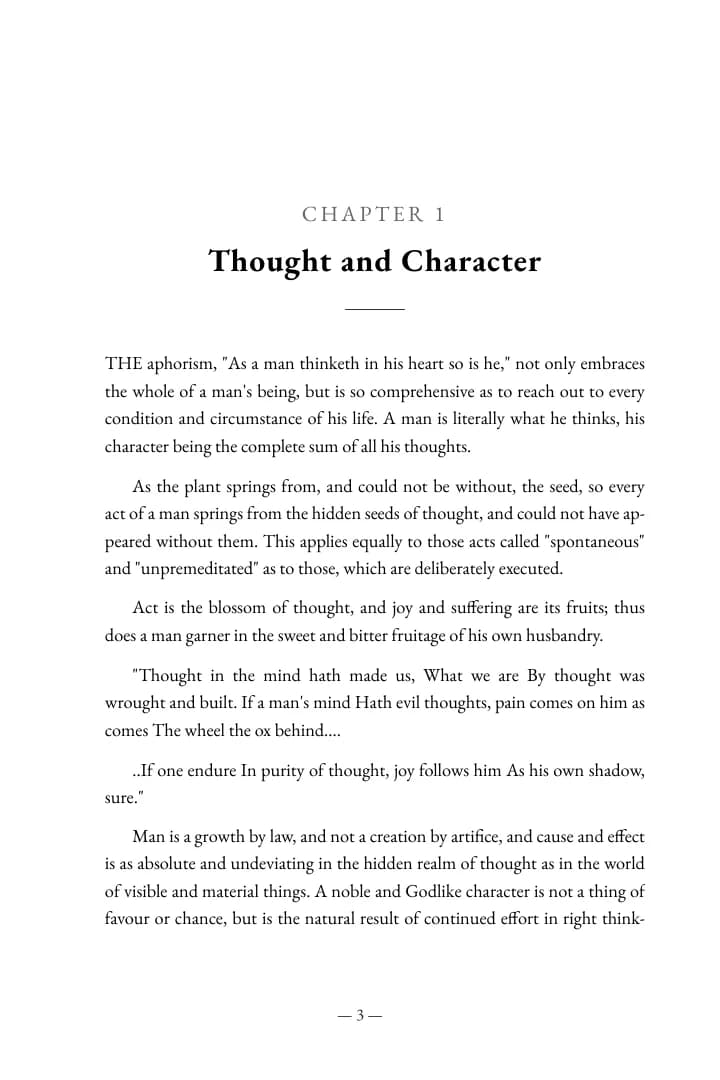
Foreword + 7 chapters · 38 pages at 6 x 9 in · cover with spine
How it works
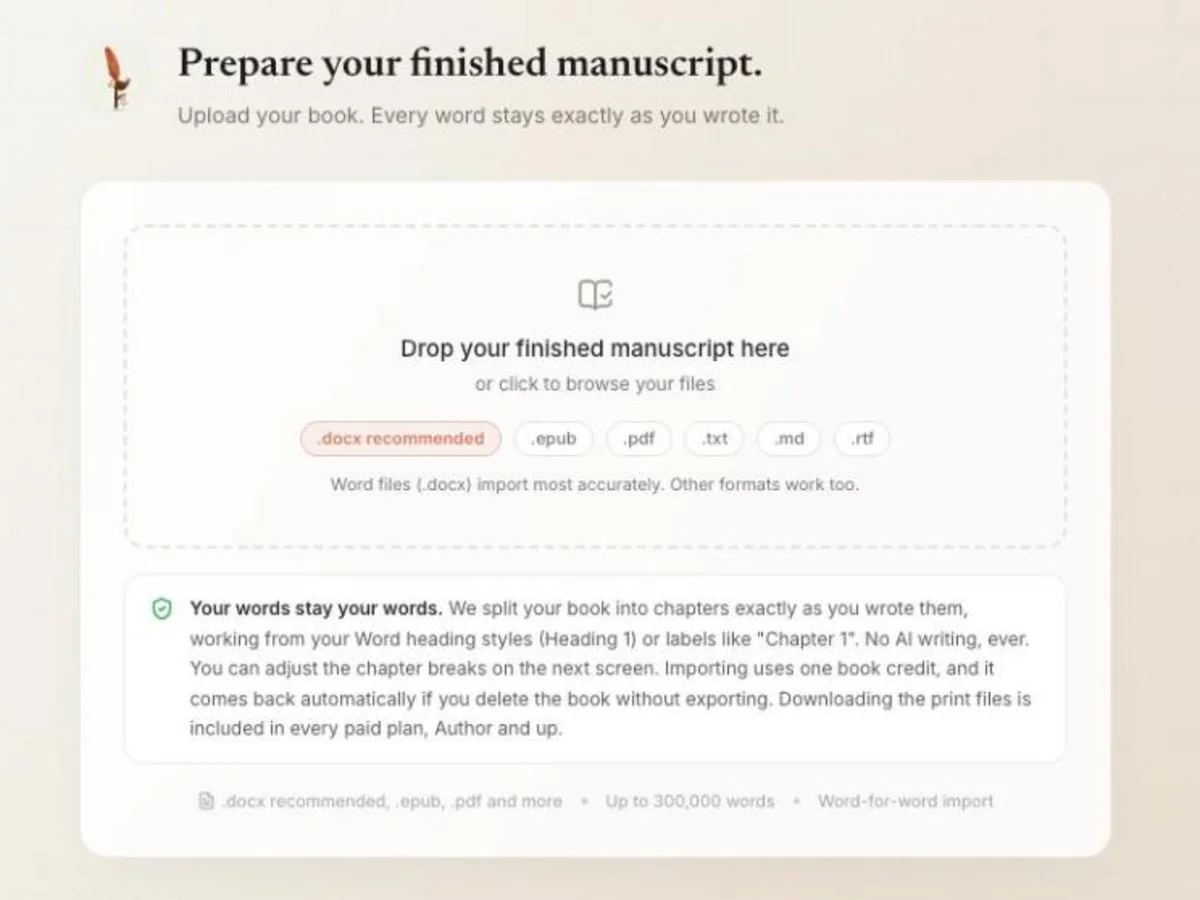
Upload your manuscript
A Word file works best. EPUB, PDF, text, Markdown and RTF import too, up to 300,000 words.
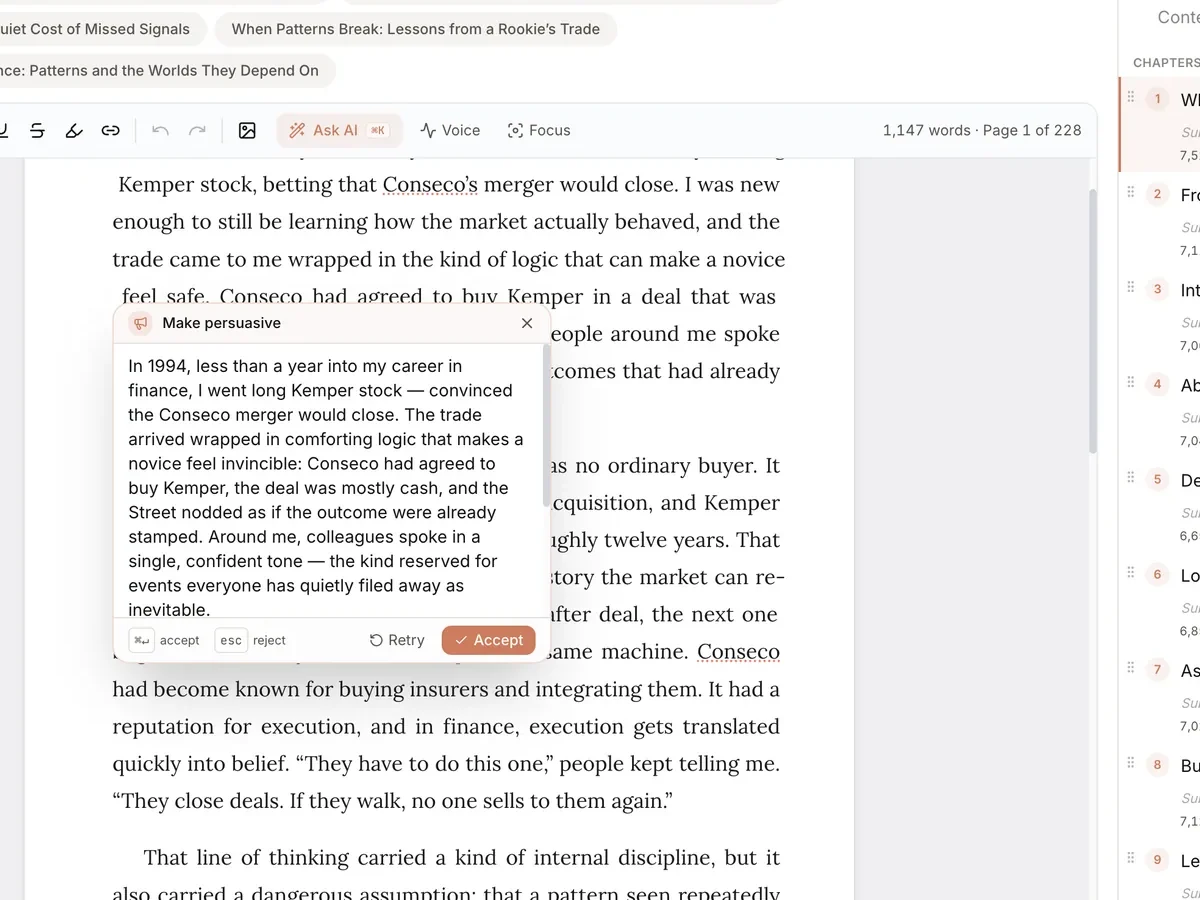
Check the chapters
Fix a split, rename a chapter or edit any line. Nothing is rewritten unless you ask.
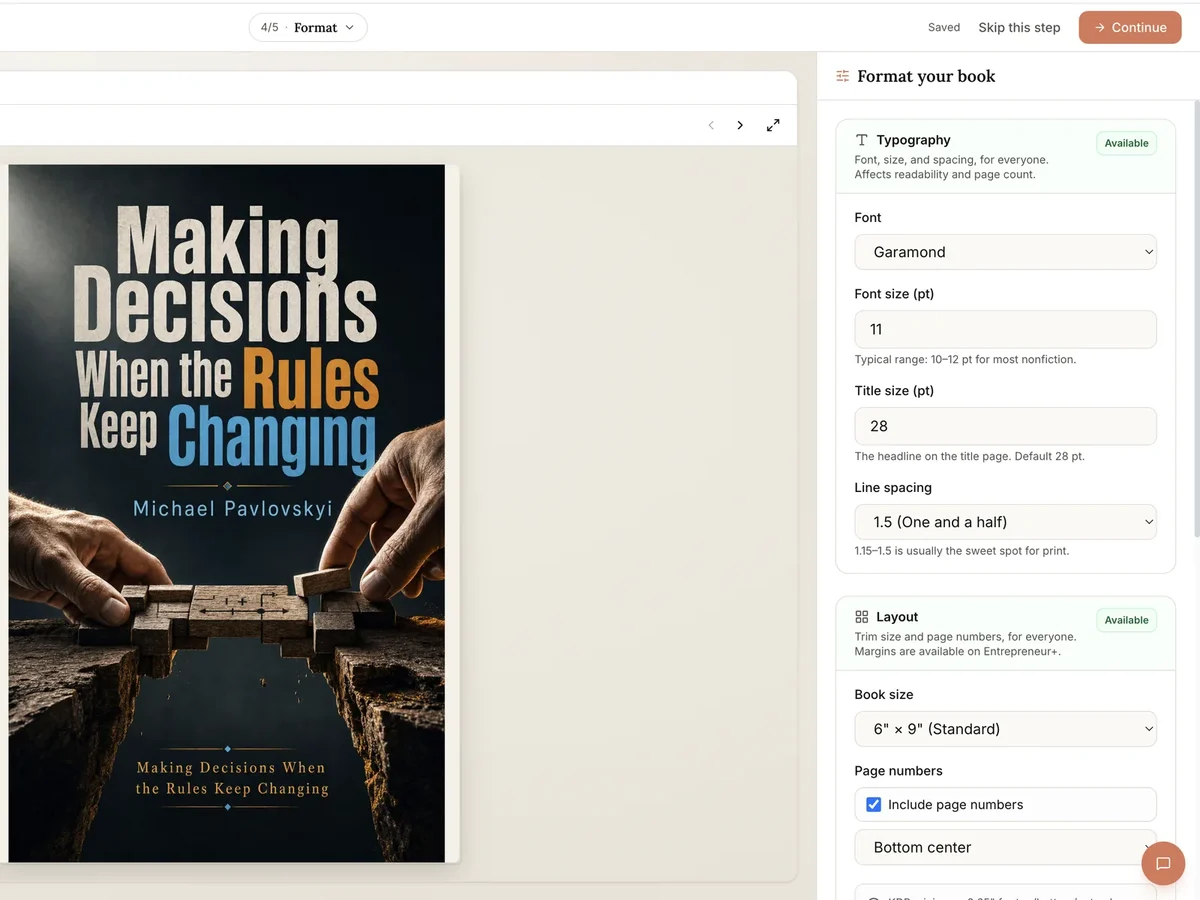
Pick the layout
Trim size, font and spacing. The page count and the spine follow your choices.
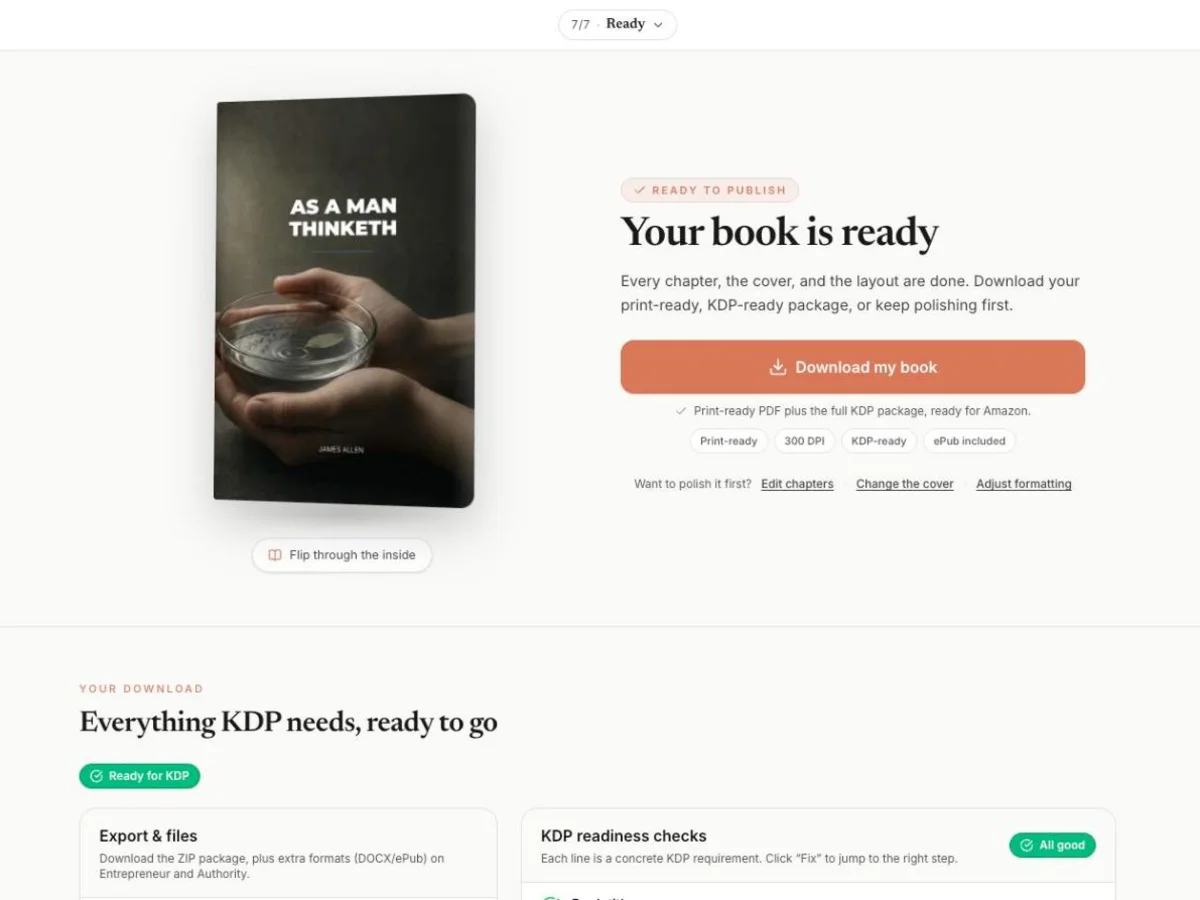
Download for KDP
Run the checks and download the print PDF, the cover and the KDP package.
Your book is written. Make it print-ready.
Upload it and see every page laid out before you pay for anything.
What it costs
Free
$0
One book a month
Write and read one book a month in the editor, with one cover. Downloads need a paid plan.
Author
$19/month
or $180/year
For a book you already wrote: import, format, download the PDF and KDP package. No AI writing.
Entrepreneur
For AI-written books$49/month
or $297/yearFounder deal
Write and download AI-written books. Wren Pro, 6 books a month, EPUB and DOCX, narrative mode, chapter regeneration.
Authority
$99/month
or $948/year
Wren Max, 10 books a month, 50 cover generations per book, first in every queue.
Who it's for
Built for
Anyone with a finished, mostly-text manuscript: nonfiction, memoir, a guide, a novel. The layout works the same for fiction.
Not built for
Picture books, cookbooks and textbooks with complex layouts, hardcover or large-print editions, and images that run to the edge of the page.
How it compares
| How it compares | Built&Written | Atticus | Vellum | Reedsy Studio | Kindle Create | Draft2Digital |
|---|---|---|---|---|---|---|
| Price | $19/month or $180/year | $147 one-time | $249.99 one-time for print (Vellum Press) | Free | Free | Free to format and download |
| Runs on | Browser | Browser app on Windows, Mac, Linux, Chromebook | Mac only | Browser | Windows, Mac | Browser |
| Print trim sizes | 10 KDP sizes | KDP and IngramSpark sizes | 24, plus 6 large-print | 4 | Any KDP size | 6, from 5 x 8 to 8.5 x 11 |
| Print cover with spine | Yes | No | No | No | No, KDP Cover Creator is separate | Yes, from your front cover art |
| Ebook file | EPUB, Entrepreneur and up | EPUB | EPUB | EPUB | KPF, and EPUB for reflowable books | EPUB |
| Hardcover interior | No | Yes | Yes | Not stated | Not clear | No |
Manuscripts formatted in the 30 days to October 24, 2026
- manuscripts uploaded, by 49 authors
57
manuscripts uploaded, by 49 authors
- reached a print-ready PDF
26
reached a print-ready PDF
- median from upload to the print PDF
9.9 min
median from upload to the print PDF
- of those got there within 10 minutes
13
of those got there within 10 minutes
What it sets for you
- Trim size
- 10 KDP sizes: 5 x 8, 5.06 x 7.81, 5.25 x 8, 5.5 x 8.5, 6 x 9, 6.14 x 9.21, 7 x 10, 8.25 x 11, 8.27 x 11.69 and 8.5 x 11 in.
- Typeface
- Garamond, Times New Roman, Georgia, Palatino or Baskerville.
- Margins
- The inside margin grows with your page count, as KDP requires: 0.375 in up to 150 pages, then 0.5, 0.625, 0.75 and 0.875 in up to 828 pages.
- Page furniture
- Title page, copyright page, contents, page numbers, and front matter like a foreword left unnumbered.
- Paper and spine
- White or cream paper. The spine width follows the page count and the paper, with spine text from 80 pages.
- Images
- PNG, JPEG or WebP placed inside chapters, up to 15 MB each.
Questions people ask
What is a book formatter?
A book formatter turns a manuscript into the files a printer or a store needs: a print interior with the right page size, margins and page numbers, and an ebook file that reflows on any screen. Built&Written also makes the print cover, with the spine sized to the interior's page count.
How do I format a book for KDP?
Upload your manuscript as a Word file, check that the chapters split where you expect, pick a trim size and a font, run the KDP checks, then download the print PDF, the cover PDF and the KDP package. On KDP, upload the PDF as the manuscript and the cover PDF as the cover.
Is there an AI book formatter?
Built&Written finds your chapters, applies a KDP layout and checks the result against KDP's rules. The AI never rewrites your text unless you ask it to on a passage you select.
What does it cost?
The Author plan, $19/month or $180/year, downloads the print PDF and the KDP package for a manuscript you uploaded. You can upload and preview every page on the free plan. EPUB and Word exports come with Entrepreneur.
What margins does KDP require?
For paperbacks without bleed, at least 0.25 in on the outside, top and bottom, and an inside margin that grows with the page count: 0.375 in for 24 to 150 pages, 0.5 in to 300, 0.625 in to 500, 0.75 in to 700 and 0.875 in to 828. The formatter applies these for you.
How are my Word headings used?
Each Heading 1 starts a chapter, and Heading 2 to 4 start sections inside it. A file that only uses Heading 2 has those turned into chapters. Without heading styles, labels like "Chapter 1" work too, and you can fix any split after the upload.
Can I format a novel?
Yes. The layout, the checks and the files are the same for fiction. The AI writing tools are built for nonfiction, and you don't need them to format.
Will KDP accept the files?
They are built to KDP's specs and checked before you download, and the package includes a validation report and an upload guide. KDP still reviews every book itself.
Can I change things after the upload?
Yes. Edit the text, rename or reorder chapters, or change the trim size or typeface. The KDP package counts the pages of your newest PDF, and the cover's spine is sized from that count.
What happens to my Word styles?
Headings become chapters and sections. Body text takes the book's typeface and size, so stray fonts and spacing from Word don't carry over.
Do I also get an ebook?
EPUB and Word exports come with Entrepreneur, $49/month or $297/year. KDP turns an EPUB into a Kindle book, and most other stores take the same file.