
AI ebook generator
The AI ebook generator that turns your notes into a Kindle ebook
Built&Written's AI ebook generator writes a full nonfiction book from your posts, notes or transcripts and exports an EPUB that Kindle, Apple Books and Kobo accept, with the cover inside.
- A full draft in about 1.1 minutes
- Reflowable EPUB with its cover inside
- Print edition from the same book
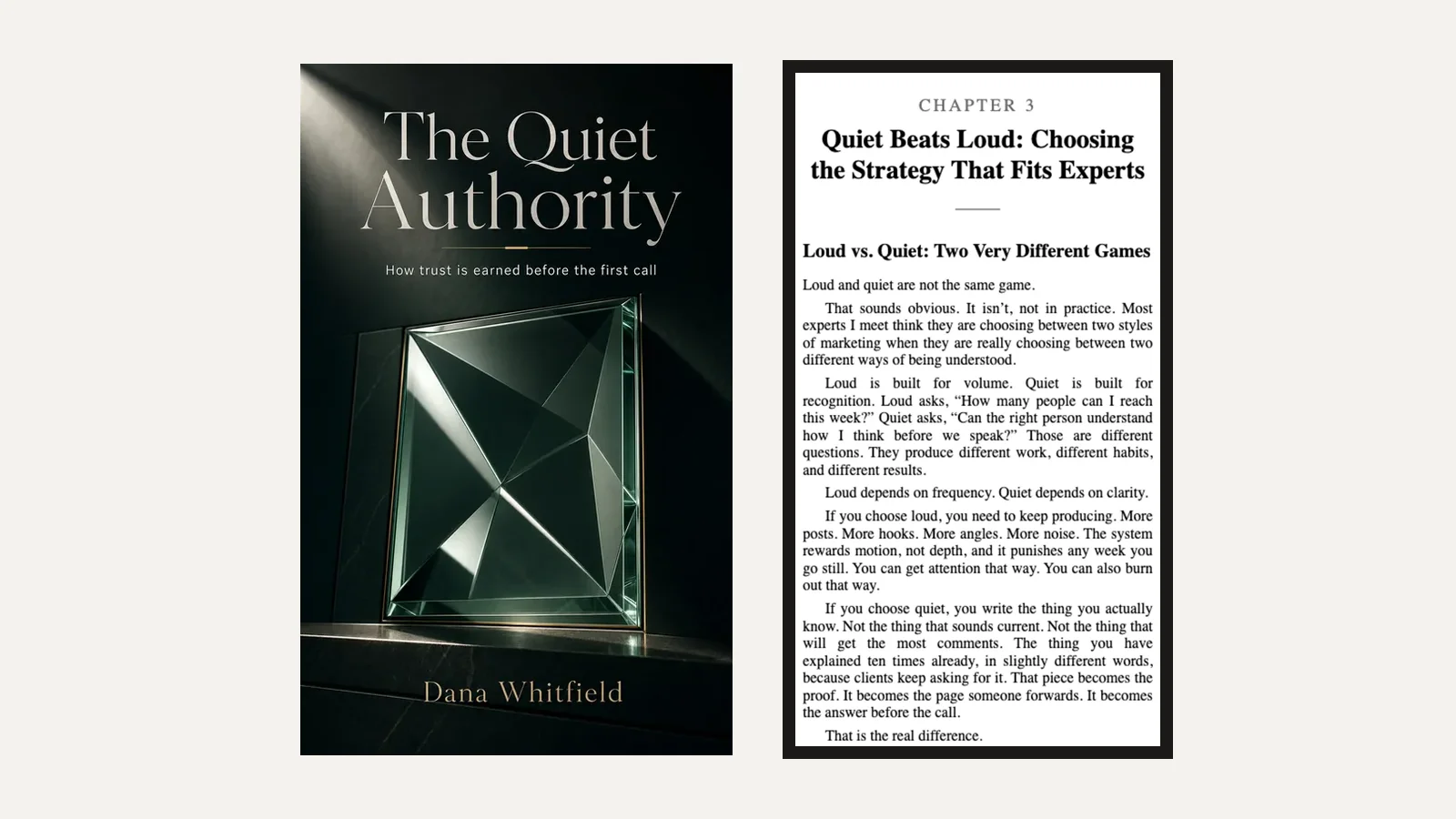
What you get
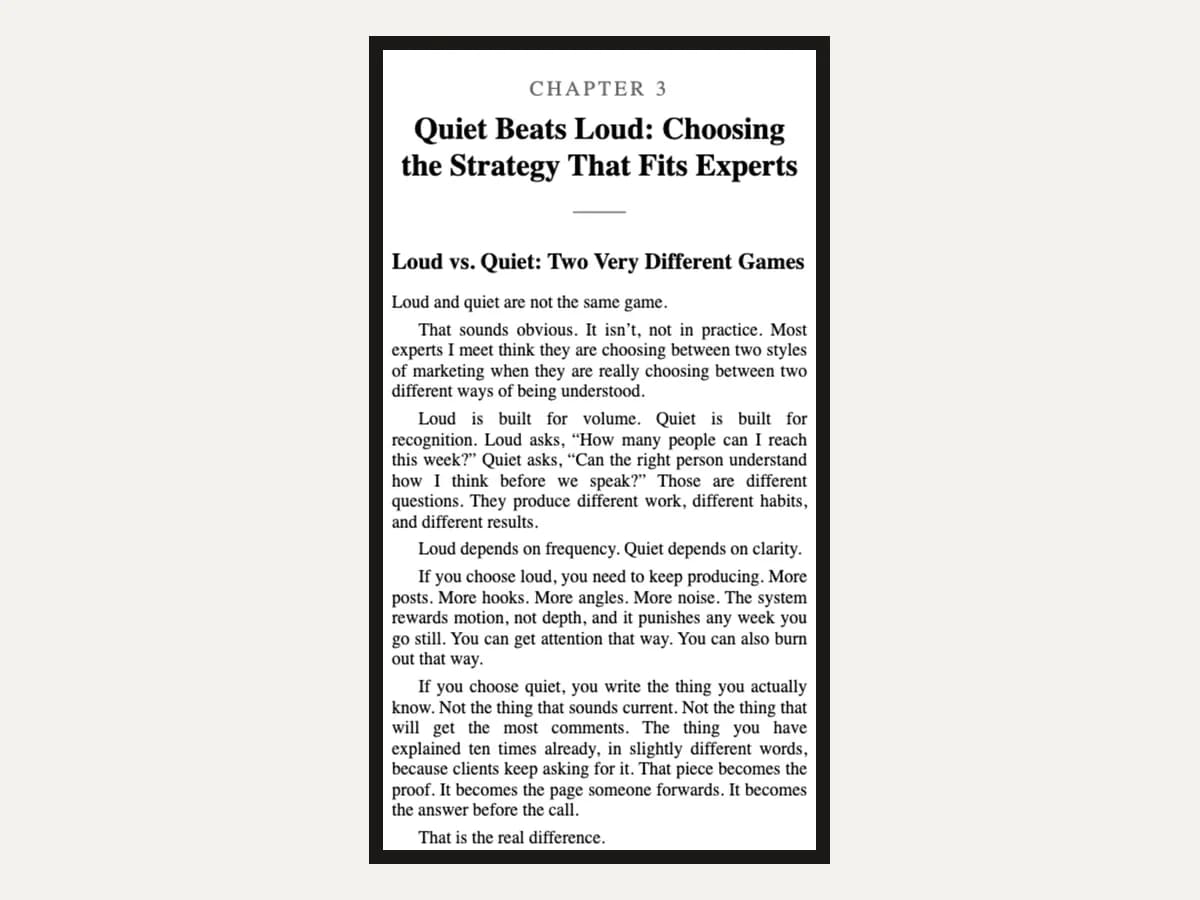
An EPUB that reads anywhere
Text that reflows to any screen and font size, with a contents page readers can jump through.
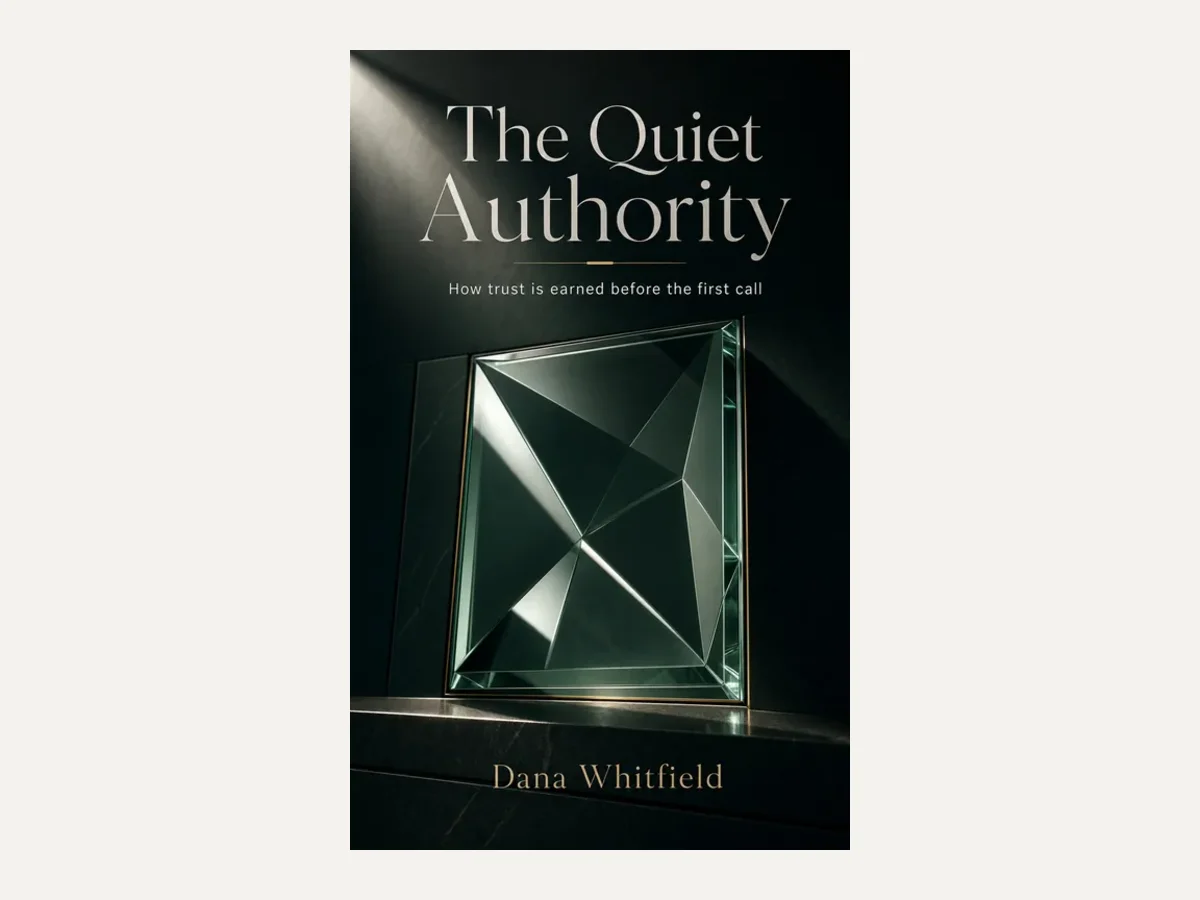
A cover, inside and out
The cover goes inside the EPUB, plus a 1600 x 2560 JPEG for the KDP upload.
Design my cover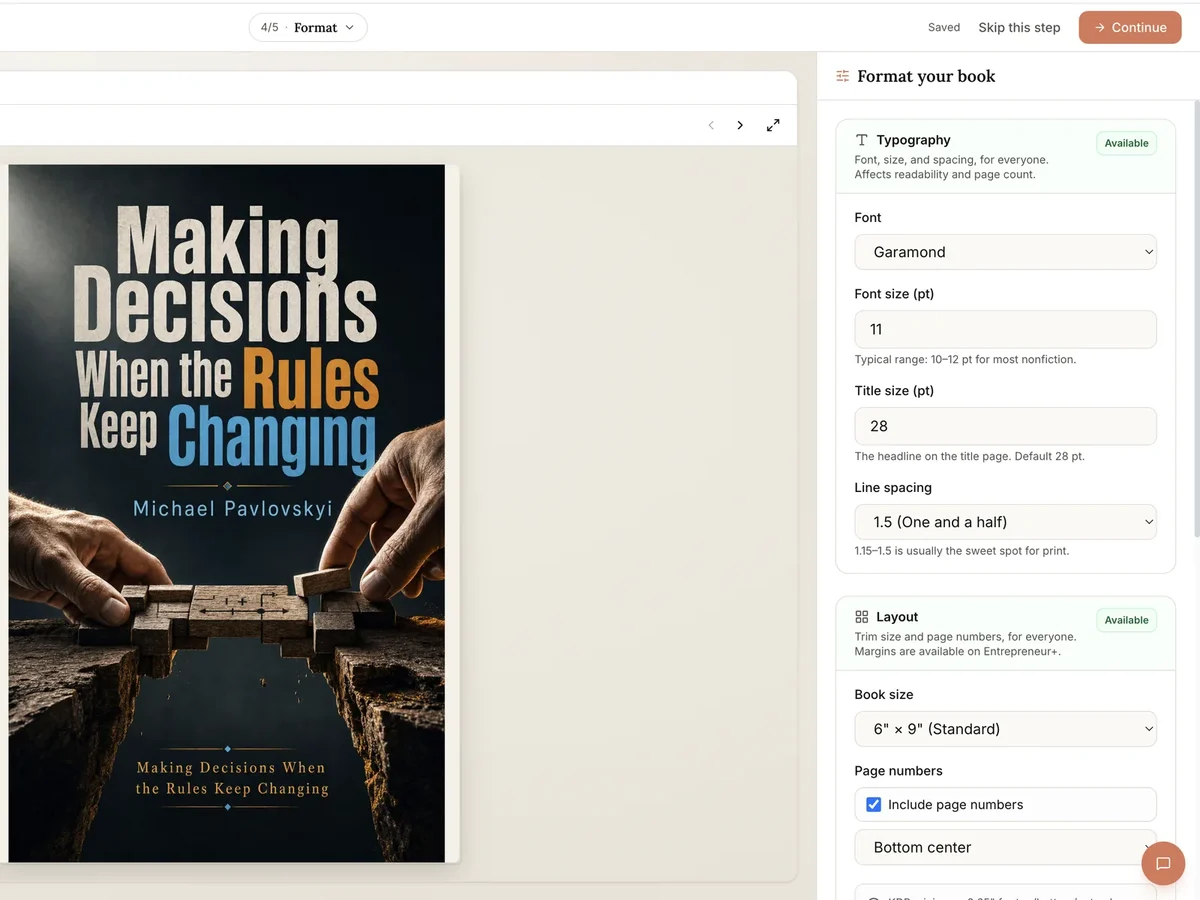
A print edition too
The same book as a print PDF at 10 KDP trim sizes, with a cover sized for the spine.
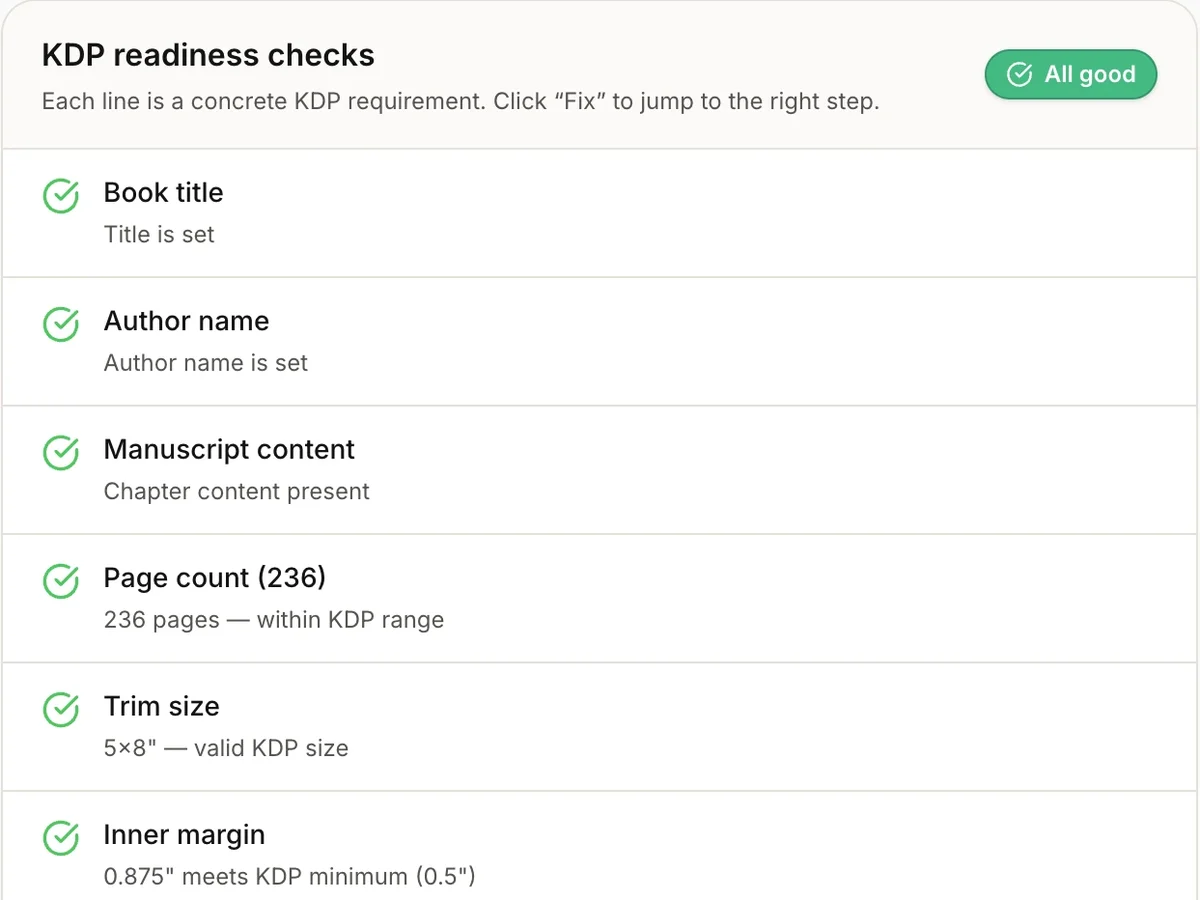
Checked for KDP
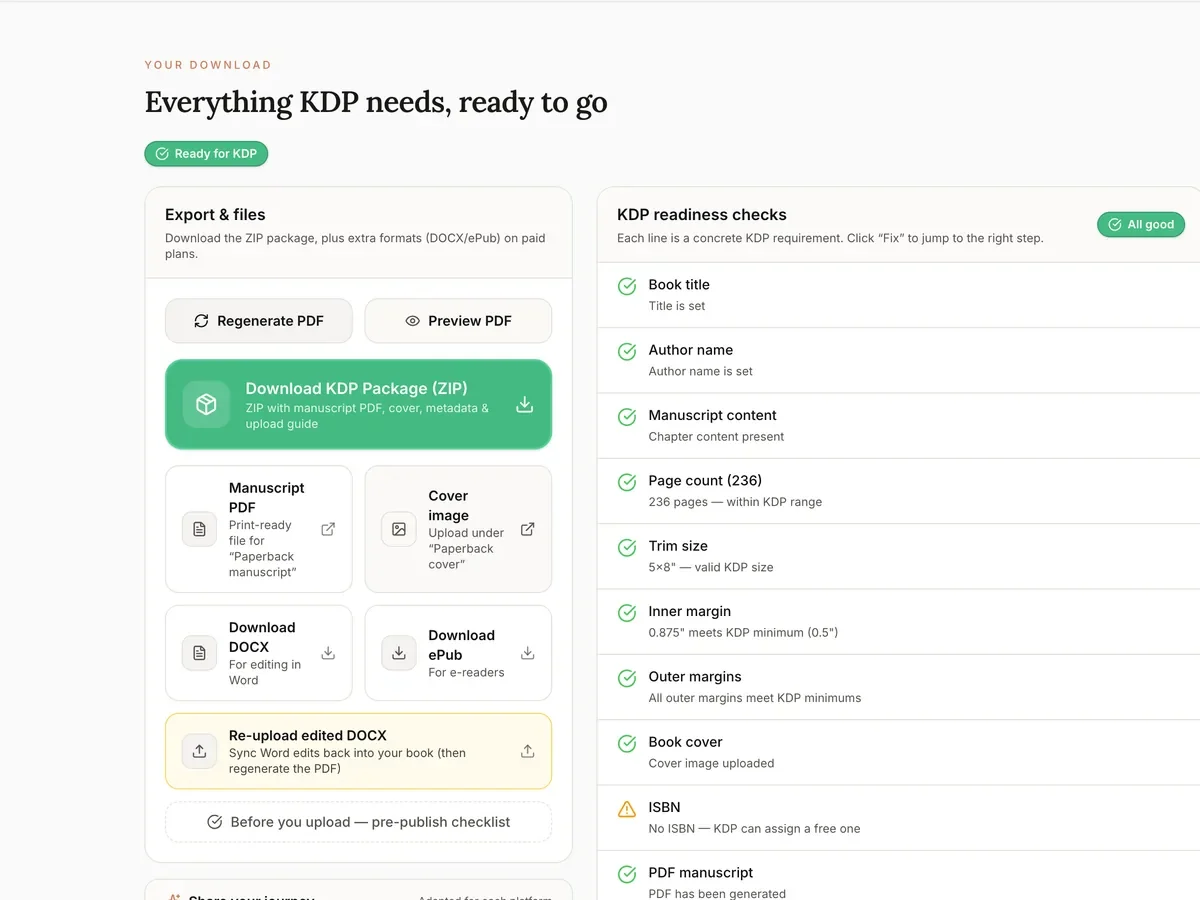
Title, author, page count, margins and cover, checked against KDP's rules.
Sample ebook
2,957 words of notes in. An ebook out.
This is the sample book from our AI book generator page, exported as an EPUB with nothing edited: a title page, a copyright page, a contents page and eight chapters.
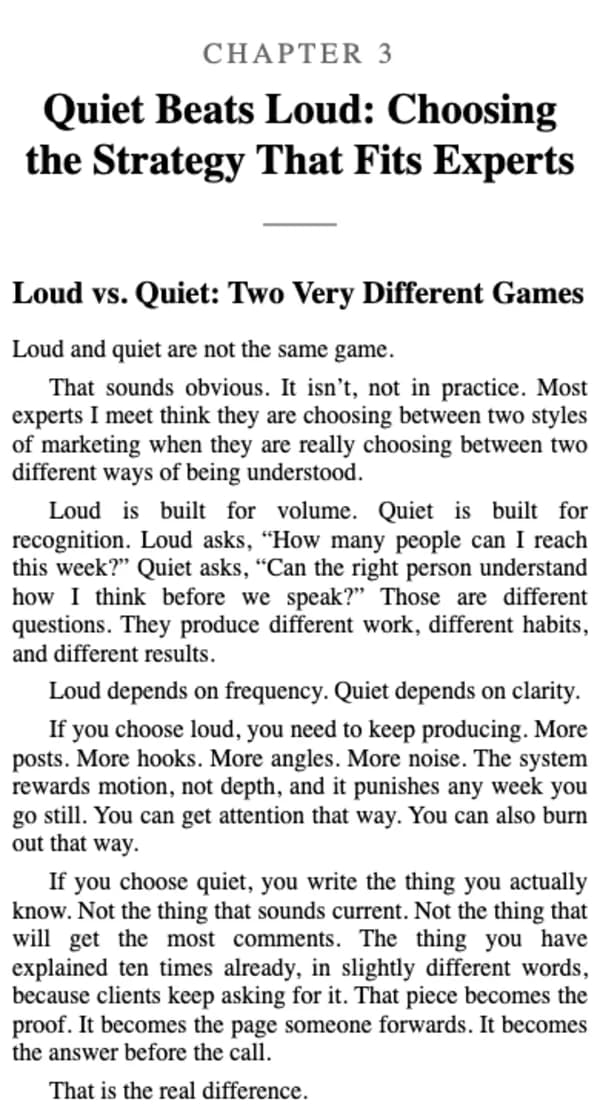
Chapter 3 on a phone
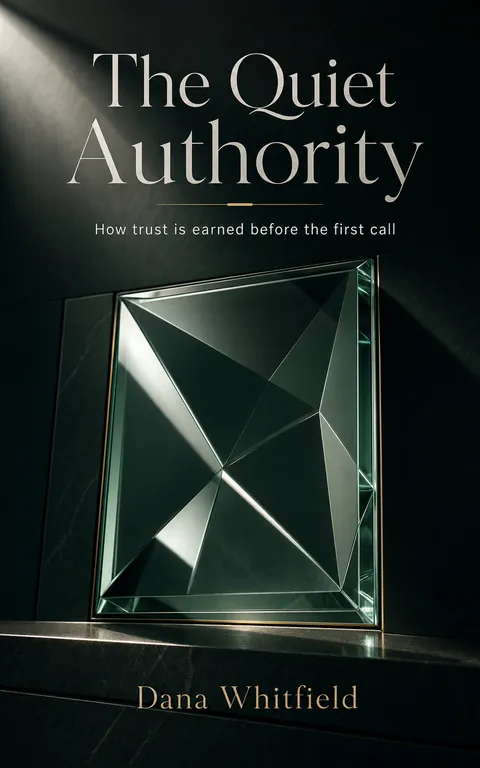
The cover
In the file
- Format
- EPUB 3, reflowable, with an EPUB 2 contents file for older readers
- Contents
- Title page, copyright page, 8 chapters
- Metadata
- Title, author, language and your book description
- Cover
- Inside the EPUB, and as a 1600 x 2560 JPEG
From notes to a Kindle ebook
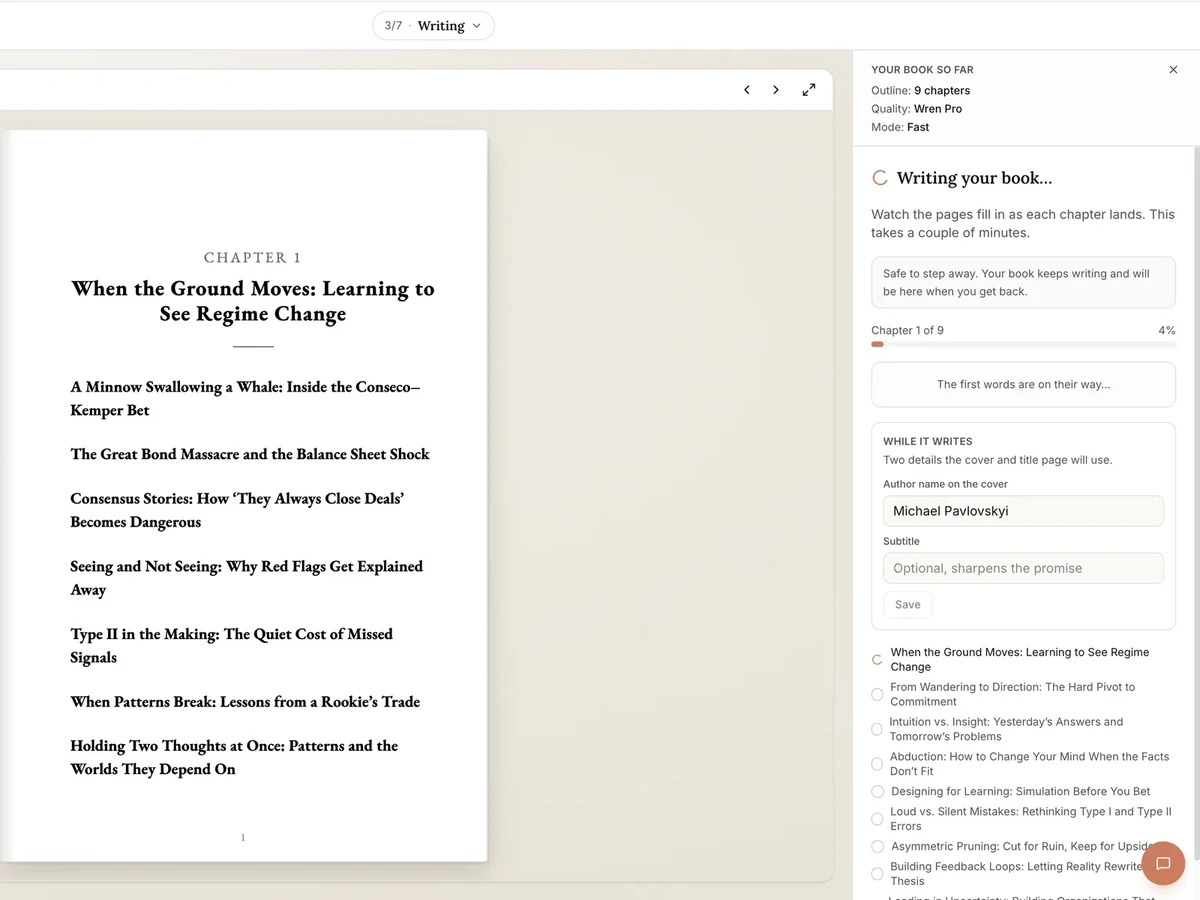
Write the book
Paste your material, approve the outline and let it write every chapter. Edit any sentence after.
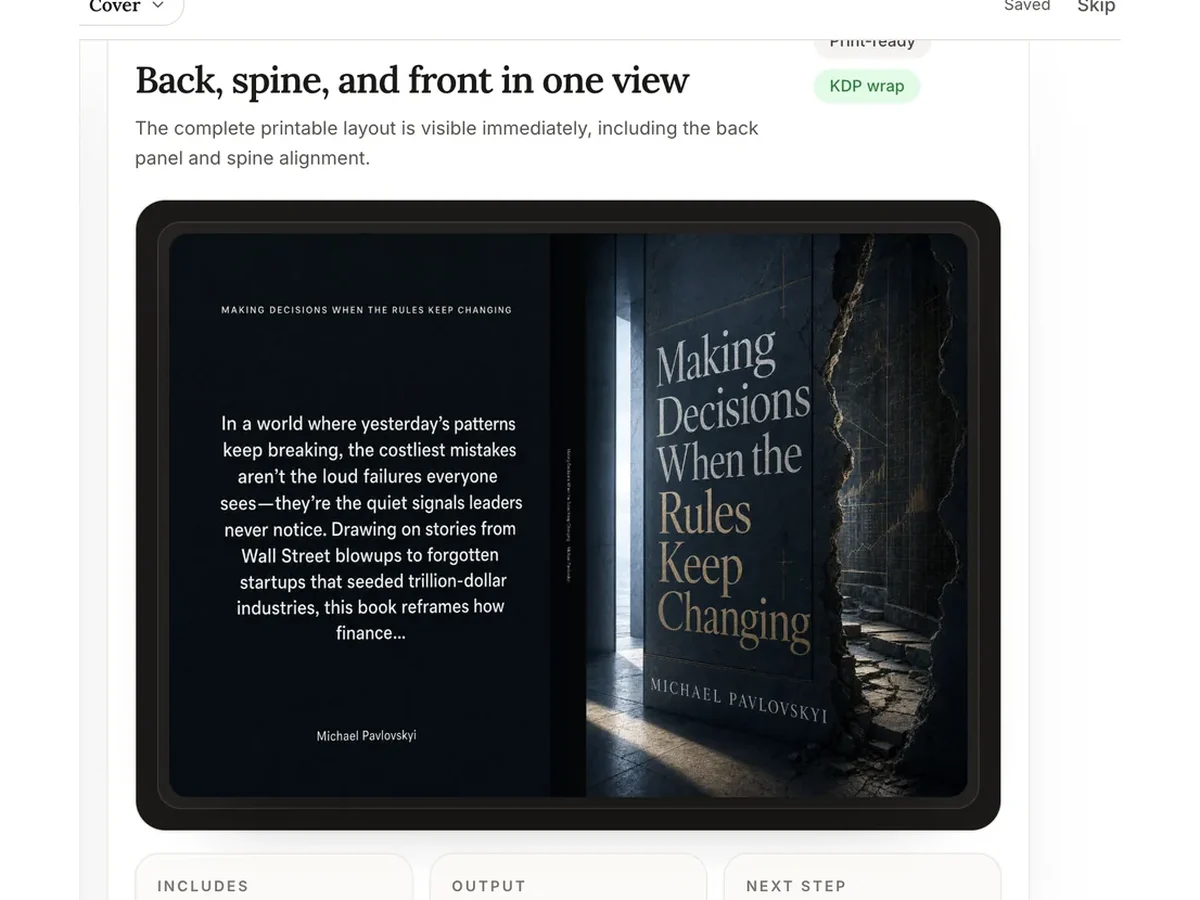
Make the cover
Generate a cover from the book. The ebook cover is saved at 1600 x 2560.
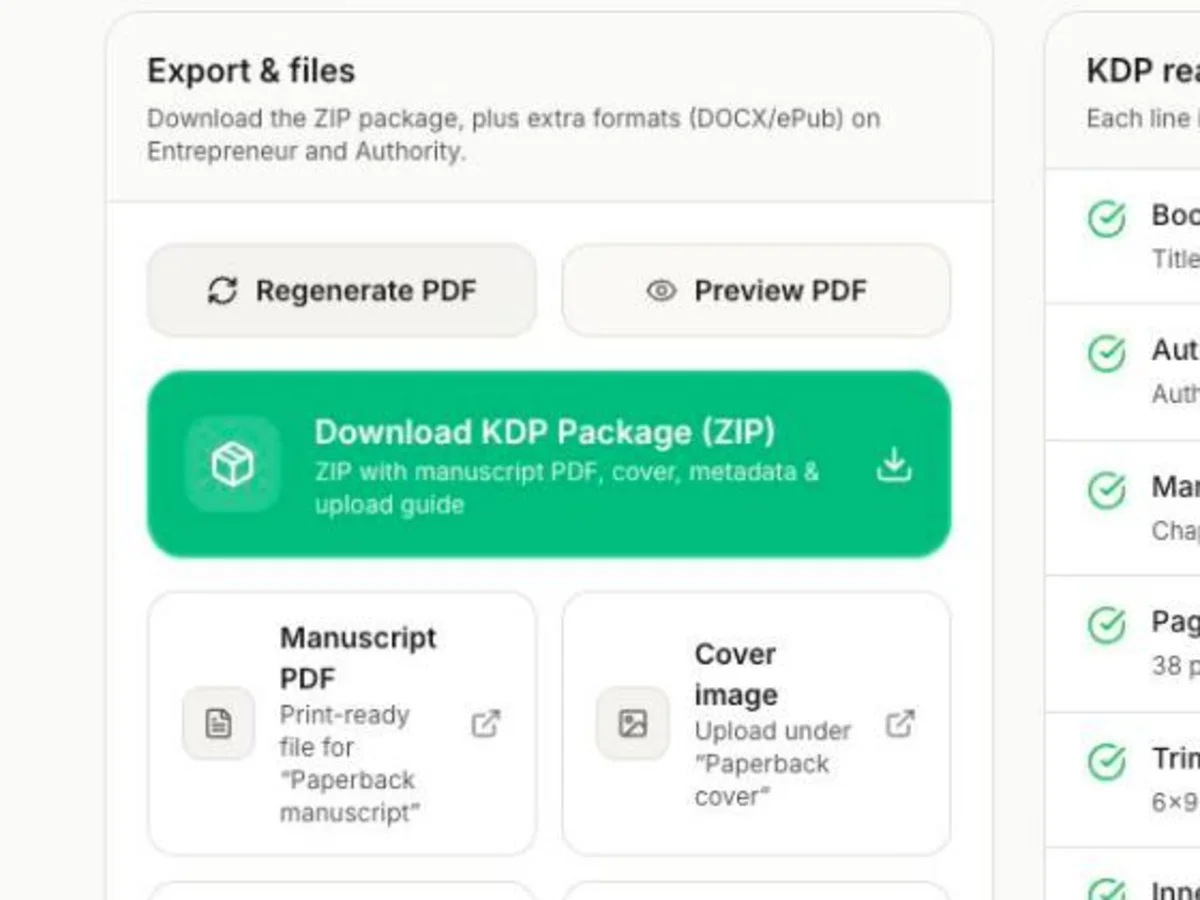
Export the EPUB
Download the EPUB from the Ready screen and open it in Kindle Previewer to check it.
Upload to KDP
On your KDP Bookshelf, upload the EPUB as the manuscript and the JPEG as the cover.
Have notes? You have an ebook.
Read the whole book before you pay for anything.
What it costs
Free
$0
One book a month
Write and read one book a month in the editor, with one cover. Downloads need a paid plan.
Author
$19/month
or $180/year
For a book you already wrote: import, format, download the PDF and KDP package. No AI writing.
Entrepreneur
For AI-written books$49/month
or $297/yearFounder deal
Write and download AI-written books. Wren Pro, 6 books a month, EPUB and DOCX, narrative mode, chapter regeneration.
Authority
$99/month
or $948/year
Wren Max, 10 books a month, 50 cover generations per book, first in every queue.
Who it's for
Built for
People turning what they know into a nonfiction ebook: a guide, a playbook, a memoir, or a lead magnet that can also sell on Kindle.
Not built for
Picture books and comics, which need a fixed layout, novels, and audiobooks.
How it compares
| How it compares | Built&Written | Inkfluence AI | BookWiz | Youbooks | ChatGPT Plus |
|---|---|---|---|---|---|
| Writes from your own material | Yes | Yes, paste or import drafts | Guided chapter by chapter | Yes, up to 20 files | Chapter by chapter in chat |
| EPUB | Yes, Entrepreneur and up | Yes, paid plans | Yes | Yes | No |
| Ebook cover | Yes, 1600 x 2560 | Yes, 1600 x 2560 | Yes | No | No |
| Print edition too | Yes, print PDF and a cover with spine | PDF with page size and margins; front cover only | Yes, with a full-wrap cover | No PDF | No |
| Cheapest plan with ebook files | $49/month or $297/year | $9.99/month | Free (3 books), then $14/month | EUR 9.97/month | $20/month, no ebook file |
The 30 days to October 24, 2026, counted
- books written, by 109 authors
129
books written, by 109 authors
- median time to a full draft
1.1 min
median time to a full draft
- median words per book
38,594
median words per book
- languages used
13
languages used
- reached a print-ready PDF
85%
reached a print-ready PDF
What's in the EPUB
- Format
- EPUB 3, reflowable, with an EPUB 2 contents file kept for older readers.
- Contents page
- Every chapter, plus the title page and copyright page, linked so readers can jump.
- Metadata
- Title, author, language and your book description.
- Styles
- Chapter openings, headings, quotes and lists in the book's own stylesheet. The reader's font and size settings still apply.
- Images
- PNG, JPEG or WebP images placed inside chapters.
- Cover
- Inside the EPUB as its cover image, and as a separate 1600 x 2560 JPEG for KDP's cover upload.
Questions people ask
What is an AI ebook generator?
Software that writes an ebook and makes the ebook file. Built&Written writes from your own material and exports an EPUB, the format Kindle, Apple Books and Kobo accept.
Is there a free AI ebook generator?
Our free plan writes one book a month that you can read in full in the editor, with one cover. Downloading the EPUB needs Entrepreneur, $49/month or $297/year.
Which ebook format should I upload to KDP?
EPUB. KDP converts it into a Kindle book. Built&Written doesn't make KPF, the file Kindle Create produces, and you don't need it.
How do I publish an ebook on Kindle?
Export the EPUB and the 1600 x 2560 cover image, check the EPUB in Amazon's free Kindle Previewer, then on your KDP Bookshelf create a Kindle eBook, upload the EPUB as the manuscript and the JPEG as the cover, and set the price.
Can I sell the EPUB outside Amazon?
Yes. EPUB is the standard file for Apple Books, Kobo, Google Play Books and most other stores. Each store has its own upload steps and rules.
Can I sell an AI-generated ebook on Amazon?
Yes. KDP asks you to say so in the publishing form when an AI tool wrote the text, even if you edited it heavily. The answer is private to Amazon.
Will the ebook keep my images?
Yes. Images you place inside chapters go into the EPUB. Fixed layouts, where text sits on top of pictures, are not supported.
How long should an ebook be?
Pick Short, Standard or Comprehensive before writing. In the 30 days to October 24, 2026, the median book ran 38,594 words.
Do I own the ebook?
Yes, under our terms the books you create are yours. In the US, text an AI produced without human authorship isn't protected by copyright, so make the draft yours before you publish. This is not legal advice.