

EPUB, PDF, or MOBI? Which File Your Book Should Be in Now
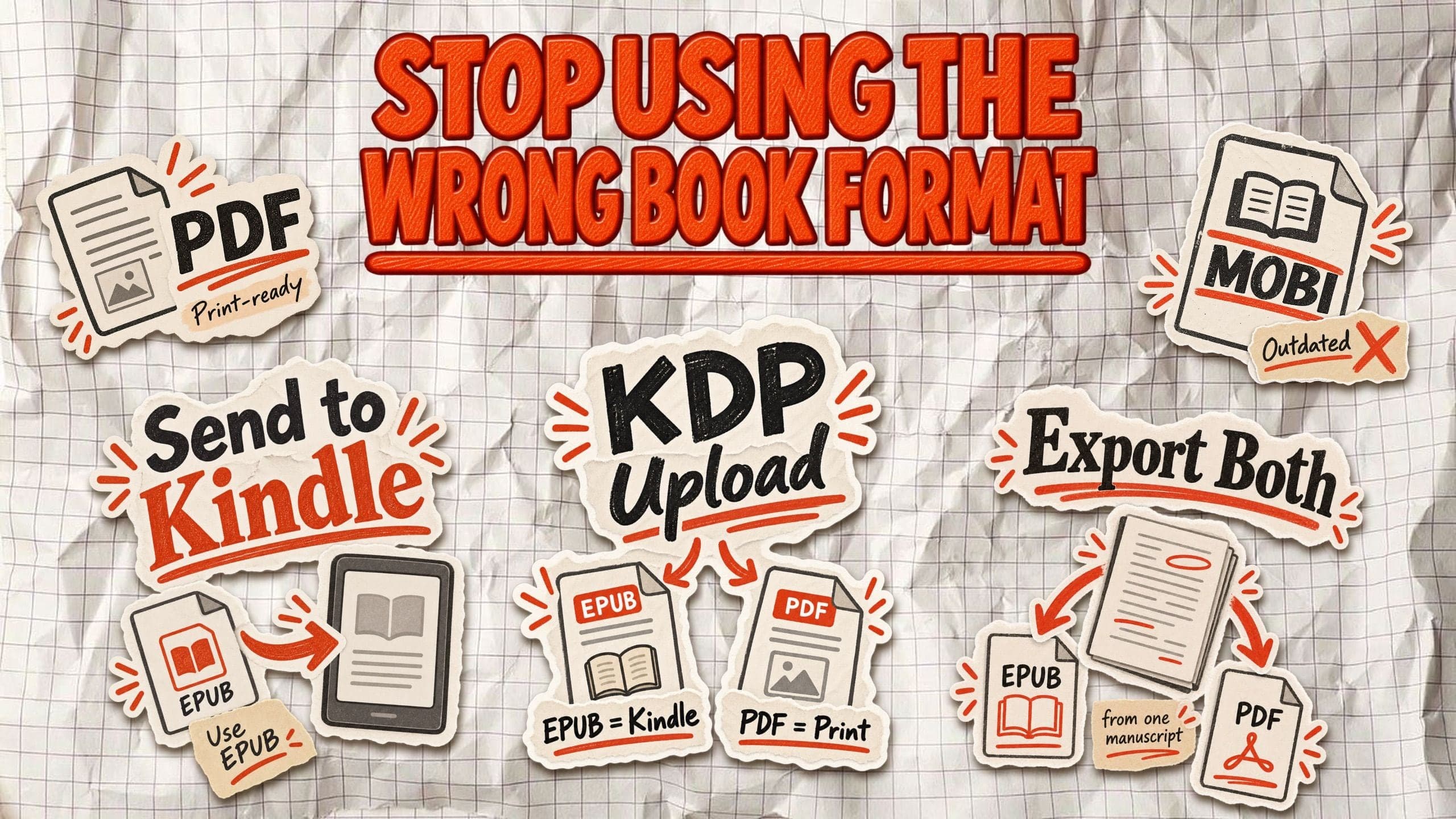
EPUB is the best file format for most ebooks in 2026. PDF is the standard choice for print-ready book interiors and fixed-layout downloads. MOBI is an outdated Kindle format that Amazon KDP no longer accepts for new uploads.
Choosing the right book format affects how your book looks, where you can publish it, and how readers experience it. A file that works perfectly on a laptop might be frustrating to read on a Kindle. And the format you upload to Amazon isn't necessarily the one readers receive.
For most self-publishing authors, the solution is simple: use EPUB for digital reading and PDF for print or downloadable resources. You don't need MOBI unless you're dealing with a specific older device.
EPUB vs. PDF vs. MOBI: What's the difference?
The main difference between EPUB, PDF, and MOBI is how they display book content. EPUB adjusts to the reader's screen, PDF preserves the original page layout, and MOBI is a legacy Kindle format.
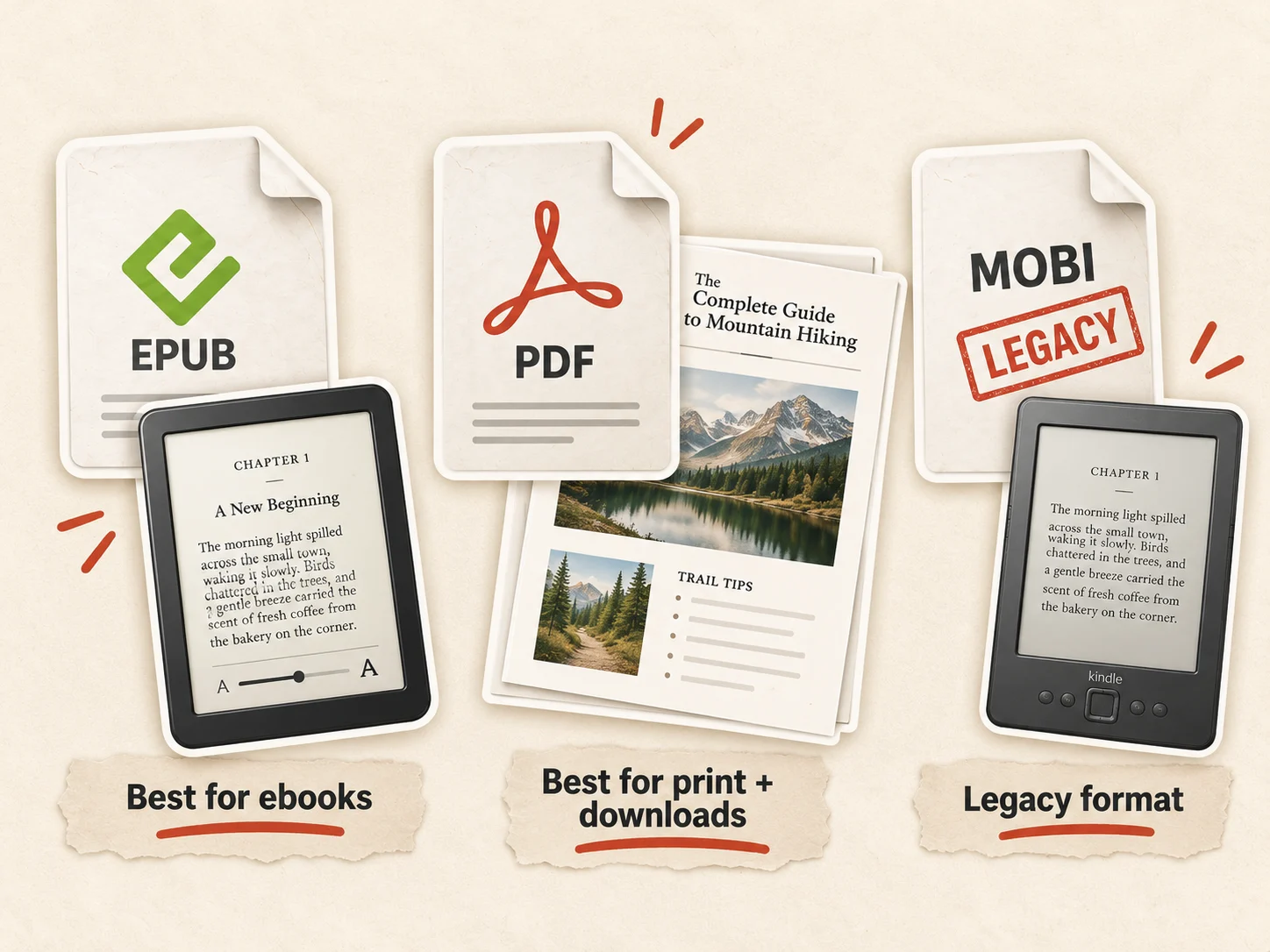
EPUB (Electronic Publication) is the standard format for most modern ebooks. Reflowable EPUB files automatically adjust text to different screen sizes, font settings, and reading preferences. They're particularly suitable for novels, business books, and other text-heavy nonfiction. EPUB also supports fixed-layout content when a more controlled design is necessary.
PDF (Portable Document Format) preserves the exact appearance of a page, including its fonts, margins, images, and page breaks. This makes it useful for print-ready interiors, workbooks, worksheets, and downloadable guides. The disadvantage is that readers may need to zoom in when opening a PDF on a phone or small e-reader.
MOBI (Mobipocket) is an older ebook format historically used with Kindle devices. Although some legacy Kindle workflows still use MOBI files, Amazon no longer accepts the format for new or updated KDP manuscripts. For modern ebook publishing, EPUB, KPF, and DOCX are better-supported options.
EPUB vs. PDF vs. MOBI comparison
| Feature | EPUB | MOBI | |
|---|---|---|---|
| Layout | Reflowable; fixed-layout variants exist | Fixed | Primarily reflowable |
| Main use | Ebook publishing | Print and downloads | Legacy Kindle files |
| DRM support | Yes | Depends on the distributor and protection system | Legacy support |
| Best for | Novels, nonfiction, business books | Workbooks, print interiors, lead magnets | Existing older Kindle files |
| New publishing workflow | Recommended for ebooks | Recommended for fixed layouts | Not recommended |
The distinction that matters most is flexibility versus layout control. If readers need adjustable text, choose EPUB. If every element must stay in an exact position, choose PDF. For new Kindle publishing projects, leave MOBI behind.
What file format should you upload to Amazon KDP?
For most Kindle ebooks, upload EPUB. For paperback and hardcover interiors, upload a print-ready PDF. Amazon KDP also accepts other manuscript formats, but the best option depends on your book's layout and whether you're publishing digitally or in print.
For Kindle ebooks, Amazon supports:
- EPUB: A practical choice for reflowable ebooks, including most novels, business books, and nonfiction.
- KPF (Kindle Package Format): A Kindle-specific format created with Kindle Create, useful when you want to prepare and preview your book using Amazon's software.
- DOC/DOCX: Microsoft Word files that Amazon converts for Kindle. Complex formatting may require corrections after conversion.
- PDF: Accepted for Kindle ebook uploads in supported languages, including English. However, it is generally a poor choice for text-heavy books that should have adjustable text.
For most authors, the workflow is simple: export EPUB for your Kindle ebook and PDF for your printed edition. Before uploading, check your EPUB in Amazon's free Kindle Previewer to catch formatting issues. If your manuscript contains tables, images, or complex headings, follow a proper Kindle book formatting workflow to avoid conversion problems.
For paperback and hardcover books, a print-ready PDF gives you more control over pagination, trim size, and margins. KDP also accepts certain other file types for print interiors without bleed, but PDF is required when images or design elements extend to the page edges.
When did Amazon stop accepting MOBI?
Amazon stopped accepting reflowable MOBI ebooks on August 1, 2021, and ended support for fixed-layout MOBI files on March 18, 2025.
As of October 2026, MOBI is no longer accepted for new KDP ebook uploads or manuscript updates. Previously published books do not need to be replaced unless you're updating their manuscript files.
For most authors, the modern workflow is to upload EPUB for Kindle ebooks and a separate print-ready PDF for physical editions. Preview the ebook using Kindle Previewer before publication.
When should you use PDF instead of EPUB?
EPUB is better for books readers consume from beginning to end. PDF makes more sense when the page design is part of the content.
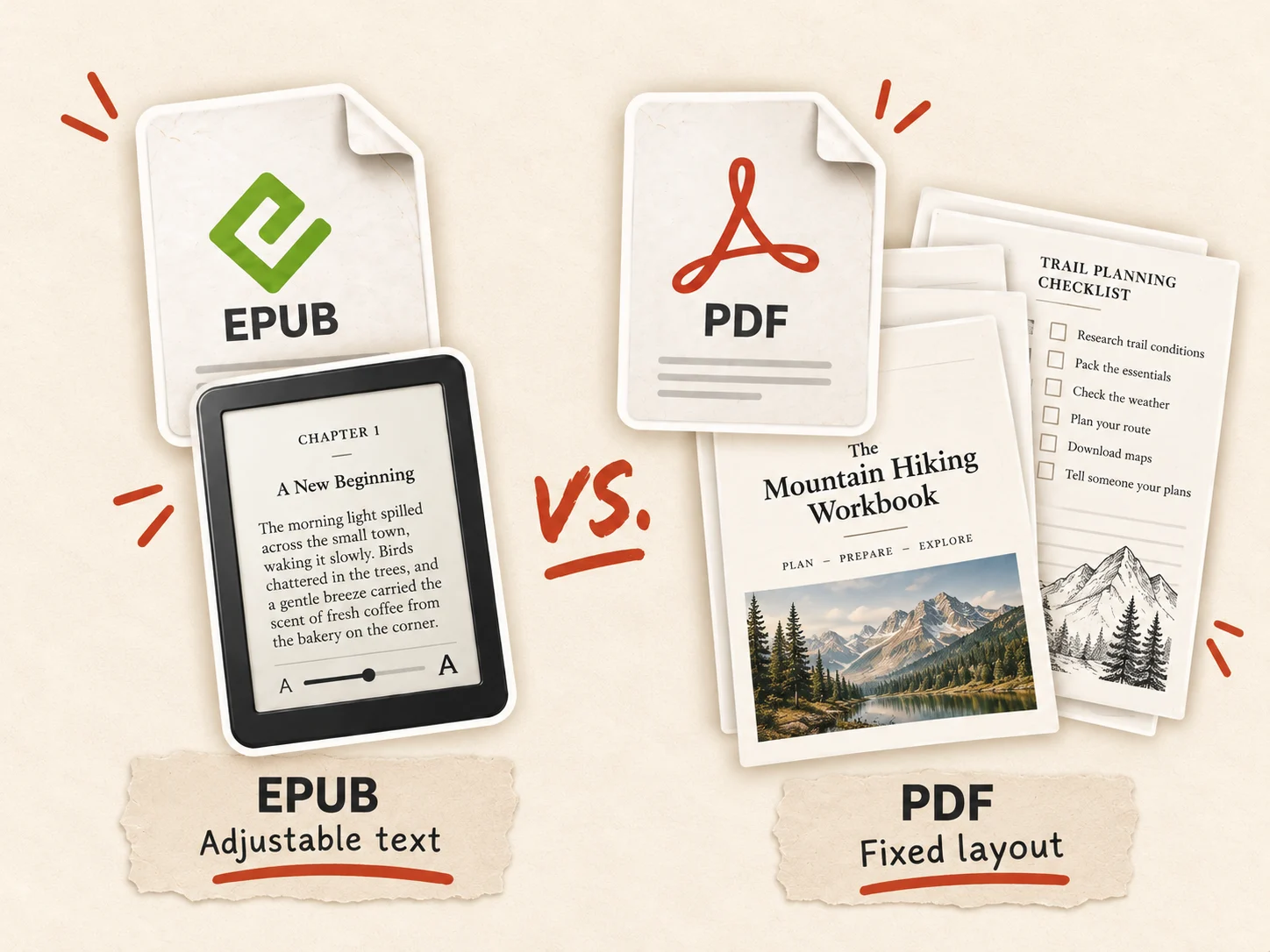
Choose PDF over EPUB when publishing:
- Workbooks and worksheets: Exercises, tables, writing spaces, and checklists need to stay in fixed positions, especially when readers print them.
- Lead magnets: Downloadable guides, templates, and bonus resources are easy to share as PDFs without requiring an ebook reader.
- Illustrated books: Diagrams, charts, and images that depend on precise positioning are easier to preserve in PDF.
- Print interiors: Paperback and hardcover editions need consistent pagination, margins, and page dimensions. A print-ready PDF preserves these elements.
The tradeoff is readability. PDF pages don't automatically adjust to different screen sizes. Readers on phones may need to zoom and scroll horizontally, which makes a 200-page business book frustrating to read.
That doesn't mean every illustrated book needs to be a PDF. EPUB supports images and charts, and fixed-layout EPUB is available for books that require more control over their design.
For example, a business book might work best as a reflowable EPUB, while its companion worksheets are delivered as printable PDFs. Readers can adjust the book's text on their devices without sacrificing the original layout of the exercises.
The practical rule: If readers need to resize text, choose EPUB. If they need to print, complete, or view pages exactly as designed, choose PDF. Authors publishing both digital and physical editions should prepare separate files for each format.
What file should you send to Kindle readers?
Send EPUB files to Kindle readers using Amazon's Send to Kindle service. Amazon converts supported EPUB files for reading on compatible Kindle devices and apps, so readers don't need to convert them manually.
Readers can use the Send to Kindle website, supported apps, or their Send to Kindle email address. The web service supports files up to 200 MB, including EPUB and PDF.
There are two important limitations:
- Conversion can change formatting. Complex tables, unusual fonts, and intricate layouts may not display exactly as expected. Test your EPUB before sharing it.
- Send to Kindle isn't the Kindle Store. Sending a file to a reader's personal library does not publish it for sale on Amazon.
PDF is also supported, but page-based documents can be less comfortable to read on small screens. MOBI isn't a supported Send to Kindle upload format.
For a typical nonfiction ebook, deliver EPUB. If your book includes printable worksheets or templates, consider providing a separate PDF download alongside it.
How to convert your book between EPUB, PDF, and MOBI
You can convert existing book files with free tools, but the results depend on the original format. Converting EPUB into another ebook format is generally easier than turning a fixed-layout PDF into a reflowable ebook.
Whenever possible, export EPUB and PDF separately from your original manuscript rather than converting one finished format into the other.
Convert ebook files with Calibre
Calibre is a free ebook management tool that can convert between EPUB, PDF, MOBI, and several other formats.
- Install Calibre and select Add books to import your file.
- Select the book and click Convert books.
- Choose EPUB or PDF as your output format.
- Adjust the conversion settings if needed.
- Save the converted file and inspect its formatting.
Important: PDF-to-EPUB conversion can introduce broken paragraphs, misplaced images, missing tables, and unwanted headers or footers. Converting the file doesn't guarantee that it's ready for publication.
Check your EPUB with Kindle Previewer
Amazon's free Kindle Previewer opens EPUB, DOCX, and KPF files to simulate how your book will appear on Kindle devices and apps.
It's primarily a previewing and validation tool, not a general-purpose PDF converter. Use it to inspect headings, chapter breaks, images, and navigation before uploading to KDP.
Export EPUB and PDF with Built&Written
If you're creating your book with Built&Written, you can export it in EPUB and PDF formats without adding a separate conversion tool to your workflow.
Use EPUB for ebook publishing and PDF for print preparation or downloadable copies. Both files should still be checked before distribution.
Don't convert your book to MOBI unless you have a specific legacy compatibility requirement. Amazon no longer accepts MOBI for new KDP uploads, so EPUB and PDF should cover most modern self-publishing needs.
EPUB or PDF for direct sales: What about DRM?
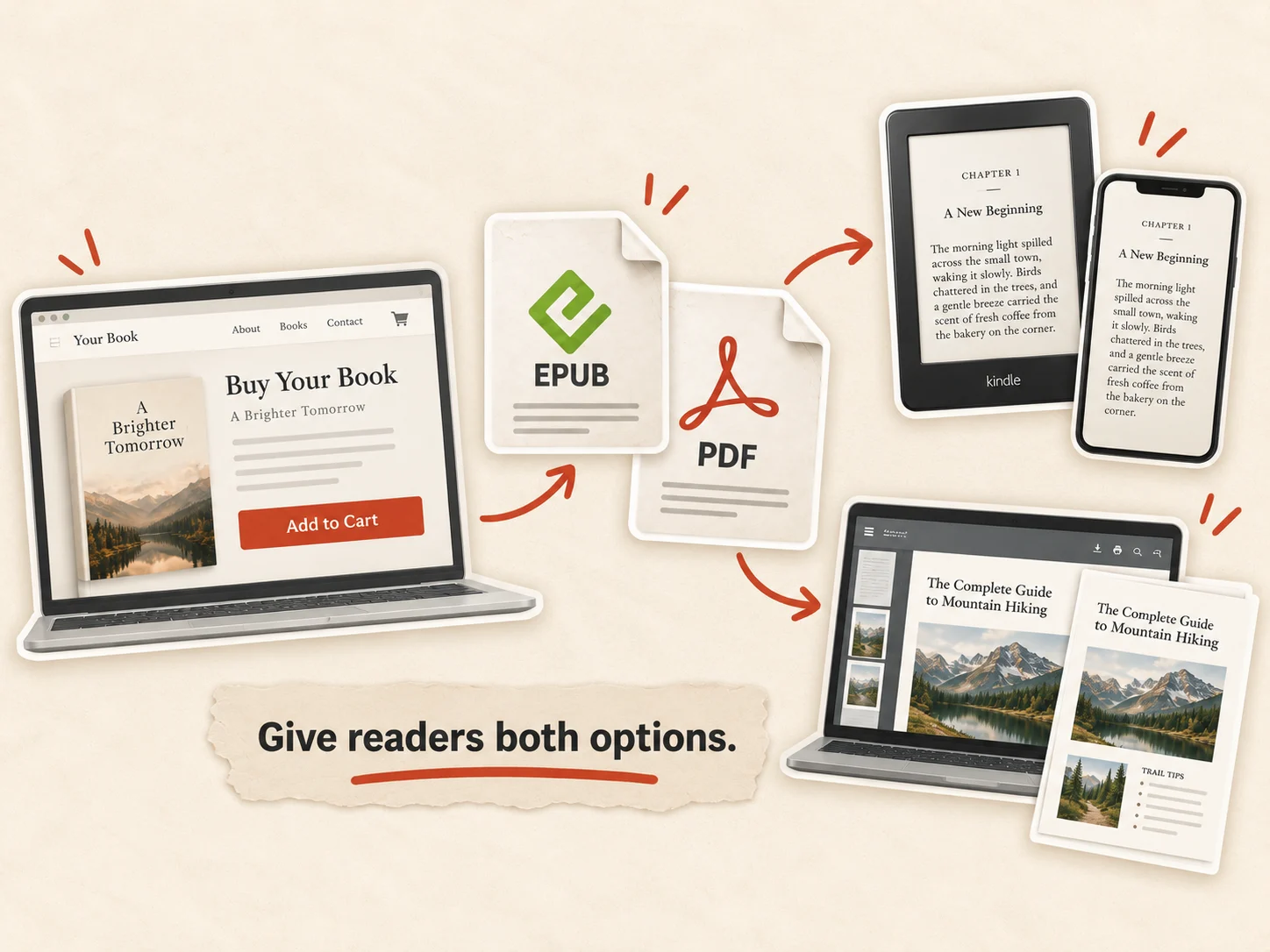
If you're selling your book directly through your website, you can offer EPUB, PDF, or both without going through an ebook marketplace.
For most nonfiction authors, offering both formats gives readers more flexibility. EPUB works better on e-readers and phones, while PDF is convenient for desktop reading, printing, and worksheets.
The bigger decision is whether to protect your files with Digital Rights Management (DRM).
DRM restricts how purchased ebooks can be copied, transferred, or opened. Selling DRM-free files makes downloading and reading easier, but customers can also share those files with others. Neither approach guarantees protection against piracy.
For direct sales, authors can use unique download links, download limits, or personalized watermarks to discourage unauthorized sharing without restricting legitimate readers.
What changed with Amazon's DRM policy in 2026?
Since January 20, 2026, Amazon has allowed verified purchasers to download EPUB and PDF copies of eligible DRM-free Kindle books. Authors must select the appropriate DRM-free setting in KDP; some previously published titles require additional confirmation.
This doesn't change how direct sales work, but it makes DRM an important publishing decision.
The practical choice: Offer EPUB and PDF for direct purchases, and decide on DRM based on the balance between reader convenience and content protection.
Which book format should you choose before publishing?
Your book format should match how readers will receive and use it. Before exporting, decide where the book will be published and whether its layout needs to stay fixed.
- Publishing a Kindle ebook? Choose EPUB for most text-heavy books.
- Publishing a paperback or hardcover? Export a print-ready PDF.
- Selling directly from your website? Offer EPUB and PDF to give readers both options.
- Creating a workbook or downloadable guide? Choose PDF to preserve the layout.
- Considering MOBI? Skip it. Modern publishing workflows no longer require it.
Before uploading, check your file's margins, fonts, images, chapter breaks, table of contents, and navigation. Preview the EPUB in Kindle Previewer and verify the PDF's trim size and bleed settings.
The simplest workflow is to maintain one finished manuscript and export separate files for digital and print publishing.
Frequently asked questions
EPUB is better for most text-heavy ebooks because readers can adjust text size, fonts, and screen layout. PDF is better for fixed-layout content, including printable workbooks, worksheets, and illustrated guides that depend on precise page design.
MOBI still exists in older Kindle libraries and legacy workflows, but Amazon KDP stopped accepting MOBI uploads entirely on March 18, 2025. For new Kindle ebooks, use EPUB, KPF, or another supported format instead.
Kindle devices and apps use Amazon's reading formats, including KFX and older AZW formats. Authors can upload EPUB files to KDP, which converts them for Kindle distribution. Uploading an EPUB doesn't mean the device reads that original file unchanged.
Yes. Authors can sell PDF ebooks directly through their websites or digital-product platforms. PDF works particularly well for guides, workbooks, and printable resources. For longer, text-heavy books, offering EPUB alongside PDF gives readers more flexibility.
Yes. Amazon KDP accepts PDF ebook manuscripts in supported languages, including English. However, EPUB is usually better for reflowable Kindle books because it allows readers to adjust text and display settings. For print interiors, a properly prepared PDF is generally the better option.
Yes. Calibre can convert PDF and MOBI files to EPUB, although conversion quality varies. PDF files are especially likely to require formatting corrections. When possible, create a new EPUB export from the original manuscript instead.
About the author

Polina Karlashchuk
More in Book Formatting
Ready to write your book?
Turn your expertise into a professional book with Built&Written.