

What Book Formatting Services Cost, and When You Can Skip Them
Key takeaways
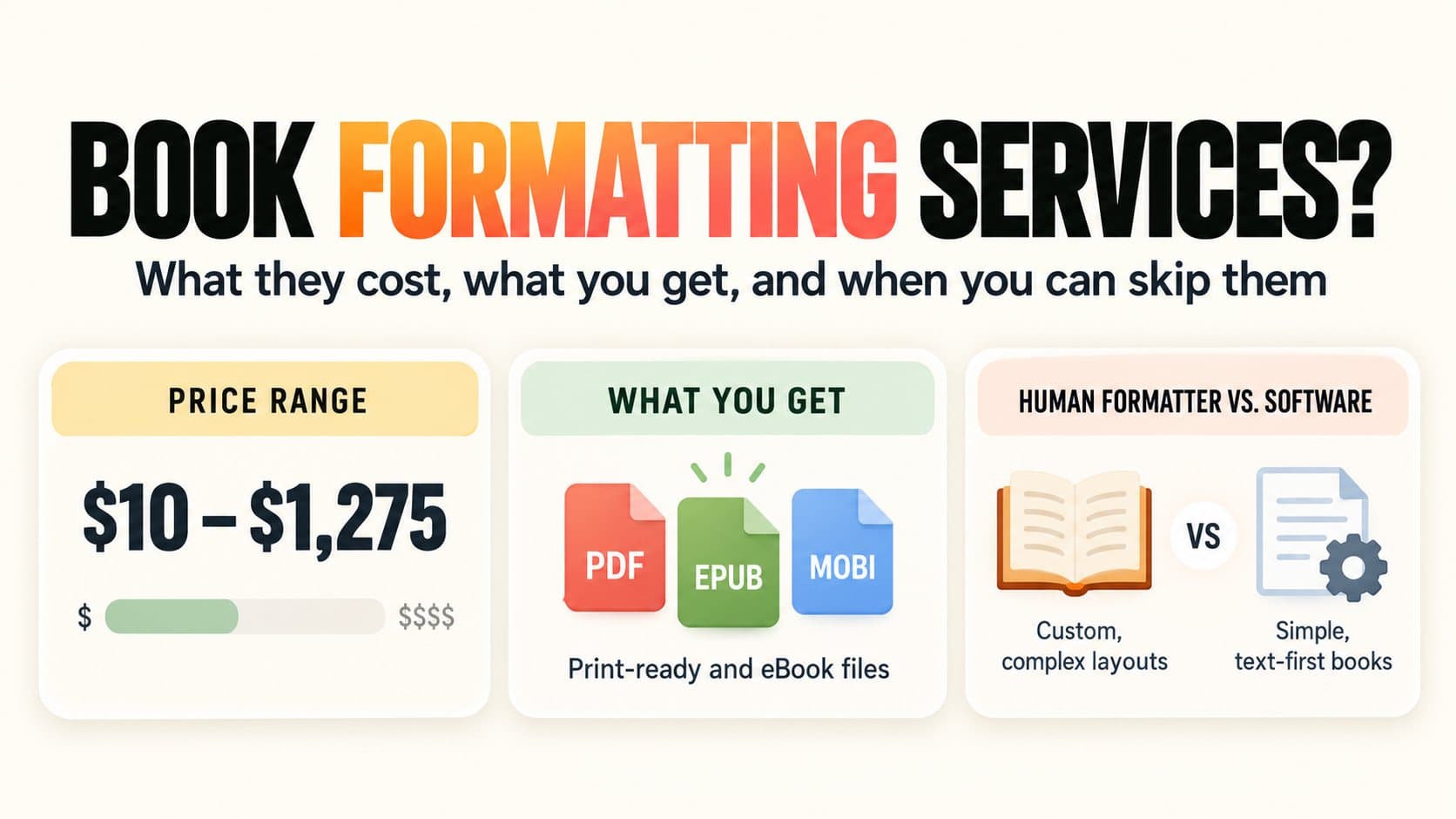
- How much does book formatting cost? From $10 for a basic Fiverr gig to about $800 on average for a Reedsy professional. A 55,000-word business book costs $110 at Polgarus and $395 or more at Damonza for print plus ebook (checked September 27, 2026).
- What do you get? A print-ready PDF for KDP or IngramSpark and an EPUB or Kindle file. Editing, proofreading, and the cover are not included.
- No finished manuscript yet? Then formatting isn't your next step. Every provider in this guide starts from a final, proofread file.
What is Built&Written? An AI book platform for nonfiction. Have a finished manuscript? Import it, format it, and export KDP-ready PDF, ePub, and DOCX files. Still working from notes, posts, or transcripts? Built&Written turns them into a structured book in your voice first, then formats that same book.
1. What Does a Book Formatting Service Actually Deliver?
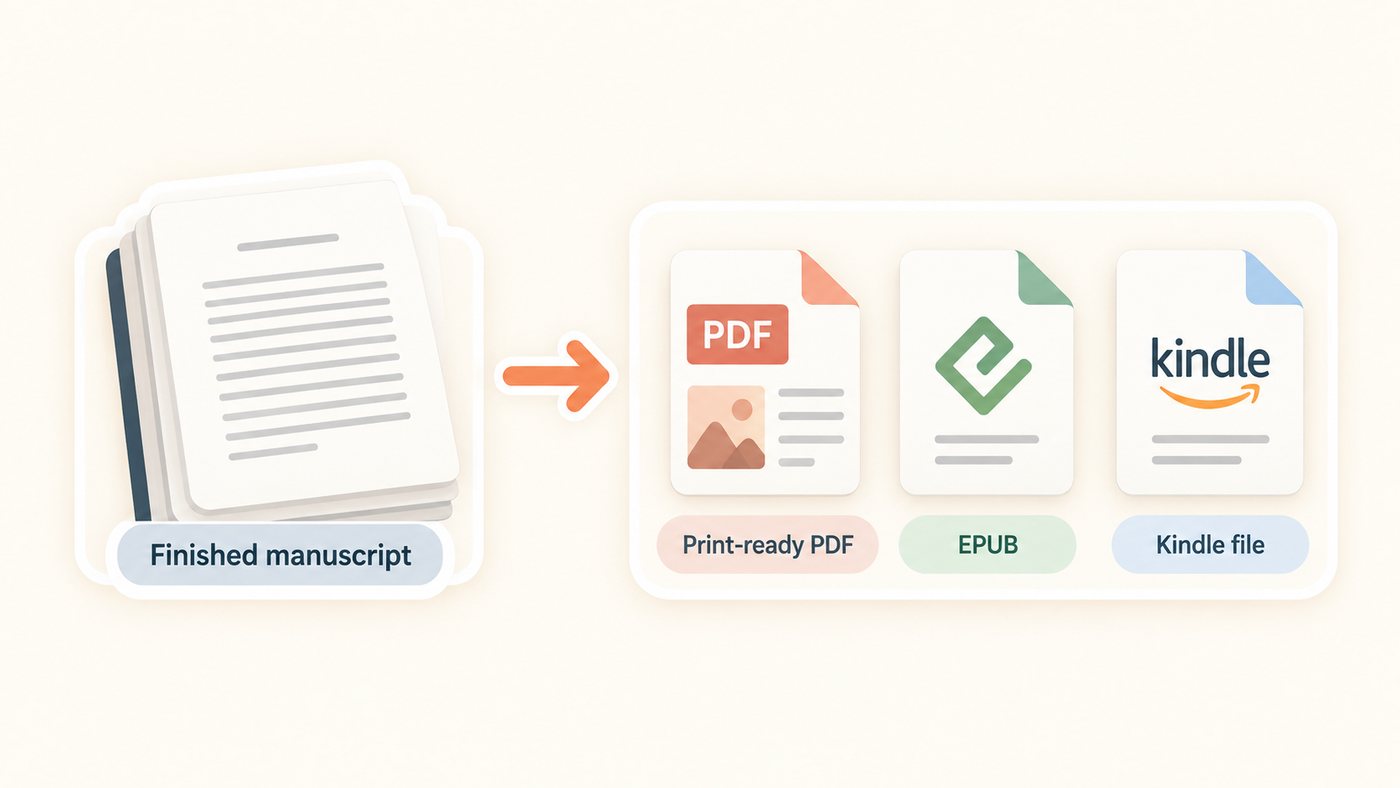
A formatter turns your finished manuscript into the files a store accepts: a print-ready PDF for KDP paperback or IngramSpark, plus an EPUB and often a Kindle (KPF) file for ebook stores.
Editing, proofreading, and cover design are not included. Damonza, for example, asks for "your final, proofread manuscript" before work starts. Still need an editor? See our book editing services guide. The print-layout part of the job is called typesetting, covered in our typesetting explainer.
2. How Much Do Book Formatting Services Cost?
Book formatting costs $10 to about $1,275. Budget formatters price by word or page count; boutique studios add fees for images, tables, and nonfiction layout.
| Provider | Price (checked Sept 27, 2026) | What the price covers | Turnaround |
|---|---|---|---|
| Built&Written editor export | Included in your plan, see pricing | KDP-ready PDF, ePub, DOCX from the book you wrote or imported | Minutes |
| Fiverr basic gigs | $10 to $45 base | Often capped at 40 to 55 pages and one format | 2 to 5 days |
| Polgarus Studio | $80 (one format), $110 (two), $140 (three) for 40,000 to 75,000 words | KPF + EPUB counts as one format; print PDF is another | Within 6 business days |
| Damonza | $275 ebook, $275 print, $395 both | +$200 per format for nonfiction with callouts; +$2 per image, +$4 per table | About 14 days |
| Reedsy marketplace professionals | About $800 average; half of quotes $475 to $1,275 | Custom interior design and typesetting | Quoted per project |
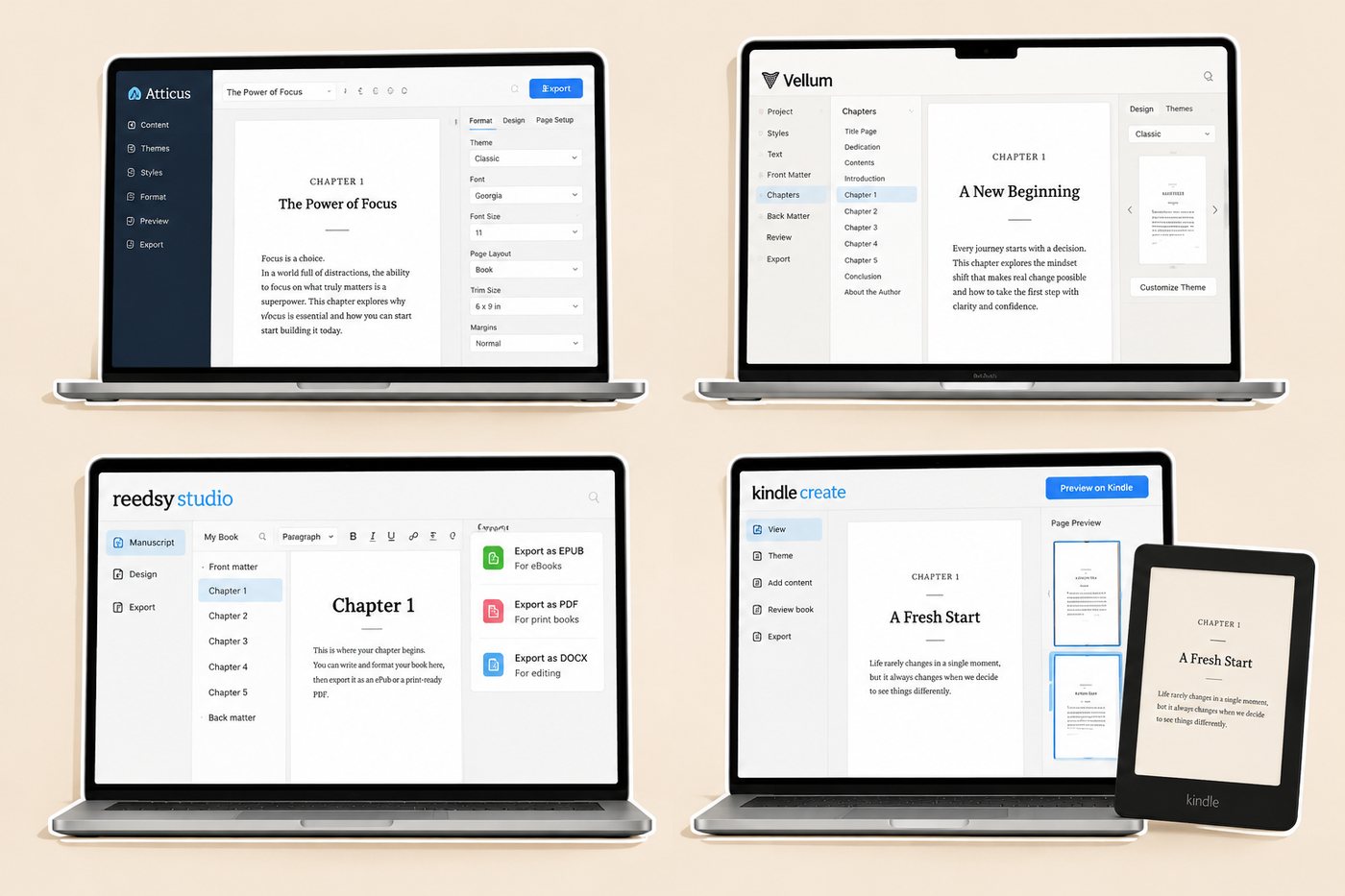
| Formatting software (Kindle Create, Reedsy Studio, Atticus, Vellum) | $0 to $249.99, one time | You do the formatting; unlimited re-exports | Same day |
Note: Fiverr prices vary by seller, so these are real basic packages, not an average. Reedsy's figure comes from more than 230,000 marketplace quotes (updated August 13, 2026).
3. What Pushes a Book Formatting Quote Up?
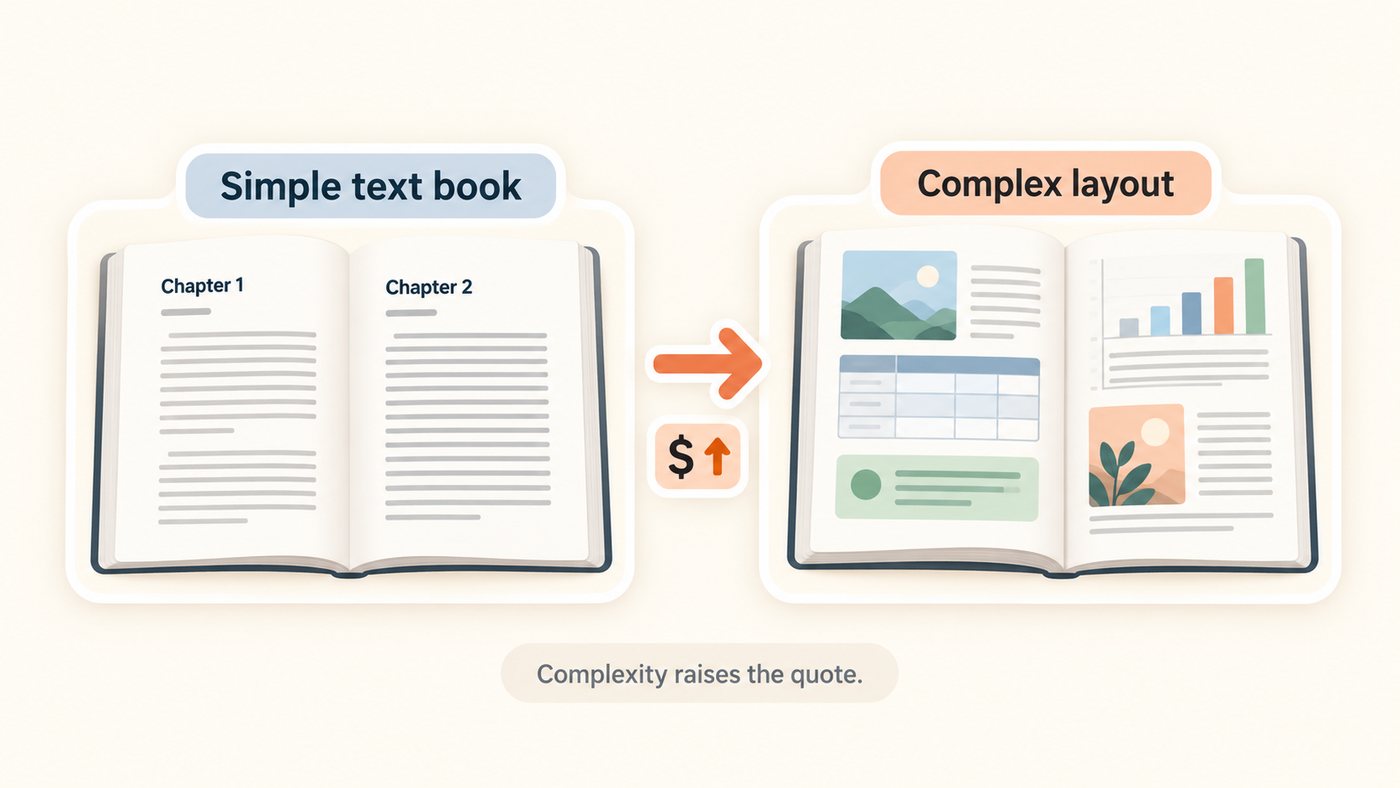
Layout, not length. Polgarus charges $80 for one format at 40,000 to 75,000 words and only $90 at 75,000 to 120,000. At Damonza, a nonfiction book with callout boxes adds $200 per format, plus $2 per image and $4 per table.
Example: a 55,000-word business book with charts and callouts, in print and ebook, costs $110 at Polgarus and about $835 at Damonza.
Late changes add up too. Damonza charges $1 per text change once formatting starts.
4. How Long Does Book Formatting Take, and What Do You Need Ready?
Two days to about three weeks. Polgarus delivers within six business days, Damonza in about 14, and Fiverr basic gigs in 2 to 5. Before you order, have ready:
- A final, proofread manuscript in Word.
- A trim size, such as 6 x 9 inches, the most common size for business books.
- Front and back matter: title page, copyright page, acknowledgments, about the author.
- Images and charts as separate high-resolution files.
- A list of the files you need: print PDF, EPUB, Kindle.
The real bottleneck is usually the manuscript, not the formatting. Every provider above starts from a finished file.
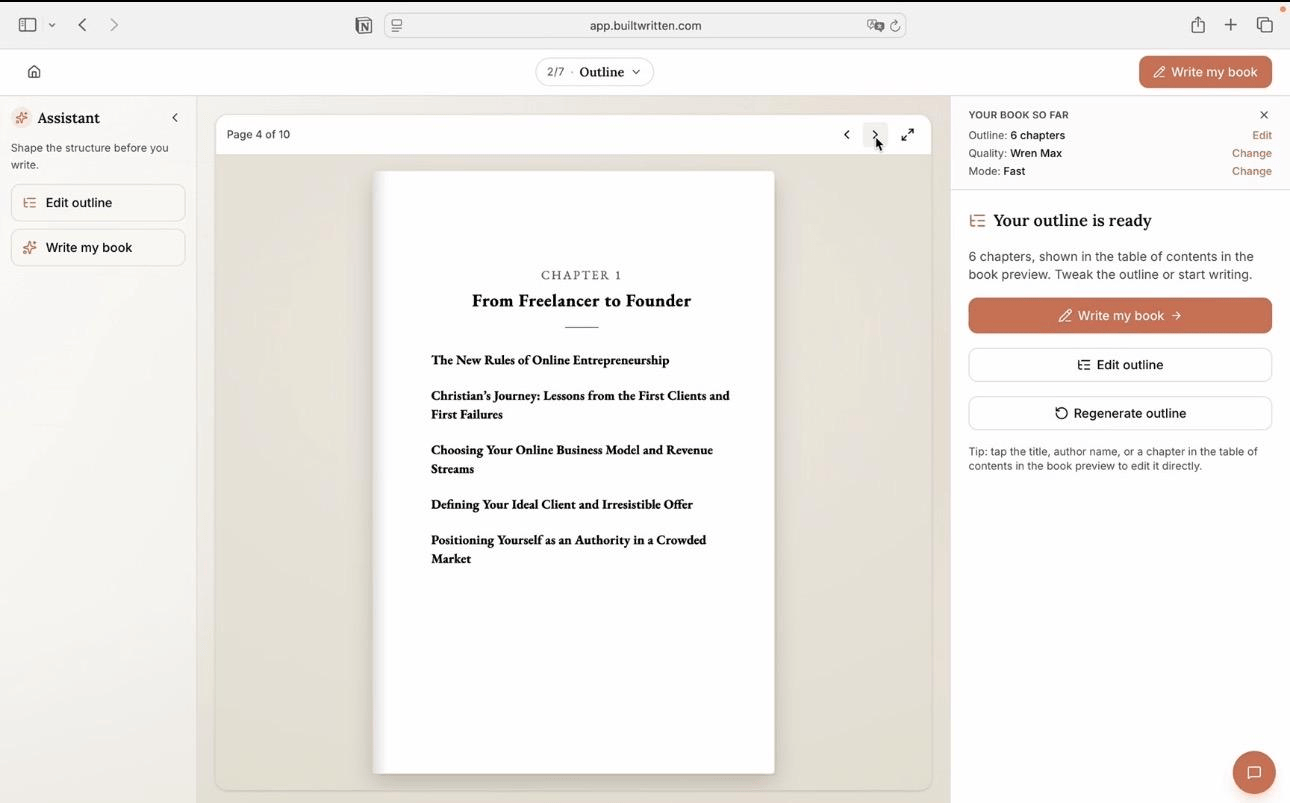
If you don't have a finished manuscript yet, formatting isn't your next step. Your book may still be scattered across LinkedIn posts, notes, transcripts, drafts, or years of expertise. Built&Written turns that material into a structured nonfiction manuscript in your voice, then formats the same book and exports the files you need for KDP. There's no handoff between writing the book and preparing it for publication.
5. When Can Formatting Software Replace a Formatter?
When your book is mostly text. Software exports clean KDP files and re-exports free after every fix. Our book formatting software comparison tests each tool. Prices checked September 27, 2026:
- Kindle Create, free. Amazon's own tool; its files only work on Amazon (see our Kindle Create review).
- Reedsy Studio, free. Browser-based; exports EPUB and a print-ready PDF.
- Atticus, $147 one time. Windows, Mac, Linux, Chromebook; exports EPUB, PDF, DOCX.
- Vellum, $199.99, or $249.99 with paperbacks. Polished themes, Mac only.
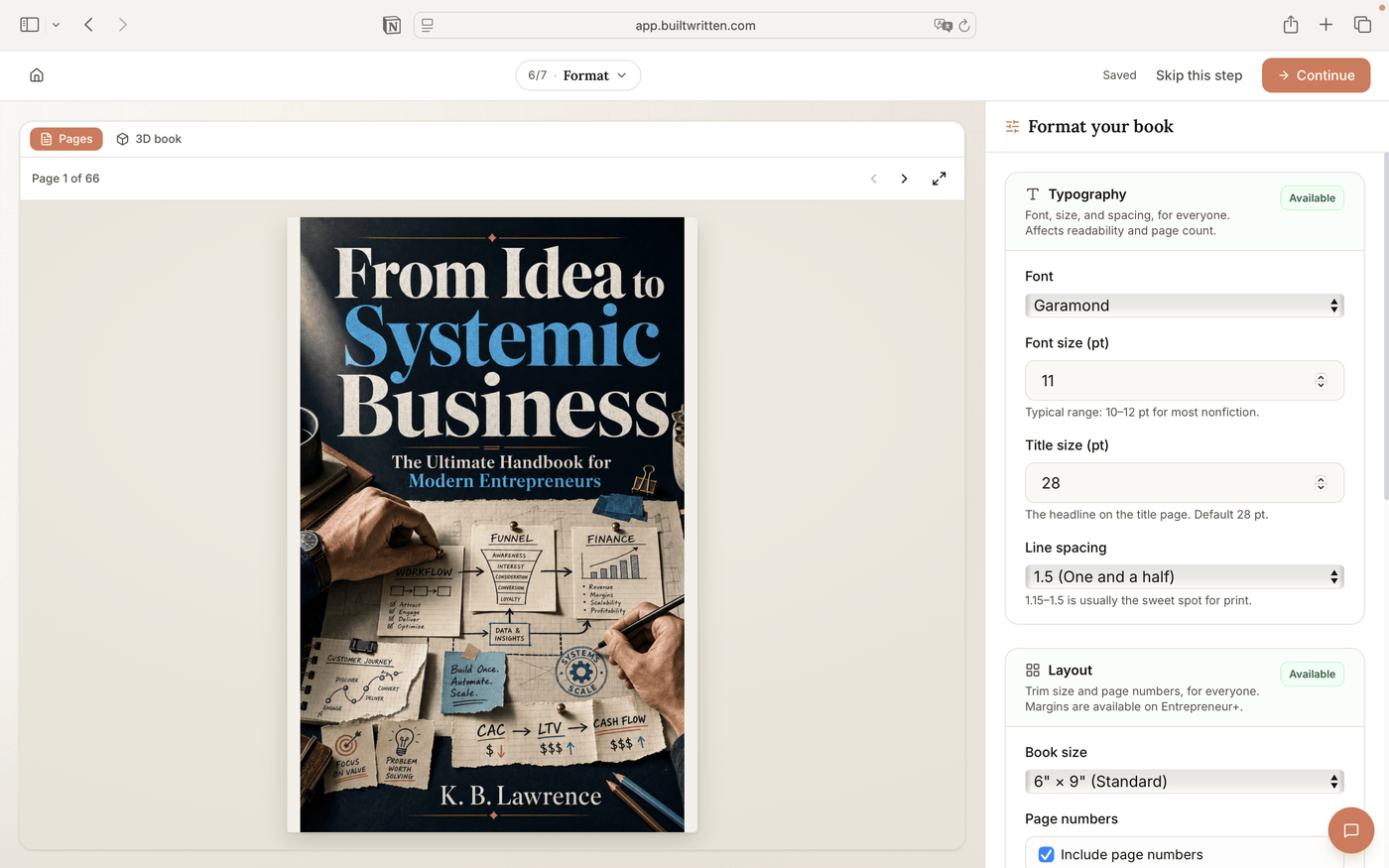
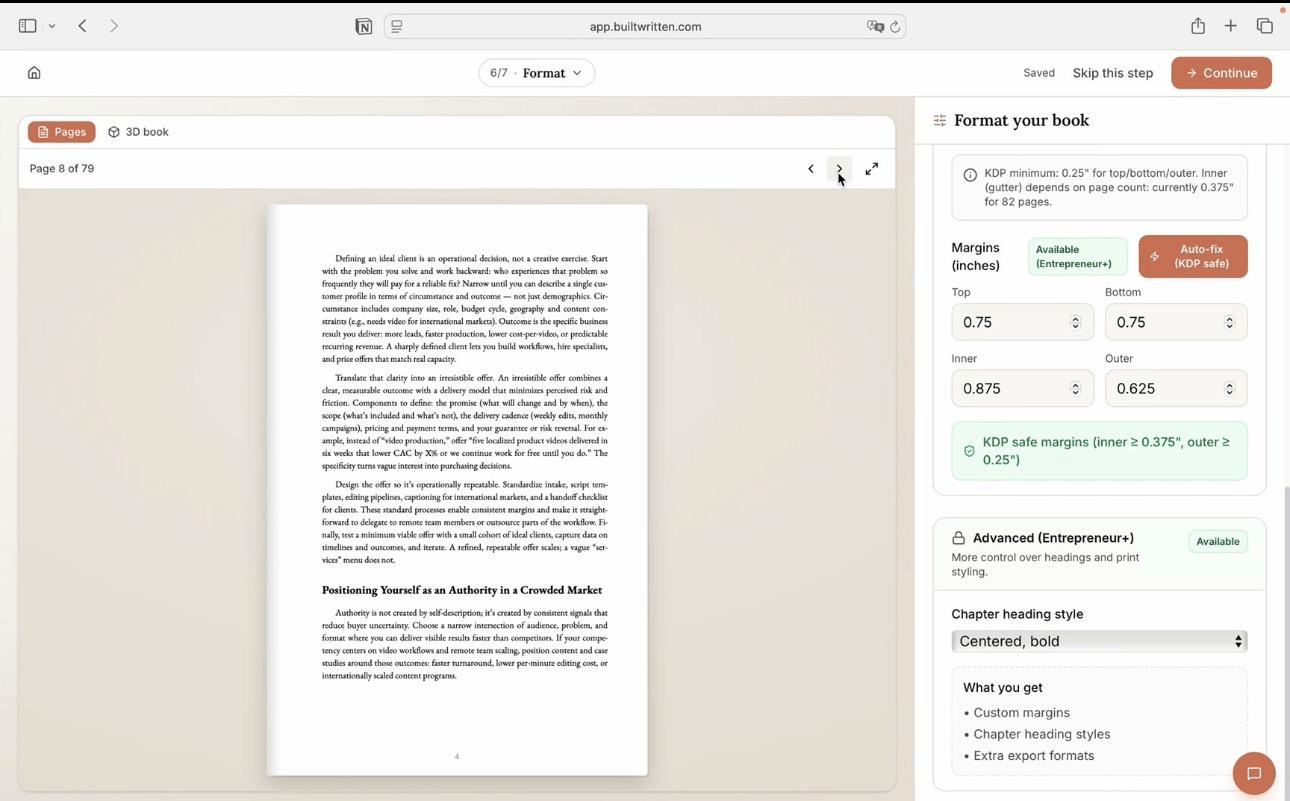
Where Built&Written differs: these tools format a text you've already finished. Built&Written also covers the step before that, and its Format step handles trim size, typography, right-hand chapter starts, widows and orphans, and one-click KDP-safe margins. For the whole toolchain, see our self-publishing software stack.
6. When Is a Human Formatter Still the Right Call?
When the page has to be designed, not just filled. Hire a formatter if your book has:
- Heavy images or charts, such as a playbook with a diagram on most pages.
- Complex tables, sidebars, or callout boxes that must match in print and ebook.
- A fixed layout, such as a workbook or illustrated guide.
- An index for a reference-style book.
Damonza's itemized pricing makes a complex book easy to budget; a Reedsy professional quotes per project. For what a strong interior looks like, see book interior design that sells.
7. Which Should You Pick: a Formatting Service or Software?
Start with where your book is today.
- Have a finished, text-first manuscript? Use formatting software.
- Have a complex, illustrated book? Hire a formatter: Damonza or a Reedsy professional.
- Don't have a finished manuscript yet? Built&Written takes you from source material to the formatted book.
| Route | Cost (Sept 27, 2026) | Best for |
|---|---|---|
| Built&Written | See pricing | Writing or importing the book and formatting it in one place |
| Kindle Create / Reedsy Studio | Free | One simple book |
| Vellum / Atticus | $147 to $249.99, one time | Several books from finished files |
| Fiverr / Polgarus | $10 to $140 | A finished, simple book done for you |
| Damonza / Reedsy professional | $395 to about $1,275 | Complex layouts with images, tables, callouts |
No Finished Book Yet?
If your book still exists as notes, posts, transcripts, or drafts, you can start there. Build the manuscript first, then format it once it's finished.
Frequently asked questions
As of September 27, 2026: $10 to $45 for a basic Fiverr gig, $80 to $140 at Polgarus Studio for a 40,000 to 75,000-word book, $395 at Damonza for print plus ebook, and about $800 on average on the Reedsy marketplace. Software costs $0 to $249.99.
Two days to about three weeks with a human formatter. Software exports the same day.
Only for complex layouts: heavy images, tables, callout boxes, a fixed layout, or an index. A text-first nonfiction book formats well in software.
Typesetting is the print layout: fonts, spacing, margins, and page breaks. Formatting includes typesetting plus building the EPUB and Kindle files.
Then formatting isn't your next step. Built&Written turns your notes, posts, transcripts, or drafts into a structured nonfiction manuscript in your voice, then formats it and exports KDP-ready files.
Yes. Write or import your book, set typography and trim size, and export KDP-ready PDF, ePub, and DOCX files, depending on your plan. You upload them to KDP yourself.
Sources & References
- Amazon KDP: Format Your Paperback
- Damonza interior formatting services
- Damonza: build your formatting package
- Fiverr book layout design and typesetting
- Polgarus Studio: format your book
- Reedsy: how much it costs to publish a book
- Amazon KDP: Kindle Create
- Reedsy Studio
- Atticus
- Vellum
- Amazon KDP: Set Trim Size, Bleed, and Margins
About the author

Khrystyna Balushka
More in Book Formatting
Ready to write your book?
Turn your expertise into a professional book with Built&Written.