

Can Kindle Read EPUB? What Actually Happens When You Send One
Key takeaways
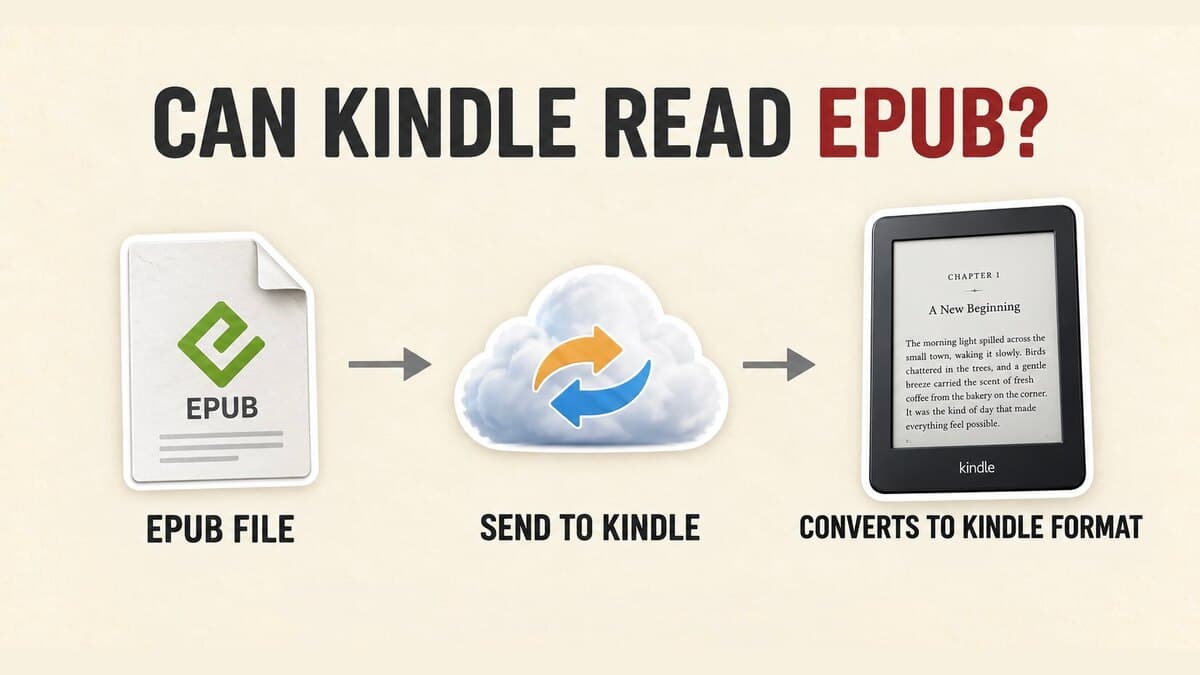
- Kindle doesn't read EPUB natively. Send to Kindle (email, app, or web) converts the file to Amazon's own Kindle format first, which is why a raw EPUB copied over by USB just sits there unopened.
- MOBI didn't disappear in one update. KDP stopped taking it for reflowable ebooks in August 2021, Send to Kindle stopped taking it in December 2023, and KDP cut it off for fixed-layout ebooks in March 2025. EPUB replaced it at every step. That's the real MOBI vs EPUB story: MOBI is gone, EPUB is the current Kindle publishing format.
- Publishing is a separate question from reading. KDP accepts EPUB directly for a manuscript upload, checked against Amazon's own Kindle Publishing Guidelines.
- A DRM-protected EPUB (a library loan, a purchase from a retailer other than Amazon) will not convert through Send to Kindle. That's a rights restriction, not a bug.
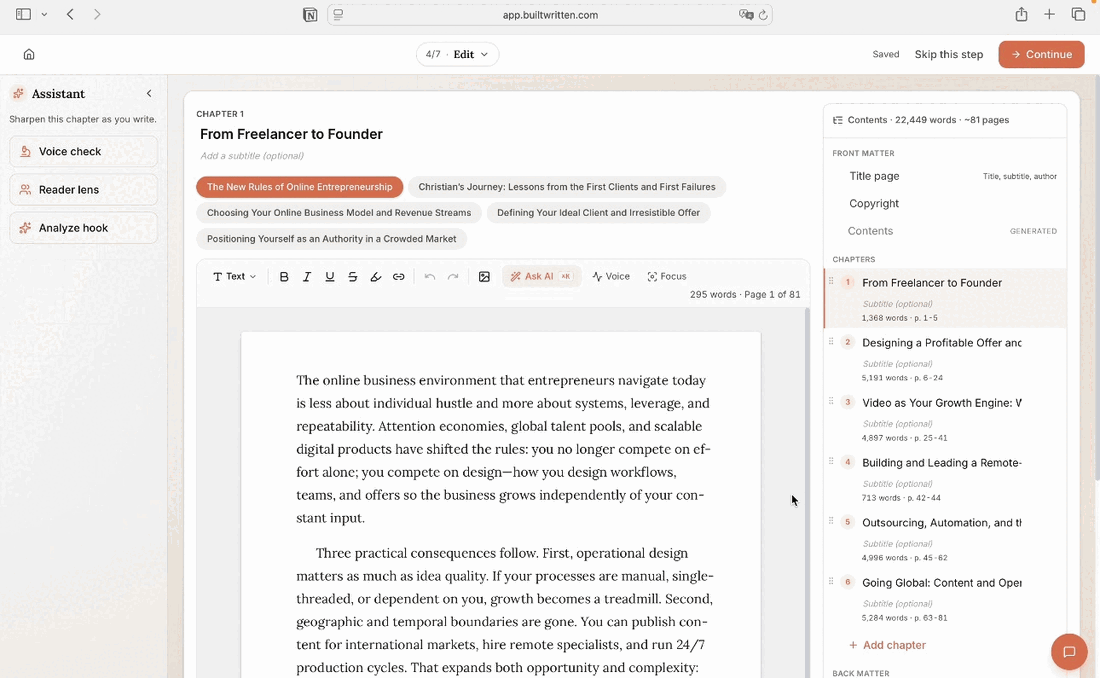
- Built&Written's Wren exports a manuscript as a clean EPUB alongside a KDP-ready PDF and DOCX, so an author can send it straight to their own Kindle and read the actual book before it goes live.
About Built&Written: Built&Written helps founders and entrepreneurs turn existing notes, transcripts, and posts into a finished manuscript with Wren, Built&Written's AI writing assistant, exporting a KDP-ready PDF, EPUB, and DOCX from the same draft. See current plans if that's the part you're weighing.
1. Why Kindle Doesn't Read EPUB Natively
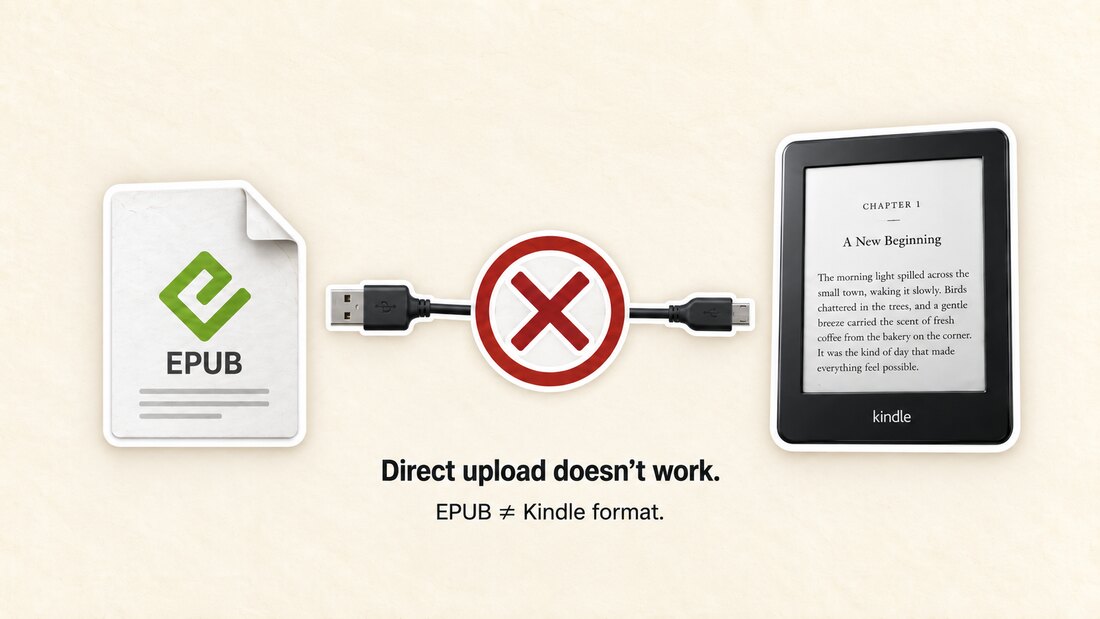
EPUB is the format nearly every other reading app uses: Apple Books, Kobo, Google Play Books, most library apps. Kindle is the exception. A Kindle's firmware reads Amazon's own formats (AZW, the newer AZW3/KF8, and now KFX), not EPUB, so copying an EPUB straight onto the device over a USB cable does nothing. There's no converter running locally to catch it.
For years, sending anything to a Kindle meant converting it yourself first, usually to MOBI, with a tool like Calibre. That changed in late 2022, when Send to Kindle started accepting EPUB directly. The conversion still happens, just on Amazon's side: send an EPUB by email, the app, or the web uploader, and Amazon's servers convert it to KF8/AZW3 before it reaches your library. What lands on the device is a converted copy in Kindle's own book format, not the EPUB file you sent.
2. How to Send EPUB to Kindle: Email, App, and Web
All three methods below accept EPUB directly. None need a separate conversion step first.
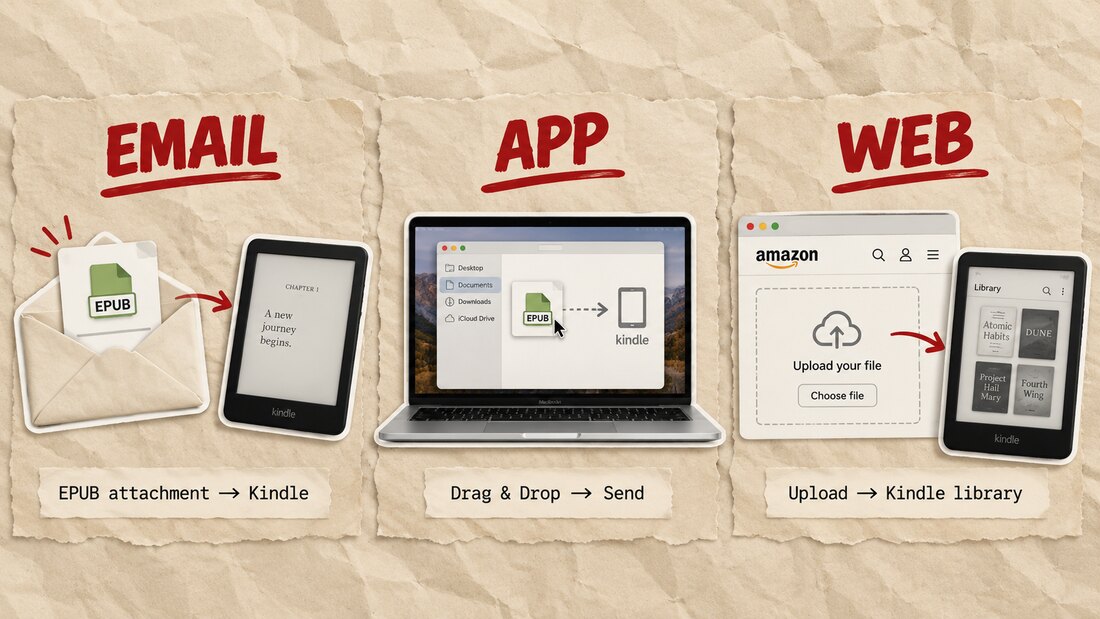
By email. Find your device's personal Kindle address (it ends in @kindle.com) under Manage Your Content and Devices, then approve the email address you'll send from in Personal Document Settings, a one-time step. Attach the EPUB and send it from that approved address. It appears in your library within a few minutes over Wi-Fi. The cap is 50MB per email, well above what a text-only manuscript needs.
By app. Amazon's own Send to Kindle app for Windows and Mac lets you drag the file onto the app window directly, no email involved. Useful if you're sending several files at once or your email provider caps attachments below 50MB.
By web. Sign into the Send to Kindle web uploader with your Amazon account, upload the EPUB, and pick which registered device or app should receive it. No prior setup required, which makes it the fastest option from a computer that isn't yours.
These screens change more often than most services, and so do the integrations around them: Microsoft retired the separate Send to Kindle add-in for Word in February 2026, for example. The three delivery channels themselves, email, app, and web, have stayed stable through changes like that.
3. Can You Upload EPUB to KDP? Publishing Is a Different Question
If the real question is whether you can upload an EPUB to KDP, not whether you can read one on your own Kindle, the answer is simpler: yes. KDP accepts EPUB as a manuscript format for both reflowable and fixed-layout ebooks, validated against Amazon's own Kindle Publishing Guidelines with Kindle Previewer before it goes live. DOC/DOCX and Kindle Create's own KPF format are accepted too, but EPUB is the one format built entirely outside Amazon's ecosystem that KDP takes without forcing a conversion first.
That's worth knowing if you've used Kindle Create, Amazon's free formatting tool, because it works the opposite way. A finished Kindle Create project exports only a .kcb project file and a .kpf publish file, both proprietary to Amazon. No EPUB, no DOCX. That's fine if Amazon is the only place the book will ever live, but it locks the manuscript to KDP with no easy way out if you later want it on Apple Books or Kobo. If you're the one creating the manuscript rather than just opening a file someone sent you, this is the format decision that actually matters.
4. MOBI vs EPUB on Kindle: Where MOBI Actually Went
MOBI didn't get retired in one announcement. It happened in three separate steps, each one replacing MOBI with EPUB or KPF:
- August 1, 2021: KDP stopped accepting MOBI for new reflowable ebook uploads.
- December 20, 2023: Send to Kindle stopped accepting MOBI entirely, for any device, closing out a wind-down that started that November.
- March 18, 2025: KDP stopped accepting MOBI for fixed-layout ebooks too, the last format still allowed to use it.
None of this touches books already published or already sent. Amazon's own guidance is explicit that the change only applies to new uploads and new sends going forward. Any guide still telling you to convert a file to MOBI before sending it to a Kindle is describing a step that stopped mattering years ago, and since March 2025, an option that no longer exists at all.
5. Why Send to Kindle EPUB Delivery Fails: DRM
Send to Kindle, through email, the app, or the web, only converts EPUB files that are free of DRM. A library loan opened through Adobe Digital Editions, or an EPUB bought from a retailer other than Amazon with its own copy protection, won't go through. You'll usually get a generic delivery failure rather than an explanation why, so it's worth checking Amazon's own guidance on converting personal documents if a send keeps failing.
That's not a workaround waiting to be found. It's the same rights protection that keeps a Kindle purchase from opening outside Amazon's own apps, working in the other direction. If a file is DRM-protected, the fix isn't a different conversion route, it's reading that book in the app tied to wherever you borrowed or bought it.
6. From Manuscript to Kindle-Ready EPUB: Where Built&Written Fits
Everything above is a reading problem. For an entrepreneur or founder writing the book rather than downloading one, it doesn't have to come up at all.
Wren, Built&Written's AI writing assistant, turns existing notes, call transcripts, or old LinkedIn posts into a structured manuscript using Voice DNA to keep the result sounding like you, not like generic AI output, and exports it as a KDP-ready PDF, a clean EPUB, and a DOCX from the same draft. Because Send to Kindle already accepts EPUB directly, that export can go straight to your own Kindle the same day you finish a chapter, so you read the actual book on the actual device your readers will use, instead of guessing how a page break or heading will reflow once it's live. If you're still comparing formatting tools, our breakdown of book formatting software for KDP covers where EPUB export fits into that choice, and our comparison of AI book writing tools covers the ones we tested if you're still deciding how to build the manuscript itself.
Final thoughts
Reading, sending, and publishing an EPUB on Kindle are three different questions with three different answers, and DRM decides whether any of them work at all. MOBI is the format that actually disappeared. EPUB is what replaced it, on both the reading side and the publishing side.
Frequently asked questions
No. Kindle's firmware reads Amazon's own formats (AZW3/KF8, KFX), not EPUB. Sending an EPUB through Send to Kindle works because Amazon converts it first; copying the same file over by USB does nothing, since there's no converter on the device itself.
Three official ways: email it to your device's @kindle.com address after approving your sending address once in Personal Document Settings, drag it into Amazon's Send to Kindle app for Windows or Mac, or upload it through the Send to Kindle web tool. All three convert the file automatically and deliver it within a few minutes over Wi-Fi.
Almost always because it was copied over directly, by USB or a file manager, instead of sent through Send to Kindle. A Kindle doesn't render EPUB on its own, so a raw file transferred that way just sits in storage unopened. The fix is to send it by email, app, or web instead, since each of those actually converts the file. If you did use Send to Kindle and it still failed, DRM is the next most likely cause.
Yes. KDP accepts EPUB as a manuscript upload for both reflowable and fixed-layout ebooks, checked against Amazon's Kindle Publishing Guidelines with Kindle Previewer before it goes live. It's one of the few non-Amazon formats KDP takes without requiring a separate conversion first.
No, not for anything new. Send to Kindle stopped accepting MOBI on December 20, 2023, and KDP stopped accepting it for new manuscript uploads between August 2021 (reflowable) and March 2025 (fixed-layout). Already-published books and already-delivered files keep working. New sends and new uploads need EPUB, DOC/DOCX, or KPF instead.
Two most likely causes: the file has DRM (a library loan or a non-Amazon purchase with copy protection), or it was sent from an email address you haven't approved in Personal Document Settings. DRM failures can't be worked around through Send to Kindle; read that book in the app tied to where you got it instead.
EPUB is the open, reflowable format used by Apple Books, Kobo, and most other retailers and library apps. Kindle formats (AZW3/KF8, KFX) are Amazon's own, and only Amazon devices and apps read them. Send to Kindle is the bridge between the two: it takes your EPUB and converts it to a Kindle format automatically.
KDP accepts EPUB, DOC/DOCX, or KPF (Kindle Create's own format) as a manuscript upload. EPUB is the most portable choice, since the same file also works on Apple Books, Kobo, and most other platforms without reformatting.
Sources & References
About the author

Polina Karlashchuk
More in KDP Publishing
Ready to write your book?
Turn your expertise into a professional book with Built&Written.