

Kindle Create Review: What Amazon's Free Tool Can and Can't Do
Kindle Create is Amazon's free tool for turning a finished manuscript into a KDP-ready ebook or print file. It costs nothing, imports a DOC, DOCX, or PDF, and hands off directly to Kindle Direct Publishing. It also locks your book to Amazon's own .kpf format, skips EPUB entirely, limits print control, and keeps every project to one person on one computer. We installed the current version and ran a nonfiction manuscript through it end to end, testing every limit this review needed to check rather than repeating an old writeup of a version Amazon has since changed.
Key takeaways
- Kindle Create is free and exports a KDP-ready file once your manuscript is already finished. See our full test of seven KDP tools for how it stacks up.
- It exports exactly two file types: a .kcb project file and a .kpf publish file. It skips EPUB, DOCX, and PDF entirely, so the book you build only works on Amazon.
- Formatting stops at four built-in themes, fixed print margins, and none of the find-and-replace, spell-check, or word count a standard word processor gives you.
- Amazon keeps no copy of your project. Your own saved .kcb file is the only backup that exists.
About Built&Written: Built&Written already turns existing notes into a finished, KDP-ready nonfiction book for founders and consultants, cover and disclosure step included. Most people who stall on a book stall long before formatting becomes the problem: the manuscript itself is still missing. That is exactly the stage Kindle Create starts too late to reach.
1. What Kindle Create Is, and What It Costs
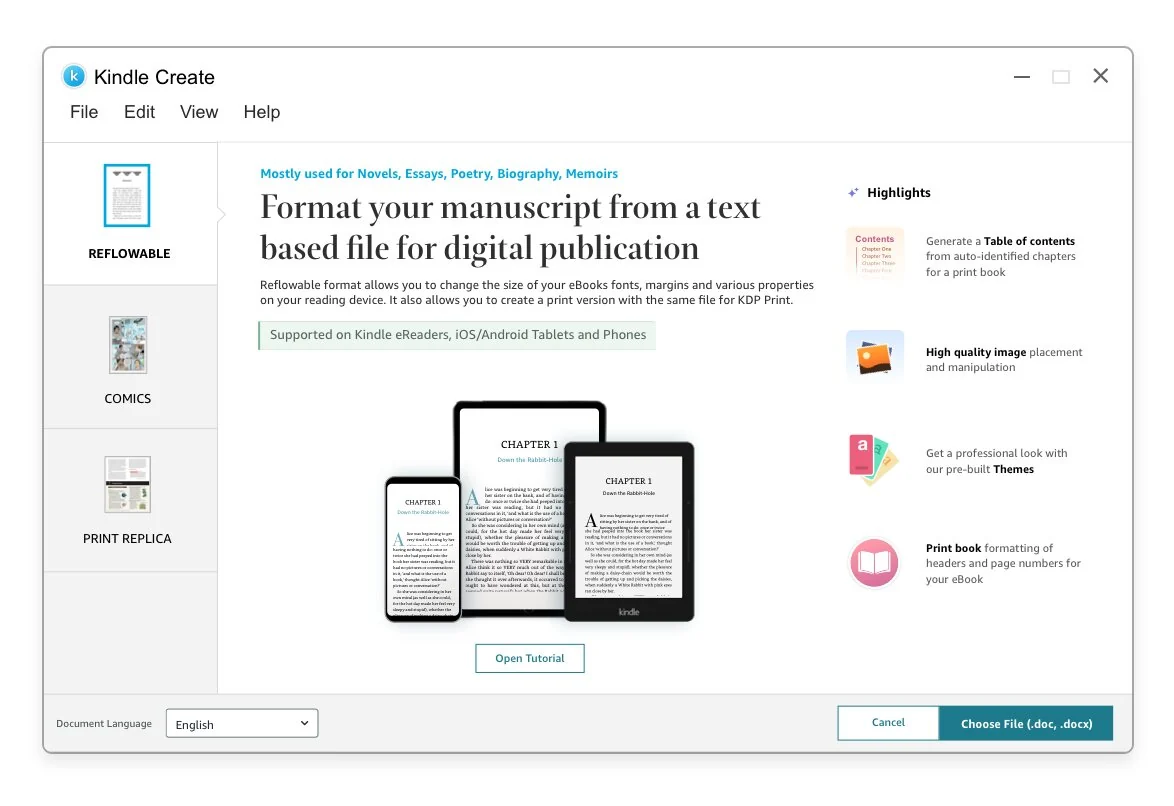
Kindle Create is Amazon's own free formatting application for Kindle Direct Publishing, downloadable for Windows 10+ or macOS 10.15+ from Amazon's KDP help center. No subscription, no paid tier, nothing to upgrade. Amazon built it to sit at the end of the writing process: it imports a finished DOC or DOCX for a reflowable ebook, a PDF for a print-replica or comic layout, or JPEGs for comic panels. Writing, outlining, and editing happen somewhere else; Kindle Create starts once that work is already done, the stage Sudowrite or Built&Written are built for.
2. Where Kindle Create Works Well
For a straightforward, text-only nonfiction ebook, Kindle Create earns its place. Point it at a clean DOCX file and it detects chapter breaks automatically, builds a table of contents, and applies one of four built-in themes, no stylesheet required. Cover upload, hyperlinks, and a device previewer all live in the same window. Export really is one click: Kindle Create writes a .kpf file to Amazon's own spec, so nothing else needs converting before you upload to your KDP Bookshelf. For a founder or consultant with a finished, uncomplicated manuscript, this is the fastest, cheapest route to a legitimate KDP file. Our full KDP publishing walkthrough covers what happens after upload.
3. The Hard Limits We Tested
Four limits define the ceiling on Kindle Create, and every one held up in the current build we installed for this review, not an old writeup of a version Amazon has since changed.
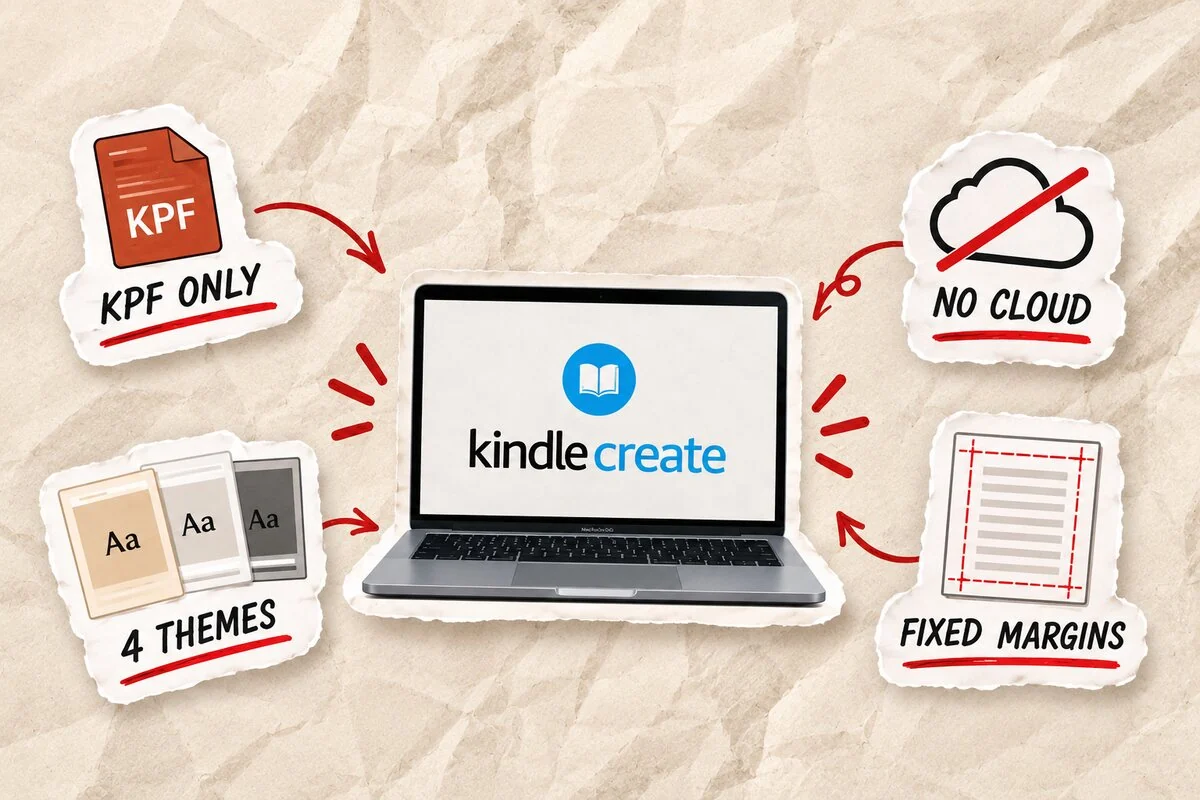
- Locked to Amazon's ecosystem. A finished project exports exactly two file types: a .kcb project file and a .kpf file built for KDP. Apple Books, Kobo, and print-on-demand all require reformatting the manuscript from scratch in a different tool.
- No cloud, no collaboration, no safety net. A project lives as one file on one computer: no shared editing, no cloud backup, none of the find-and-replace, spell-check, or live word count most word processors solved years ago. Amazon keeps no copy either; your saved .kcb is the only backup that exists.
- Minimal print and typography control. Four built-in themes set the entire look. Margins on a print interior stay fixed, and full-bleed image placement stays restricted, exactly where a dedicated formatter like Atticus or Vellum earns its price.
- Hidden costs from file weight. KDP charges delivery costs by file size, $0.15 per MB in the US store. A heavier Kindle Create export quietly shrinks your royalty on every sale next to a leaner file from a dedicated formatter; our royalty math breakdown shows exactly how.
4. A 10-Minute Kindle Create Quick Start
If your manuscript is already finished, here is the fastest path from a DOCX file to a .kpf you can upload.
- Install and open. Download Kindle Create, install it, and choose "Create eBook or Print Book" from the start screen.
- Import your manuscript. Select your finished DOCX. Kindle Create scans it and proposes chapter breaks automatically.
- Confirm chapters, add a cover. Fix any chapter break it missed and upload your cover image.
- Pick a theme. One of four built-in themes sets your typography and spacing; customization stops there.
- Add front matter and links. Insert a title page, table of contents, and any hyperlinks the book needs.
- Preview across devices. Check how the book reads on a phone, tablet, and e-reader screen.
- Export. Kindle Create writes a .kcb project file, save this yourself, and a .kpf ready for your KDP Bookshelf.
5. When to Graduate to Atticus, Vellum, or Built&Written
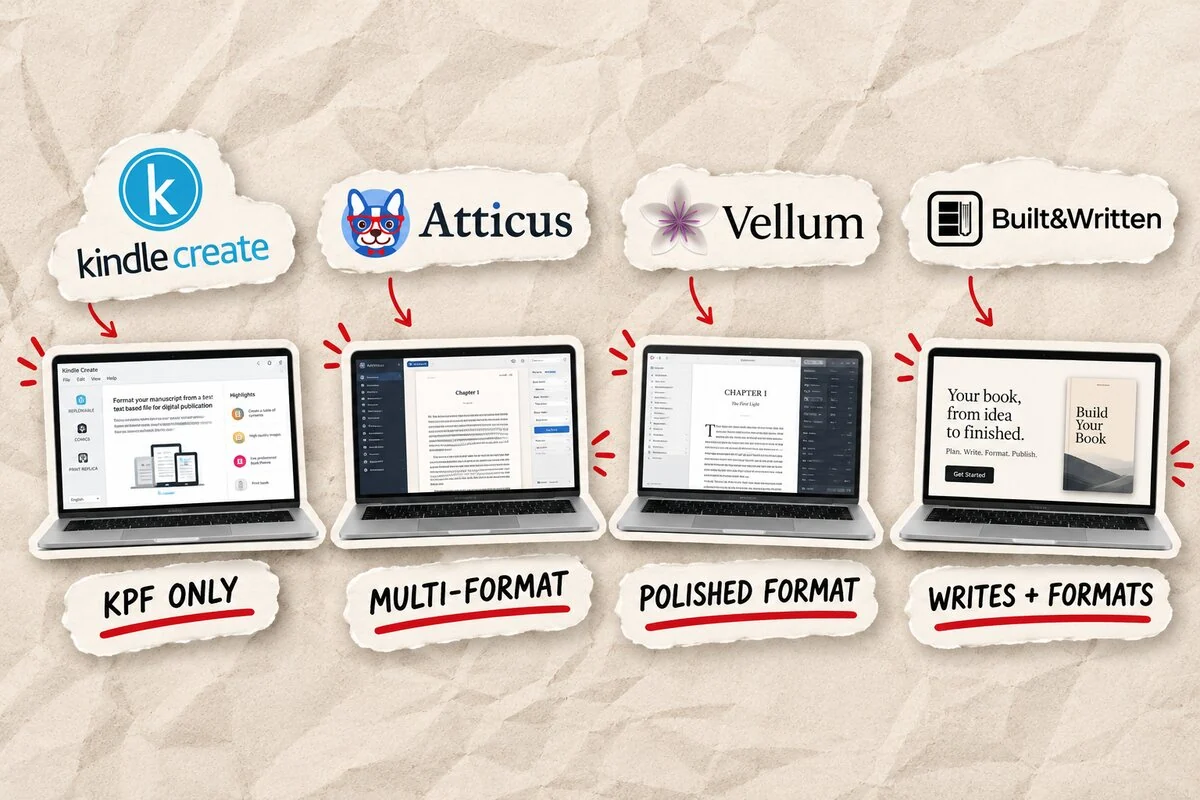
Kindle Create earns its place while your book is finished and headed only to Kindle. The moment either stops being true, it's time to graduate. Atticus and Vellum both format a finished manuscript across more retailers with real print control, full pricing and exports in the table below, and our full Atticus walkthrough has more. Both are formatters through and through: the manuscript still has to exist before either can help. For most people reading this review, that is the actual bottleneck, the tens of thousands of words a finished nonfiction book takes, not the formatting. That is exactly the stage Built&Written was built for. Wren turns notes, a transcript, or a rough draft into a full outline, a complete draft in your own voice, KDP-ready formatting, and a generated cover in one pass, then flags the disclosure box Amazon's KDP AI-content guidance requires. Already finished? Wren formats and exports that too, past the .kpf ceiling Kindle Create stops at: a print-ready PDF from $19 a month, EPUB and DOCX from $49 a month. Run whichever file you build past Built&Written's free KDP cover validator first.
| Tool | Price | Exports | Best for |
| Kindle Create | Free | .kpf only | A finished manuscript, Kindle only |
| Atticus | $147 one-time | EPUB, PDF, KPF | Multi-retailer formatting |
| Vellum | $249.99 one-time, Mac only | EPUB, PDF, KPF | The most polished live preview |
| Built&Written | $49/month | PDF, EPUB, DOCX | Notes to a finished, KDP-ready book |
Kindle Create formats what already exists. The others format it too, and Built&Written is the only one that writes it first.
Kindle Create is free, and for a finished, text-only manuscript aimed only at Kindle, it works. The moment you need EPUB, real print control, collaboration, or a manuscript that still needs writing, it stops being enough.
Final thoughts
Most people who search for a Kindle Create review already have a manuscript in a folder, wanting one answer: last step, or first of several? For a plain nonfiction ebook going to Kindle only, it's usually the last step, free included. Add another retailer, real print margins, or a second person on the file, and Kindle Create becomes only the starting point. See our full formatting software comparison for the wider field.
Founders and consultants already use Built&Written to turn notes and rough drafts into finished, KDP-ready books, cover and disclosure step included, without stitching together a separate writing tool and a separate formatter. If the manuscript is still the real gap, start with Wren.
Frequently asked questions
Yes. No subscription, no paid tier, no cost to download or use. Amazon built it as a free formatting step inside the KDP publishing process, not a paid product.
No. KDP also accepts a properly formatted EPUB, DOCX, or PDF built in another tool, including Atticus, Vellum, or Built&Written. Kindle Create is simply Amazon's own free option.
Yes, for a basic print-replica or standard interior, with real limits: fixed margins and restricted full-bleed image placement next to a dedicated formatter.
No. A finished project exports to exactly two formats: a .kcb project file and a .kpf publish file for KDP. EPUB, DOCX, and PDF are skipped entirely, so the book stays locked to Amazon unless you reformat it elsewhere.
Kindle Create formats a manuscript you have already written. Built&Written writes the manuscript from your notes or a rough draft, then formats it for KDP and generates the cover in the same platform.
About the author

Khrystyna Balushka
More in Book Formatting
Ready to write your book?
Turn your expertise into a professional book with Built&Written.