

7 KDP Formatting Questions Reddit Keeps Asking, Answered
Key takeaways
- Where do these questions come from? Five threads by five different authors in r/selfpublish, Reddit's community for indie authors, with up to 463 votes and 190 comments.
- What gets books rejected most? Margins that ignore the binding edge, the wrong trim size and cover text in the wrong place.
- What does KDP require? An inside margin from 0.375 inches that grows with page count, 0.125 inches of bleed, and more than 79 pages for spine text.
- Is Word enough? It works, but one author spent about ten hours on formatting alone.
What do people on Reddit ask about KDP formatting?
KDP checks every file you upload. If the file breaks a rule, KDP sends it back, and many authors end up asking why on r/selfpublish, a community with about 74,000 weekly visitors.
We went through the most popular formatting threads of the past year. Below are the seven questions that matter most for a nonfiction book. For each one you get the post, a link to the discussion, our short answer and how Built&Written handles it. Under each screenshot you also get the text from the image. We checked every answer against KDP's help pages on October 28, 2026.
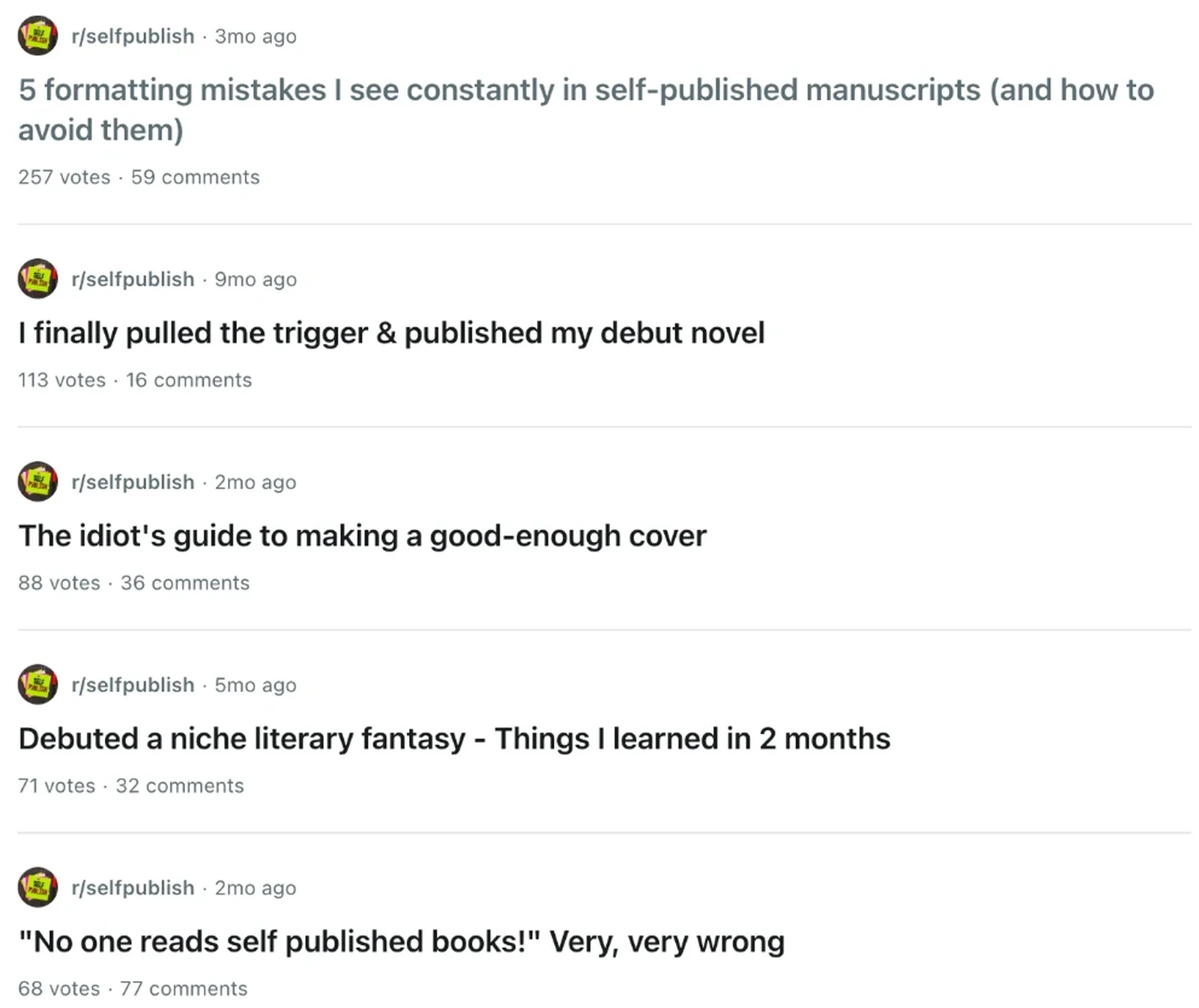
Text in the image:
"5 formatting mistakes I see constantly in self-published manuscripts (and how to avoid them)". 257 votes, 59 comments.
"I finally pulled the trigger & published my debut novel". 113 votes, 16 comments.
"The idiot's guide to making a good-enough cover". 88 votes, 36 comments.
"Debuted a niche literary fantasy: Things I learned in 2 months". 71 votes, 32 comments.
"'No one reads self published books!' Very, very wrong". 68 votes, 77 comments.
1. KDP margins: how big should the inside margin be?

Text in the image:
"5 formatting mistakes I see constantly in self-published manuscripts (and how to avoid them)"
1. Margins that ignore the gutter. Even margins on both sides might look fine on screen, but bound books need extra space on the binding edge or text disappears into the spine on printed copies. Gets worse the longer your book is.
Read the discussion: 5 formatting mistakes I see constantly in self-published manuscripts
Our answer. The inside margin, or gutter, is the edge of the page that goes into the binding. KDP's rule: the more pages, the wider the gutter.
| Page count | Inside (gutter) margin | Outside margins |
|---|---|---|
| 24 to 150 | 0.375 in (9.6 mm) | at least 0.25 in |
| 151 to 300 | 0.5 in (12.7 mm) | at least 0.25 in |
| 301 to 500 | 0.625 in (15.9 mm) | at least 0.25 in |
| 501 to 700 | 0.75 in (19.1 mm) | at least 0.25 in |
| 701 to 828 | 0.875 in (22.3 mm) | at least 0.25 in |
These are minimums. A little extra room means readers do not have to crack the spine.
With Built&Written: margins are set to KDP's rules for your page count, so you never look up this table.
2. Which KDP trim size should you choose?

Text in the image:
"Is 6x9 inches really the most common for paperback books?" 54 votes, 72 comments.
Read the discussion: Is 6x9 inches really the most common for paperback books?
Our answer. Yes. Trim size is the size of the printed page, and KDP itself calls 6 by 9 inches the most common paperback size in the U.S. It suits most nonfiction; shorter books often use 5.5 by 8.5. Choose it first, because it changes your page count, and the page count changes your gutter. More in our guide to book interior design.
With Built&Written: pick one of 10 KDP trim sizes, and the whole layout follows it.
Text in the image:
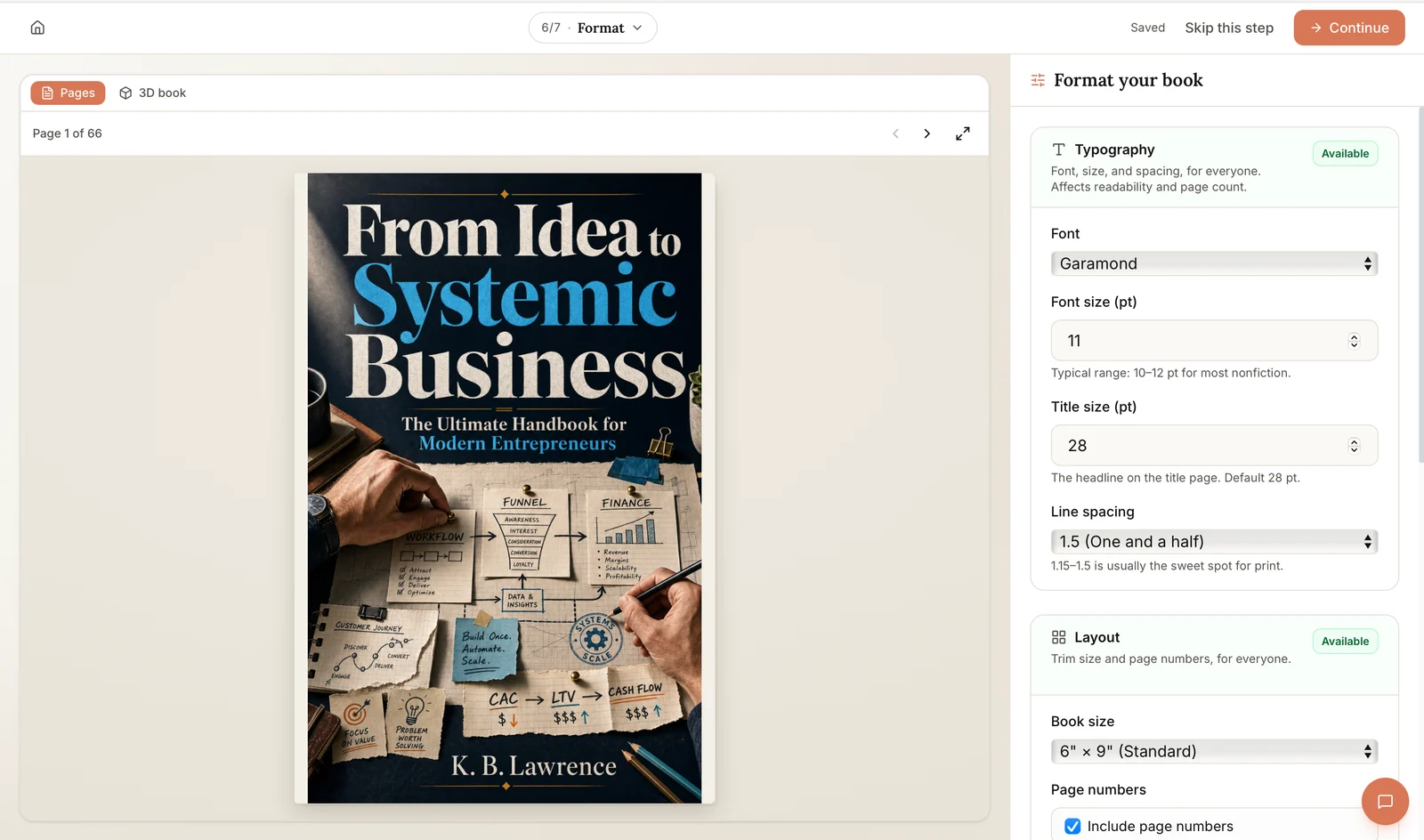
Top: "6/7 · Format", "Saved", "Skip this step", "Continue". Left: "Pages", "3D book", "Page 1 of 66".
Format your book. Typography (available): font, size, and spacing, for everyone; affects readability and page count. Font: Garamond. Font size: 11 pt (typical range: 10 to 12 pt for most nonfiction). Title size: 28 pt (the headline on the title page; default 28 pt). Line spacing: 1.5 (1.15 to 1.5 is usually the sweet spot for print).
Layout (available): trim size and page numbers, for everyone. Book size: 6" x 9" (standard). Page numbers: include page numbers.
3. Why do chapters look different in the printed book?

Text in the image:
3. Inconsistent chapter formatting. Font, size, or spacing that shifts between chapters is really noticeable in print, even if it looks fine scrolling through a Word doc.
Read the discussion: 5 formatting mistakes I see constantly in self-published manuscripts
Our answer. Use styles, Word's saved text formats, instead of formatting by hand: one style for chapter titles, one for body text, one for subheadings. KDP's submission guidelines set a minimum of 7 points, but most nonfiction uses 10 to 12. See what font books are written in.
With Built&Written: every chapter gets the same style automatically, in one of 5 book fonts.
4. What front matter does a KDP book need?
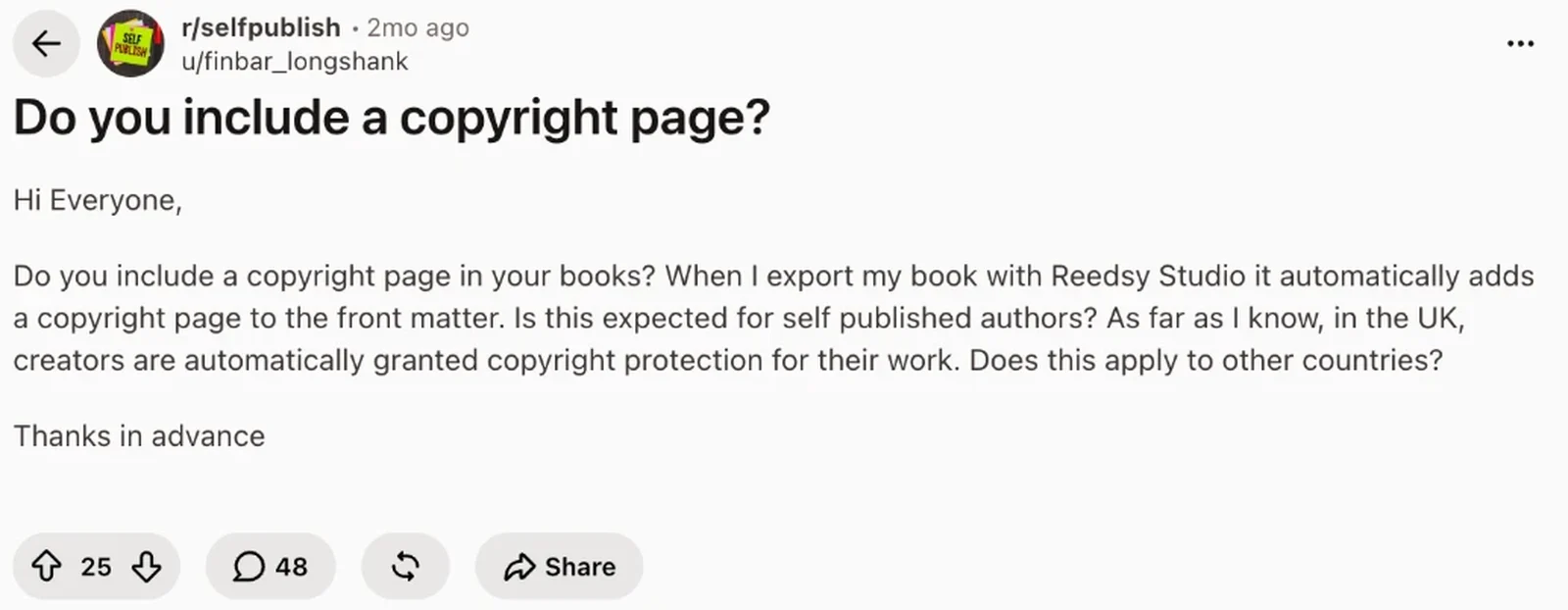
Text in the image:
"Do you include a copyright page?"
Hi Everyone, do you include a copyright page in your books? When I export my book with Reedsy Studio it automatically adds a copyright page to the front matter. Is this expected for self published authors? As far as I know, in the UK, creators are automatically granted copyright protection for their work. Does this apply to other countries? Thanks in advance.
25 votes, 48 comments.
Read the discussion: Do you include a copyright page?
Our answer. Yes, include one. Front matter is the pages before chapter one: a title page, a copyright page and, for nonfiction, a table of contents. Copyright protection does not depend on the page, but the page makes the book look professional and states your rights. Update the contents after your last edit. If you have your own ISBN (the number that identifies your book), it goes on the copyright page (ISBN guide).
With Built&Written: the title page, copyright page and table of contents are built in, and page numbers update with the book.
5. Do you need bleed for your book?

Text in the image:
5. No bleed on full-page images. If you've got illustrations or full-bleed images, missing bleed margins can mean unwanted white edges or cropped content on the printed copy.
Read the discussion: 5 formatting mistakes I see constantly in self-published manuscripts
Our answer. Bleed means an image prints all the way to the page edge. KDP adds 0.125 inches (3.2 mm) and trims it off. Most nonfiction books with text and small charts do not need it. Choose bleed only if an image touches the edge, and then keep outside margins at least 0.375 inches.
With Built&Written: text and images in your chapters stay inside the margins, so a text book needs no bleed at all.
6. Can you format a book for KDP in Word?
Text in the image:
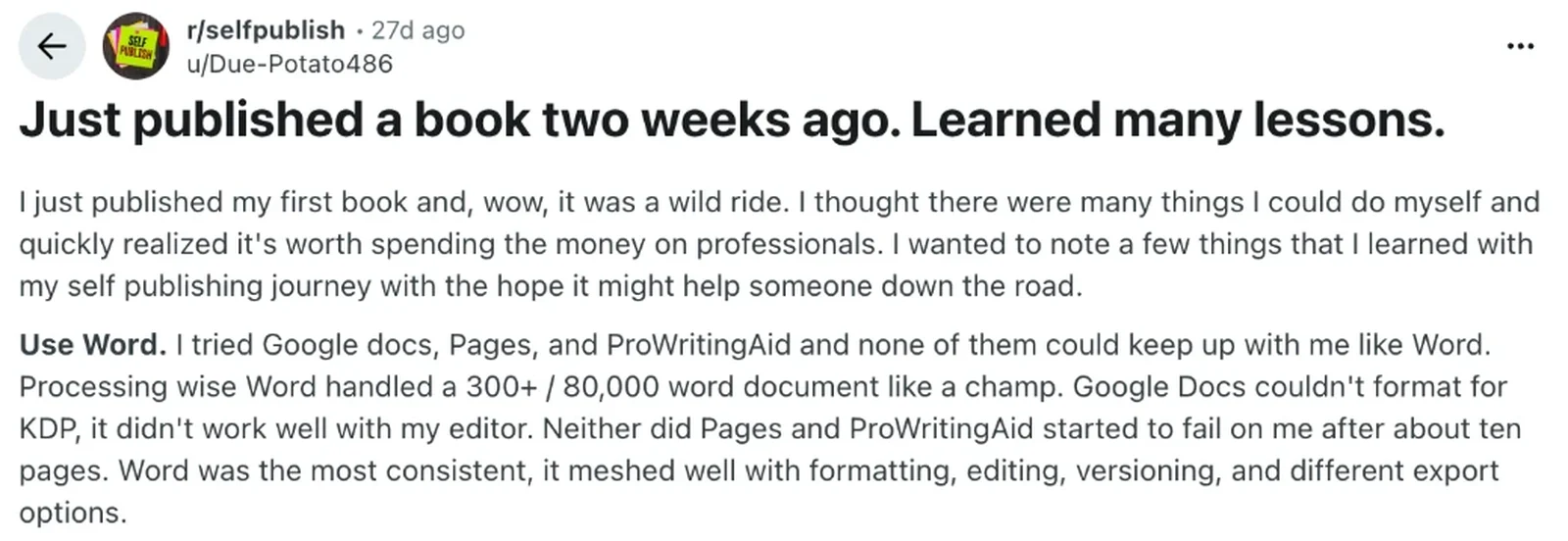
"Just published a book two weeks ago. Learned many lessons."
I just published my first book and, wow, it was a wild ride. I thought there were many things I could do myself and quickly realized it's worth spending the money on professionals. I wanted to note a few things that I learned with my self publishing journey with the hope it might help someone down the road.
Use Word. I tried Google docs, Pages, and ProWritingAid and none of them could keep up with me like Word. Processing wise Word handled a 300+ / 80,000 word document like a champ. Google Docs couldn't format for KDP, it didn't work well with my editor. Neither did Pages and ProWritingAid started to fail on me after about ten pages. Word was the most consistent, it meshed well with formatting, editing, versioning, and different export options.
Read the discussion: Just published a book two weeks ago. Learned many lessons.
Our answer. Yes. Word handles long books, and KDP offers free Word templates for every trim size on its margins page. The cost is time. The same author writes that formatting took them "about ten hours". Our comparison of book formatting software covers Vellum, Atticus and other formatting apps, and our guide to formatting services helps if you would rather pay someone.
With Built&Written: upload your Word file, and the layout is rebuilt for KDP without changing your words. You review the pages instead of setting them.
7. Why does KDP reject book covers?
Text in the image:
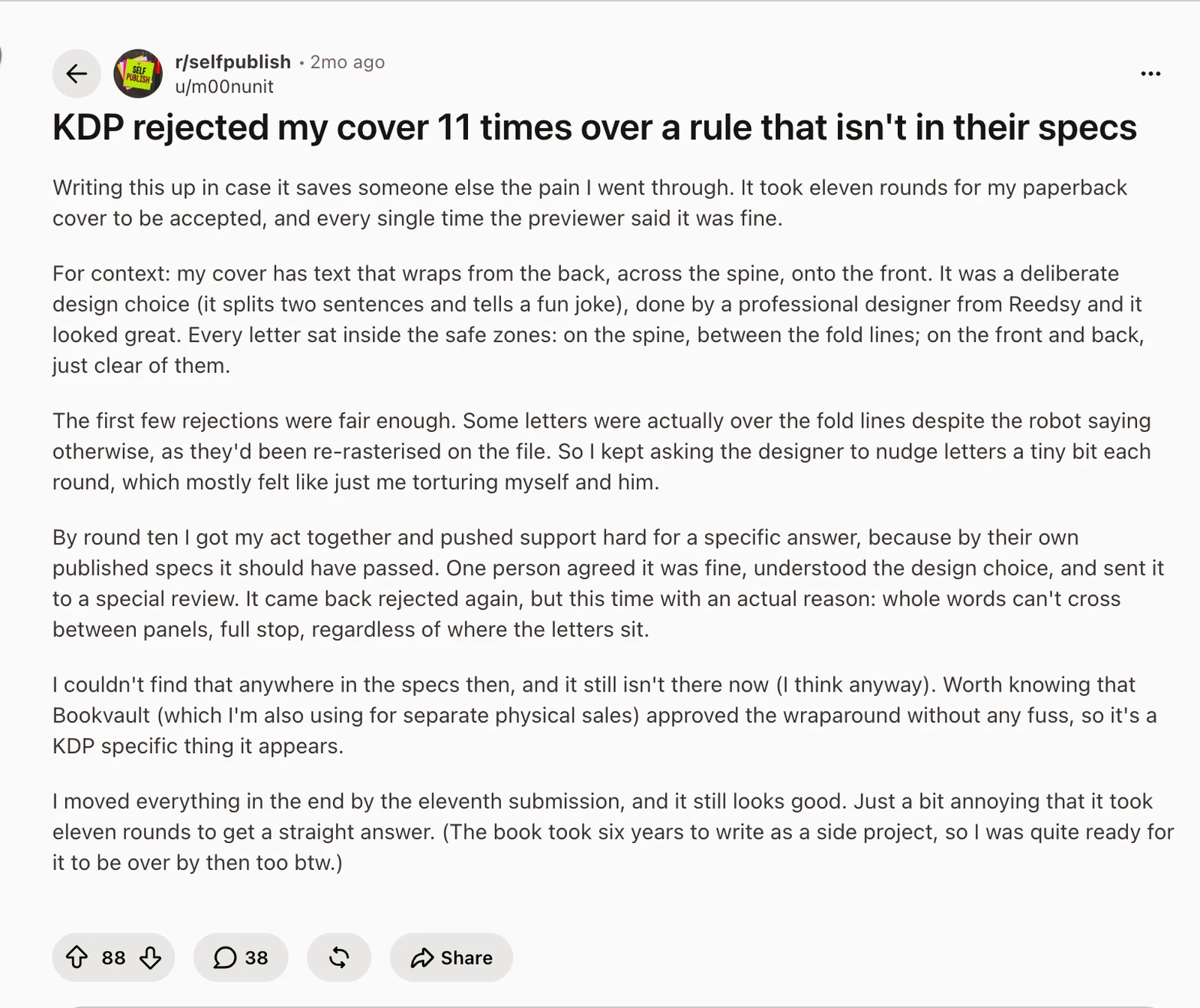
"KDP rejected my cover 11 times over a rule that isn't in their specs"
Writing this up in case it saves someone else the pain I went through. It took eleven rounds for my paperback cover to be accepted, and every single time the previewer said it was fine.
For context: my cover has text that wraps from the back, across the spine, onto the front. It was a deliberate design choice (it splits two sentences and tells a fun joke), done by a professional designer from Reedsy and it looked great. Every letter sat inside the safe zones: on the spine, between the fold lines; on the front and back, just clear of them.
The first few rejections were fair enough. Some letters were actually over the fold lines despite the robot saying otherwise, as they'd been re-rasterised on the file. So I kept asking the designer to nudge letters a tiny bit each round, which mostly felt like just me torturing myself and him.
By round ten I got my act together and pushed support hard for a specific answer, because by their own published specs it should have passed. One person agreed it was fine, understood the design choice, and sent it to a special review. It came back rejected again, but this time with an actual reason: whole words can't cross between panels, full stop, regardless of where the letters sit.
I couldn't find that anywhere in the specs then, and it still isn't there now (I think anyway). Worth knowing that Bookvault (which I'm also using for separate physical sales) approved the wraparound without any fuss, so it's a KDP specific thing it appears.
I moved everything in the end by the eleventh submission, and it still looks good. Just a bit annoying that it took eleven rounds to get a straight answer. (The book took six years to write as a side project, so I was quite ready for it to be over by then too btw.)
88 votes, 38 comments.
Read the discussion: KDP rejected my cover 11 times over a rule that isn't in their specs
Our answer. The author's words ran from the back, across the spine, onto the front. On the tenth try, a special review finally gave the reason: whole words cannot cross between the cover's panels (back, spine and front). The written rules on KDP's cover page:
- Bleed on all sides: 0.125 inches (3.2 mm).
- Spine text: only on books with more than 79 pages.
- Spine margin: at least 0.0625 inches (1.6 mm) around spine text.
- One file: back, spine and front as one image, sized to your page count.
Before you upload, run the cover through our free KDP cover validator. Designing in Canva? See our Canva cover guide.
With Built&Written: the cover's back, spine and front are sized from your real page count, and you see the full wrap before you download.
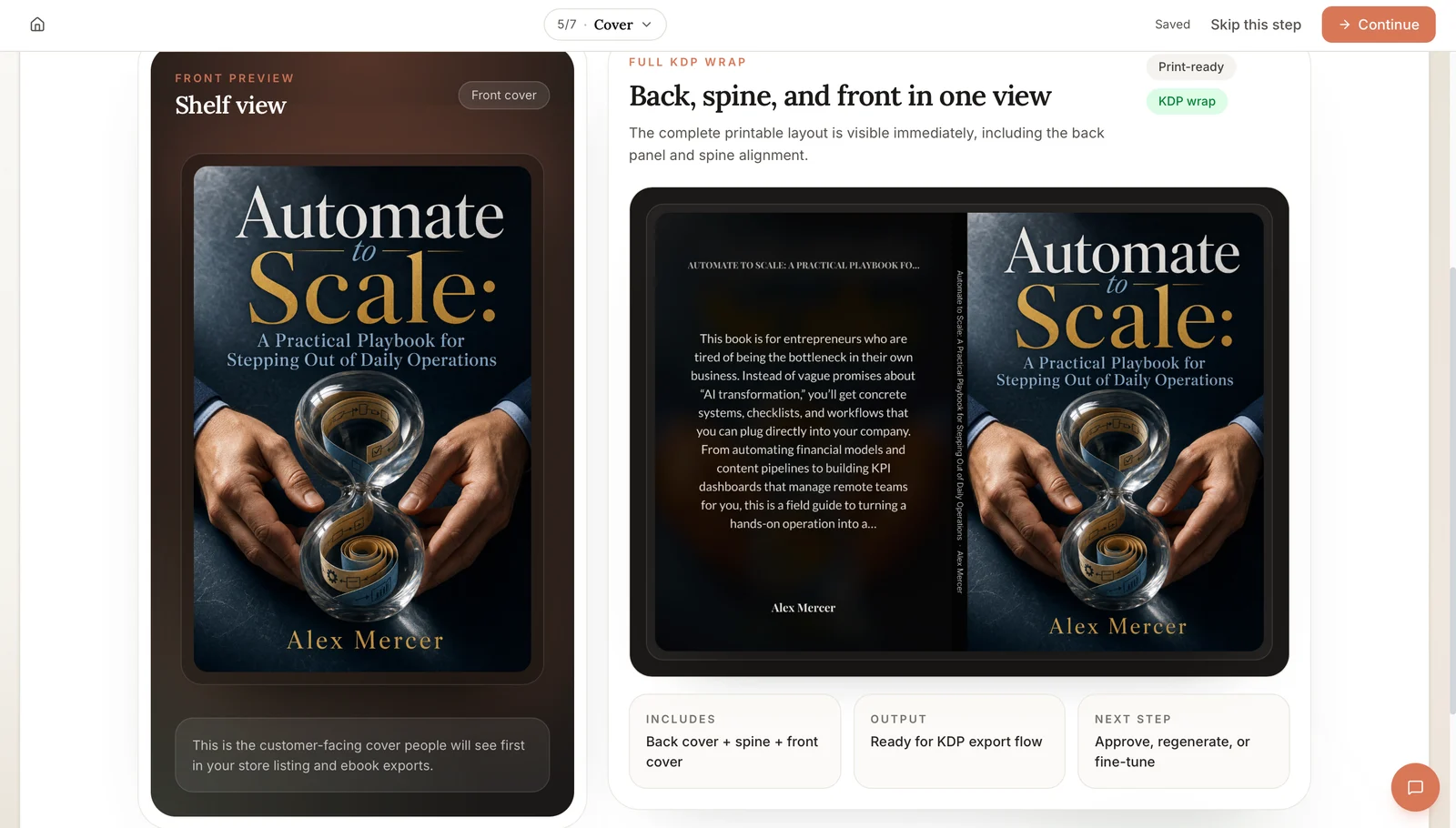
Text in the image:
Top: "5/7 · Cover", "Saved", "Skip this step", "Continue".
Left: "Front preview", "Shelf view", "Front cover". Below: "This is the customer-facing cover people will see first in your store listing and ebook exports."
Right: "Full KDP wrap", "Back, spine, and front in one view". "The complete printable layout is visible immediately, including the back panel and spine alignment." Labels: "Print-ready", "KDP wrap".
Bottom: "Includes: back cover + spine + front cover". "Output: ready for KDP export flow". "Next step: approve, regenerate, or fine-tune".
Final thoughts
The threads tell the same story. Authors finish the hard part, the writing, and then lose days to margins, trim sizes and cover rules. KDP's rules are spread across several help pages, and one of them, words crossing the spine, is not written down at all.
Built&Written takes that last step off your hands. Bring your finished manuscript (the full text of your book), and get back a book ready for KDP:
- Your words stay yours. The layout is rebuilt; the text is not rewritten.
- KDP rules built in. Gutter, trim size and front matter follow Amazon's specs.
- A cover that fits. Sized from your page count, or upload your own.
- Checked before download. Title, author, page count, trim, margins and cover.
- Files ready the same day. A print-ready PDF and the KDP package (the files KDP asks for). You upload them in your own KDP account (step-by-step guide).
- Change anything. Font, size, spacing and trim, with every page in the preview.
Formatting a book you already wrote works on any paid plan (see plans), and here is how it works.
Frequently asked questions
For KDP formatting, the gutter depends on page count: 0.375 inches for 24 to 150 pages, 0.5 inches for 151 to 300, 0.625 inches for 301 to 500, and more for longer books. Outside margins must be at least 0.25 inches.
6 by 9 inches is the most common paperback size in the U.S. Choose it before you format, because it sets your page count and your gutter.
You can write in Google Docs, but most authors move to Word or a formatting tool for the final file. In one Reddit thread with 190 comments, the author found Google Docs could not format for KDP.
Usually missing bleed, a spine that does not match the page count, spine text on a book under 80 pages, or words crossing from one panel to another.
An ebook has no fixed pages, so margins, page numbers and bleed do not apply. Use clean chapter headings and a linked table of contents, then check the file in Kindle Previewer, Amazon's free app that shows how your ebook looks. See our guides to formatting a book for Kindle and Kindle Previewer.
About the author

Khrystyna Balushka
More in Book Formatting
Ready to write your book?
Turn your expertise into a professional book with Built&Written.