
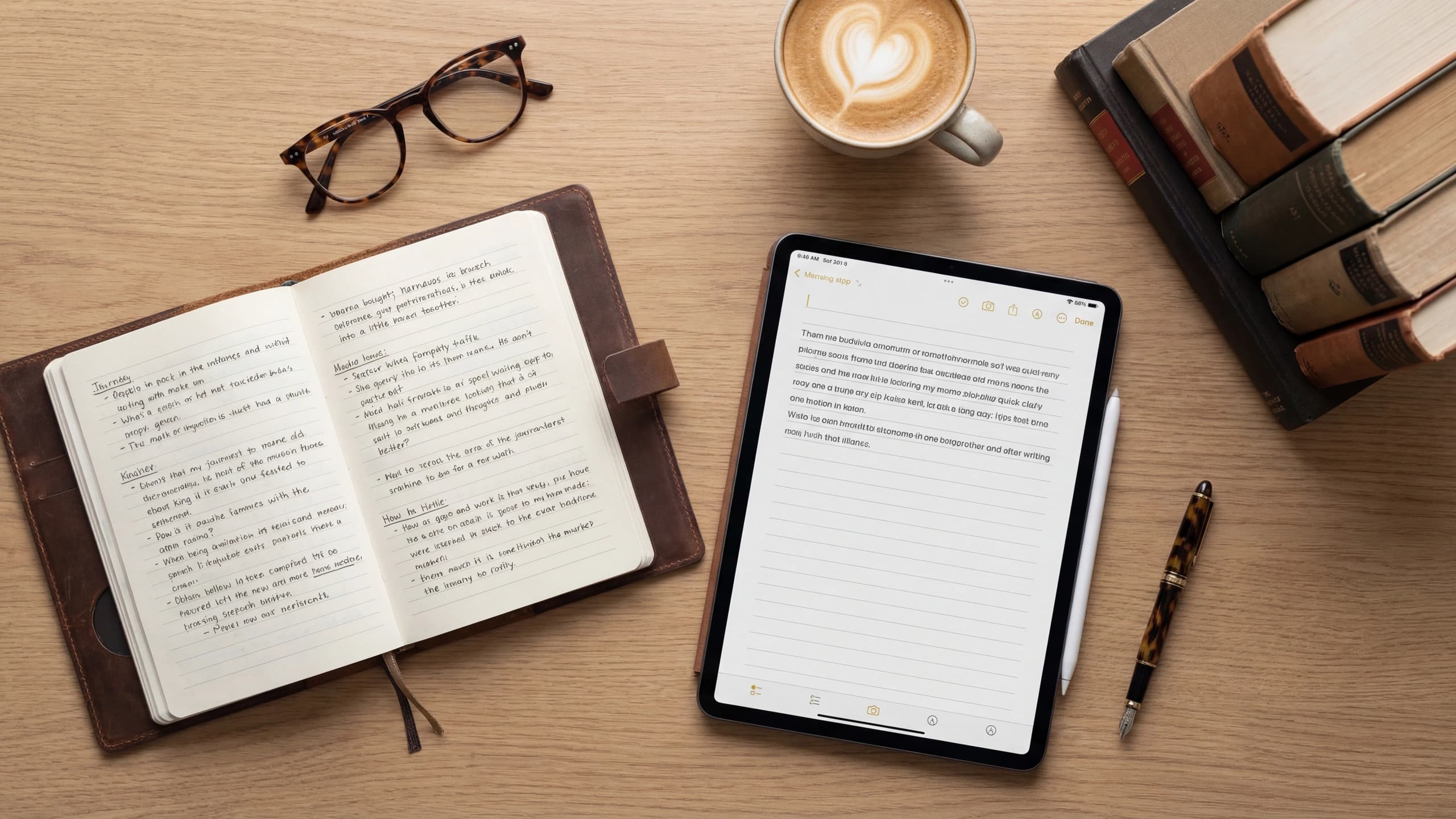

AI Writing Tools: Co-Author Your Book with Tech
Introduction: Embracing the AI Revolution in Writing
The advent of Artificial Intelligence (AI) is transforming the writing landscape, offering tools that can collaborate with authors to co-create books. For entrepreneurs and professionals, this means crafting high-quality content more efficiently while ensuring consistency throughout their work. AI not only aids in generating coherent text but also boosts creativity, making it an indispensable ally in the writing process.
How AI Can Collaborate on Your Book
AI significantly enhances the writing process by generating content, maintaining a consistent style, and providing creative inspiration. Natural Language Processing (NLP) is key to this, enabling AI to understand and produce text that mirrors human language. By analyzing your writing patterns, AI adapts to your voice and intent, ensuring the content it generates aligns with your style. This makes AI a powerful tool for authors crafting engaging and coherent narratives.
Discovering AI Writing Tools
Today, numerous AI writing tools offer unique features and capabilities. Tools like OpenAI's GPT-3, Jasper, and Sudowrite are popular for generating text that closely resembles human writing. GPT-3 is renowned for its expansive language model that produces detailed, contextually relevant content. Jasper provides a user-friendly interface with templates for various writing needs, while Sudowrite enhances creativity by suggesting alternative phrases and ideas. Selecting the right tool depends on your specific requirements and the type of assistance you need for your book.
Ensuring Consistent Writing Style
A consistent voice is crucial for engaging readers and reinforcing your brand identity. AI can help achieve this by analyzing your writing style and ensuring generated content aligns with it. By providing AI with samples of your writing, you can train it to mimic your tone, vocabulary, and sentence structure. This ensures that even as AI handles parts of the writing process, your book maintains a cohesive voice that resonates with your audience.
AI as a Catalyst for Creative Inspiration
One of the most exciting aspects of using AI in writing is its ability to offer new ideas and perspectives. AI can analyze vast amounts of data and generate suggestions you might not have considered, providing fresh angles on familiar topics. This is particularly useful for overcoming writer's block, as AI can propose different approaches to a subject, sparking your creativity. Collaborating with AI allows you to explore new narrative possibilities and enrich your content with diverse viewpoints.
Streamlining the Writing Process with AI
AI plays a significant role in enhancing time management by automating repetitive tasks like outlining, proofreading, and editing. This allows you to focus on critical aspects of writing, such as developing ideas and refining your narrative. However, balancing AI assistance with personal input is essential to ensure the final product reflects your vision and expertise. By effectively integrating AI into your workflow, you can boost productivity and bring your book to completion more efficiently.
Steps to Co-Author Your Book with AI
To successfully integrate AI into your writing process, follow these steps:
- Identify Your Needs: Determine which aspects of writing you need help with, whether it's content generation, style consistency, or creativity enhancement.
- Research AI Tools: Explore available AI writing tools, comparing their features and capabilities to find the best fit for your project.
- Train Your AI: Provide AI with samples of your writing to help it learn your style and preferences.
- Set Boundaries: Define the tasks you want AI to handle and those you wish to manage personally.
- Review and Refine: Regularly evaluate AI-generated content to ensure it aligns with your vision and make necessary adjustments.
By following these steps, you can effectively harness AI's power and co-author a book that reflects your expertise and creativity.
Conclusion: Welcome the Future of Writing
AI offers numerous benefits for writers, from generating content that aligns with your style to inspiring creativity and improving time management. By exploring AI as a valuable co-author, you can enhance your writing process and produce high-quality work that resonates with your audience. As the writing landscape evolves, embracing AI can provide a competitive edge and help you achieve your publishing goals.
Call to Action: Collaborate with Built&Written
If you're ready to explore AI's potential in co-authoring your book, Built&Written is here to assist. Our platform combines cutting-edge AI technology with expert guidance to help you turn your ideas into a professional book. Contact us to learn more about how we can support your writing journey and bring your vision to life. Visit our website for more information and start your collaboration with AI today.
Frequently asked questions
AI enhances the writing process by generating content, maintaining a consistent style, and providing creative inspiration.
AI aids in generating coherent text and boosts creativity, making it an indispensable ally in the writing process.
AI can analyze your writing style and ensure generated content aligns with it by mimicking your tone, vocabulary, and sentence structure.
Tools like OpenAI's GPT-3, Jasper, and Sudowrite offer unique features for generating text that closely resembles human writing.
Identify your needs, research AI tools, and integrate them into your workflow to enhance productivity and creativity.
About the author

Mykhailo Druz
More to read
Ready to write your book?
Turn your expertise into a professional book with Built&Written.