
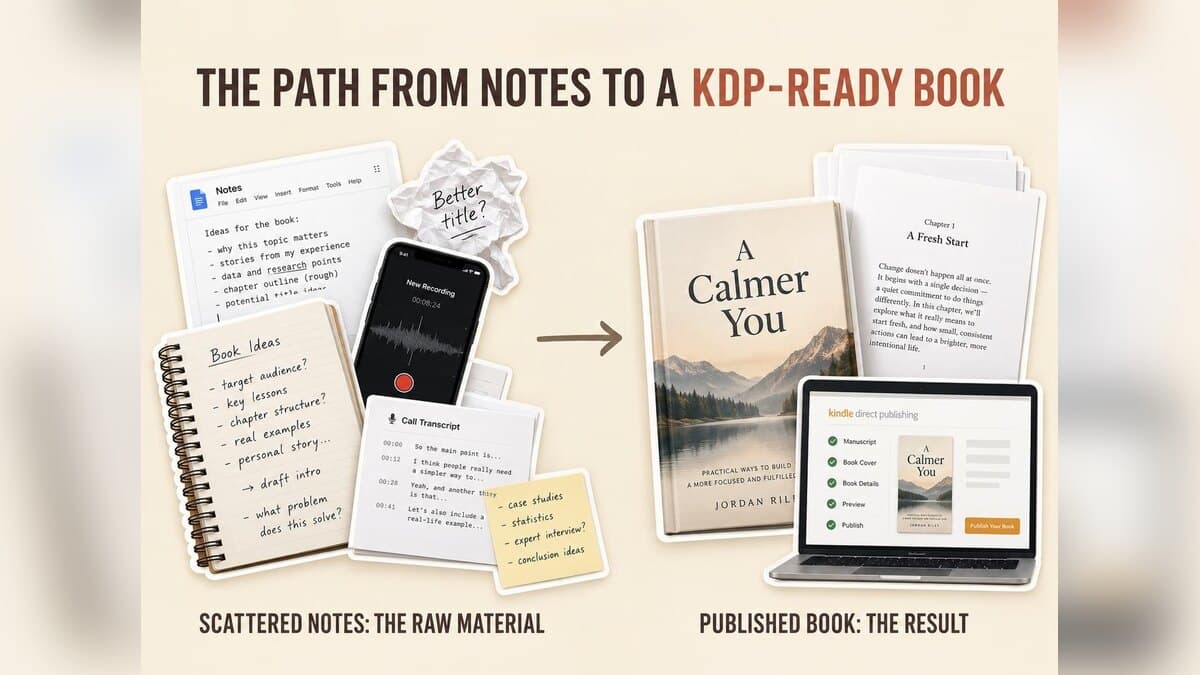

We Ran One Nonfiction Chapter Through 10 Book Writing Programs
Key takeaways
- Built&Written is the best book writing software for founders and experts who already have posts, notes, or transcripts: it was the only one of ten programs to pass all four stages of the KDP-Ready Stack Test.
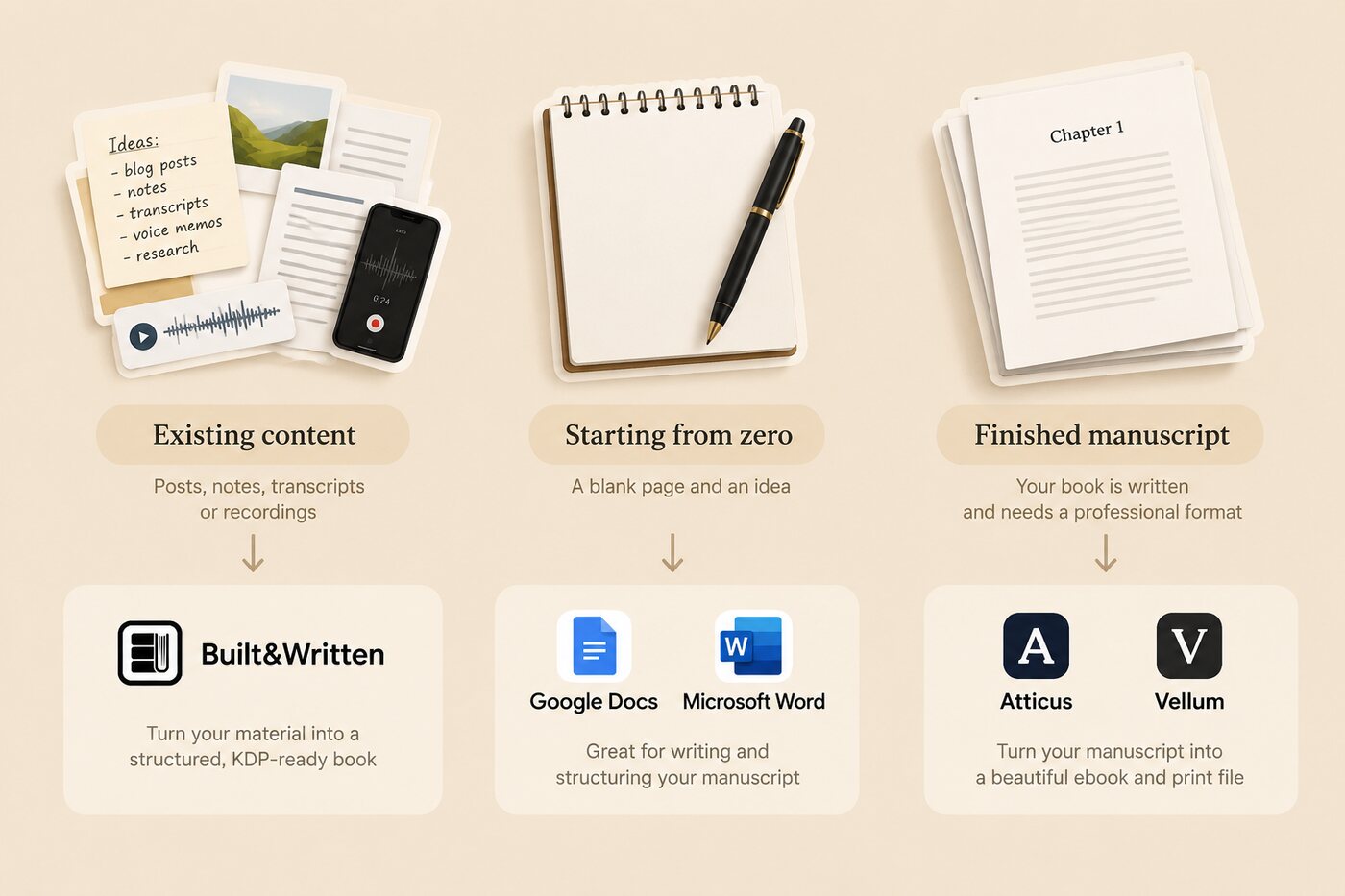
- Book writing software comes in three kinds: drafting (Google Docs, Word, Scrivener), formatting (Atticus, Vellum, Reedsy Studio, Kindle Create), and AI assembly (Built&Written, Squibler, ChatGPT).
- Starting from zero? Draft in Docs or Word. Finished manuscript? Format it in Atticus ($147, any computer) or Vellum ($249.99 with print, Mac only).
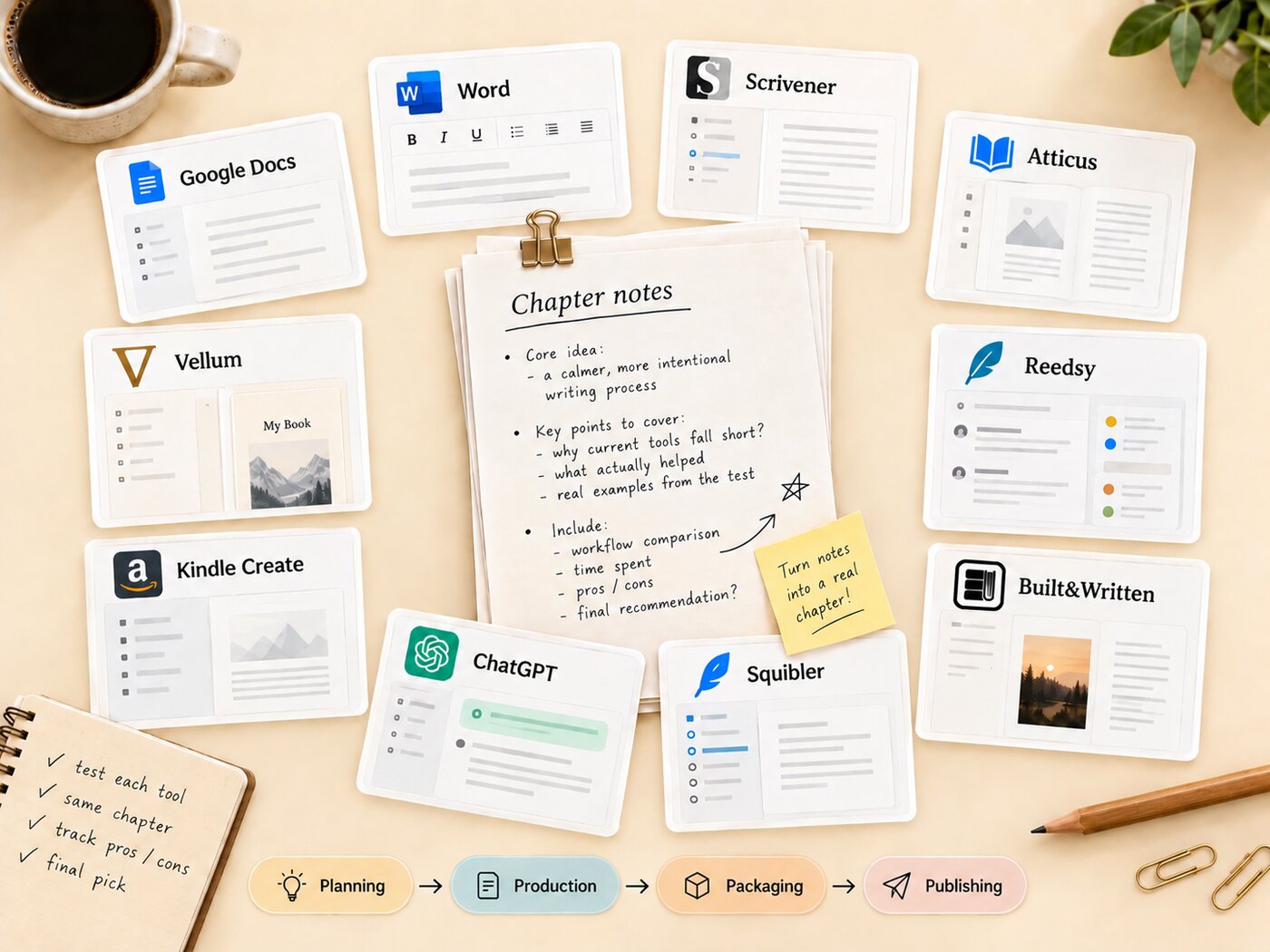
Most lists put a novel outliner, a formatting app, and a chatbot in one ranking. They do different jobs. So we ran one real chapter through ten programs to see where each one gets you, and where it leaves you stuck.
About Built&Written: Built&Written turns material you already have (posts, notes, transcripts) into a structured nonfiction book in your own voice through Voice DNA, then exports KDP-ready PDF, ePub, and DOCX. We make it, so we scored every tool the way its own team would recognize.
1. How We Tested
How we tested (September 2026): we took one chapter's worth of our own working notes, about 2,000 words of bullet points and a pasted call transcript, and ran the same file through all ten programs. For each we asked: can it take the notes as they are, turn them into a readable chapter, and produce a correctly formatted book file? Prices were checked on each vendor's site on September 23, 2026.
Each tool was scored against the KDP-Ready Stack Test, the four-stage check we use across our reviews. Most tools pass one or two stages; books stall in the gaps between them.
- Planning: does the tool help you shape a reader, a promise, and a chapter structure?
- Production: does it help turn notes into full chapters in a consistent voice?
- Packaging: does it format the book correctly, with trim size, typography, and front matter?
- Publishing: does it export files that pass Amazon KDP's checks?
2. Drafting Tools: Where You Write, Not Where You Publish
Drafting software is where the words get written. None of these three will turn notes into a chapter for you, and none of them produces a print interior you would upload to KDP without extra work.
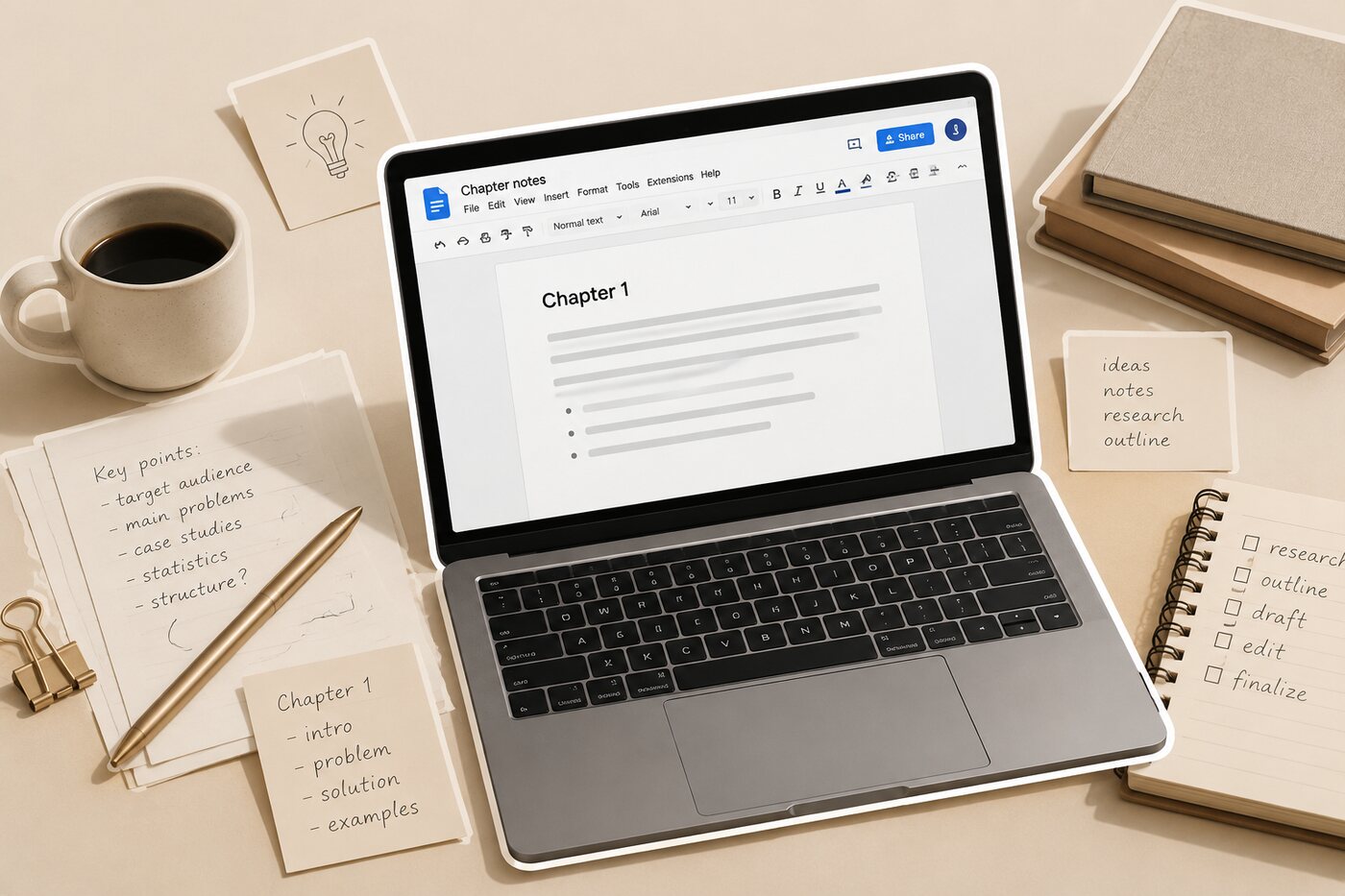
- Google Docs (free). The notes pasted in cleanly and sharing took one click. Everything after that was on us: restructuring bullets into a chapter was manual, and a DOCX export is a manuscript, not a formatted book.
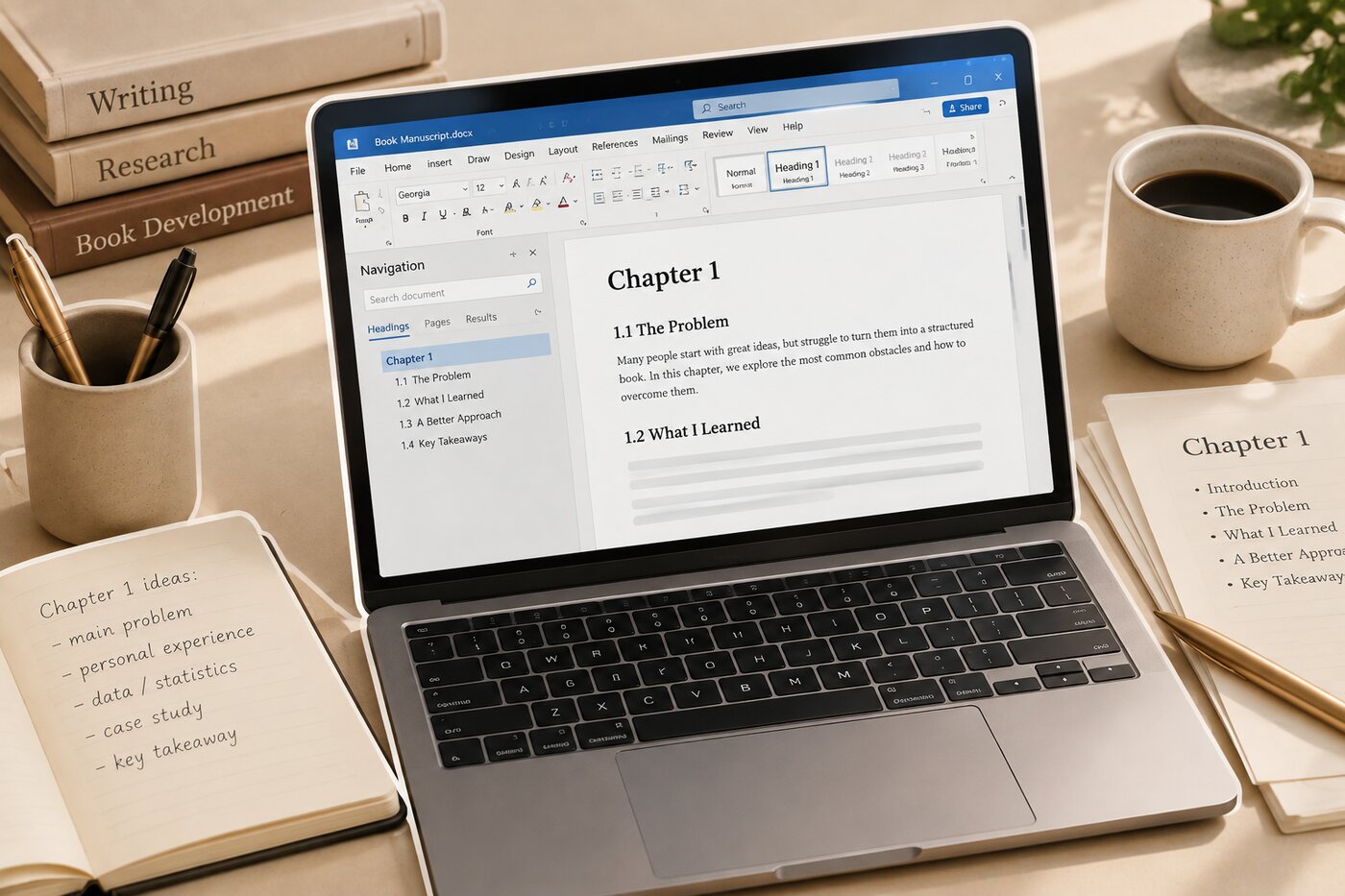
- Microsoft Word ($9.99/month or $99.99/year with Microsoft 365 Personal). The same story as Docs, with better styles and page control. KDP accepts Word files, and a careful author can build a passable interior with section breaks and custom margins. It gets fiddly fast on a book of any length.
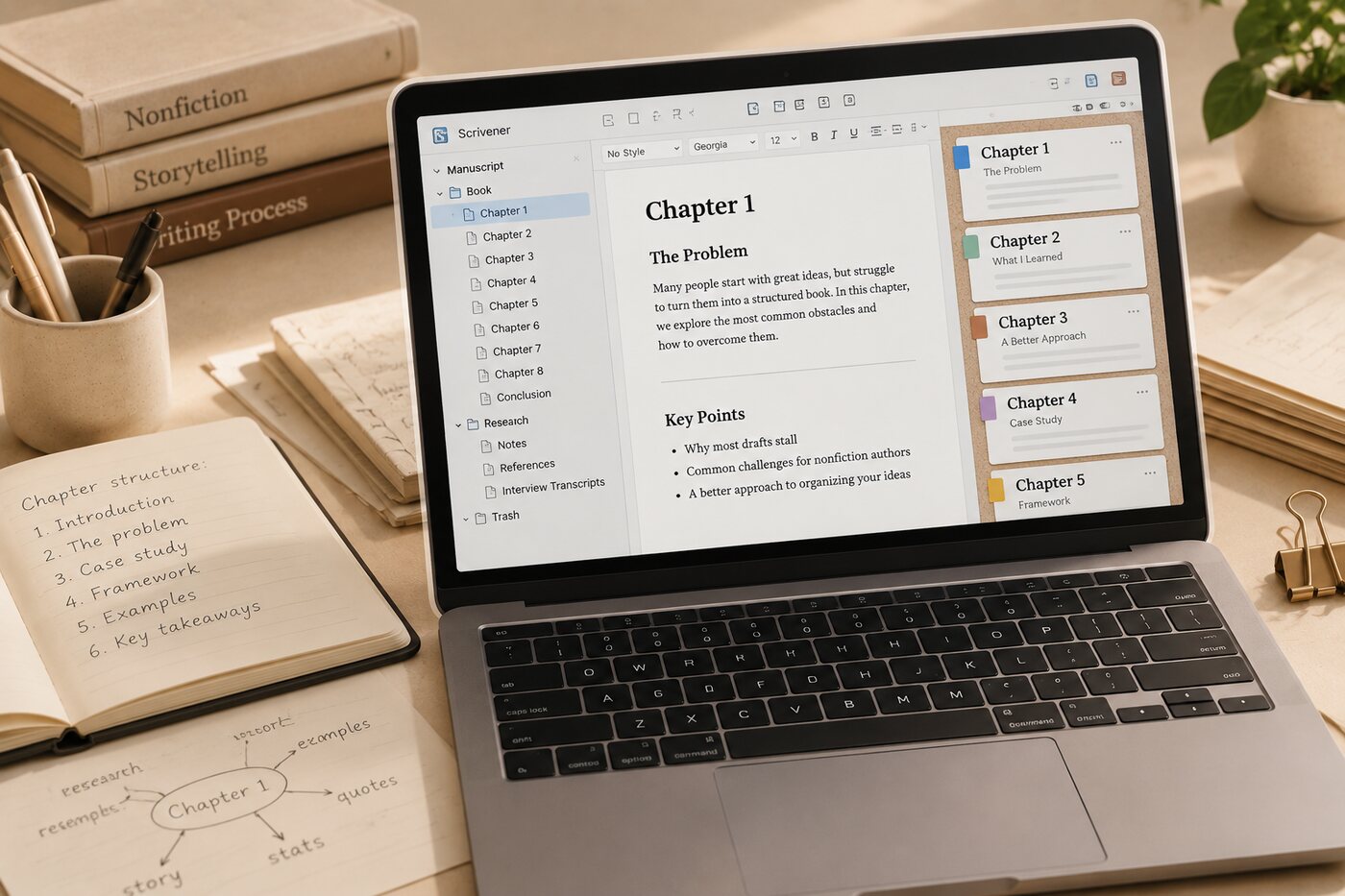
- Scrivener ($59.99 one-time per operating system). The strongest pure drafting tool here for a long book. The binder let us split the notes into sections and reorder them, which helps Planning. Its Compile feature exports EPUB, PDF, and DOCX, but getting a KDP-clean print file out of it takes real setup time.
3. Formatting Tools: Beautiful Files, but Bring a Finished Manuscript
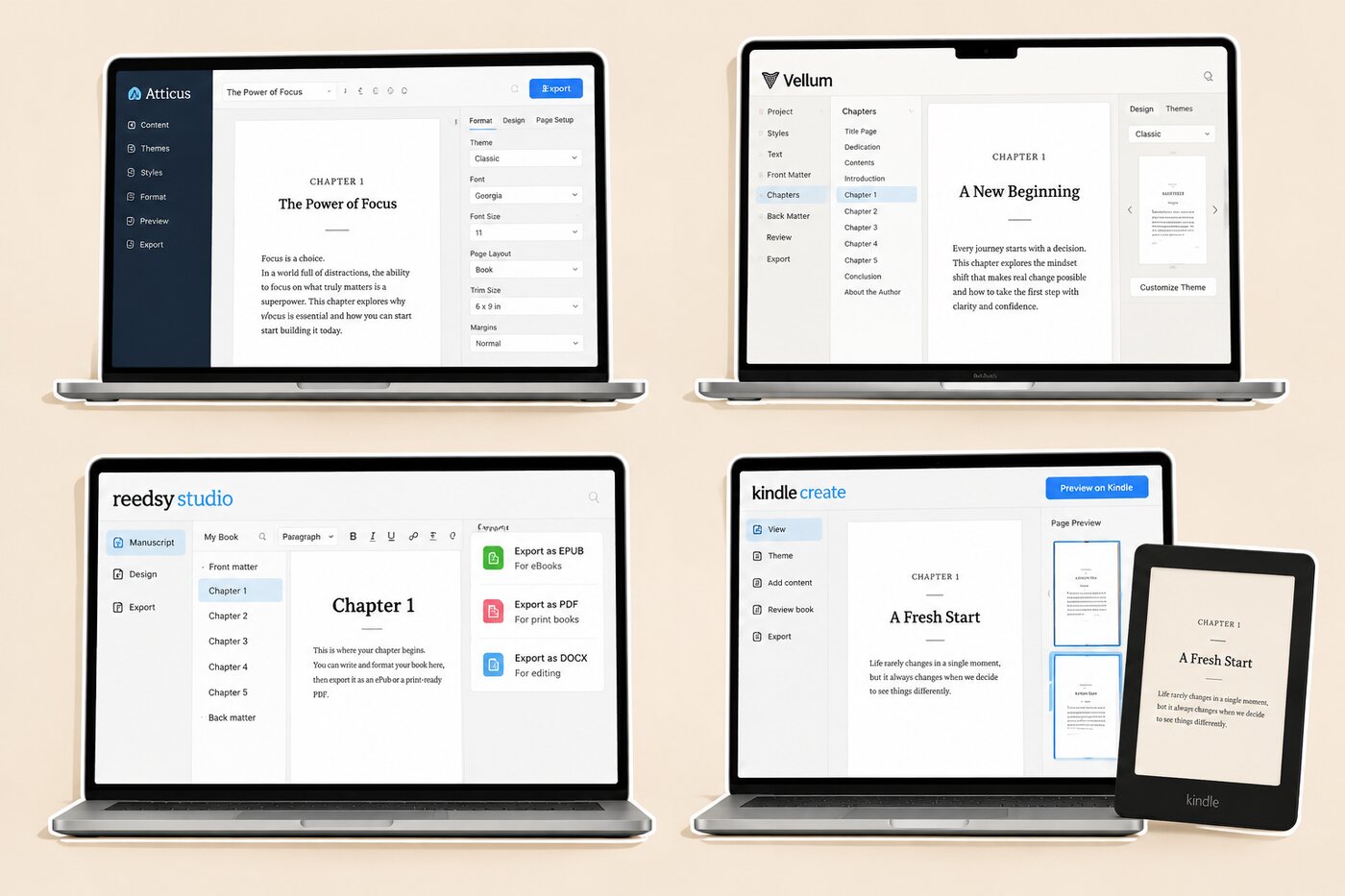
Formatting software turns a finished manuscript into a professional ebook and print interior. This is where the category is strongest, and where our raw notes were least welcome: every one of these tools expects prose that is already written. Our book formatting software guide compares them in more depth.
- Atticus ($147 one-time, Windows, Mac, Linux, Chromebook). Has a writing editor and a formatter in one app, with 17+ templates and a device previewer. Once we pasted in a written version of the chapter, the print and ebook output looked professional in minutes. It will not write or restructure anything. Our Atticus review covers the details.
- Vellum ($199.99 ebooks only, $249.99 with print, Mac only). Still the best-looking output in the test. Import a DOCX, pick a style, export. There is no Windows version, and it assumes the writing is done. More in our Vellum guide.
- Reedsy Studio (free; paid add-ons from $4.99/month). The value pick. A browser editor that exports EPUB and a print-ready PDF at no cost, with fewer layout options than Atticus or Vellum but enough for a straightforward business book.
- Kindle Create (free, Amazon). Took our DOCX without complaint and gave a clean Kindle preview. The catch: it exports only .kpf files for KDP, never EPUB, PDF, or DOCX, so the book you build lives only on Amazon. See our Kindle Create review.
4. AI Assembly Tools: The Only Category That Starts From Notes
AI assembly software takes raw material and helps produce the chapters themselves. This is the category that matters most to a founder whose book already exists in scattered form. It is also the category where tools differ most.
- ChatGPT (free; Plus $20/month). Good at outlining the notes and suggesting an order for the argument, which is real Planning help. Drafting a whole book through a chat window is where it breaks down: the voice drifts across sessions, and the output is text, not a formatted book file.
- Squibler (free tier with 1,000 AI credits; Plus $29.99/month or $189.96/year; Pro $89.99/month). Generates a full manuscript from a prompt and exports PDF and DOCX. It is built as much for novels and screenplays as for nonfiction, and it works best when you give it a concept, not a pile of your own existing notes.
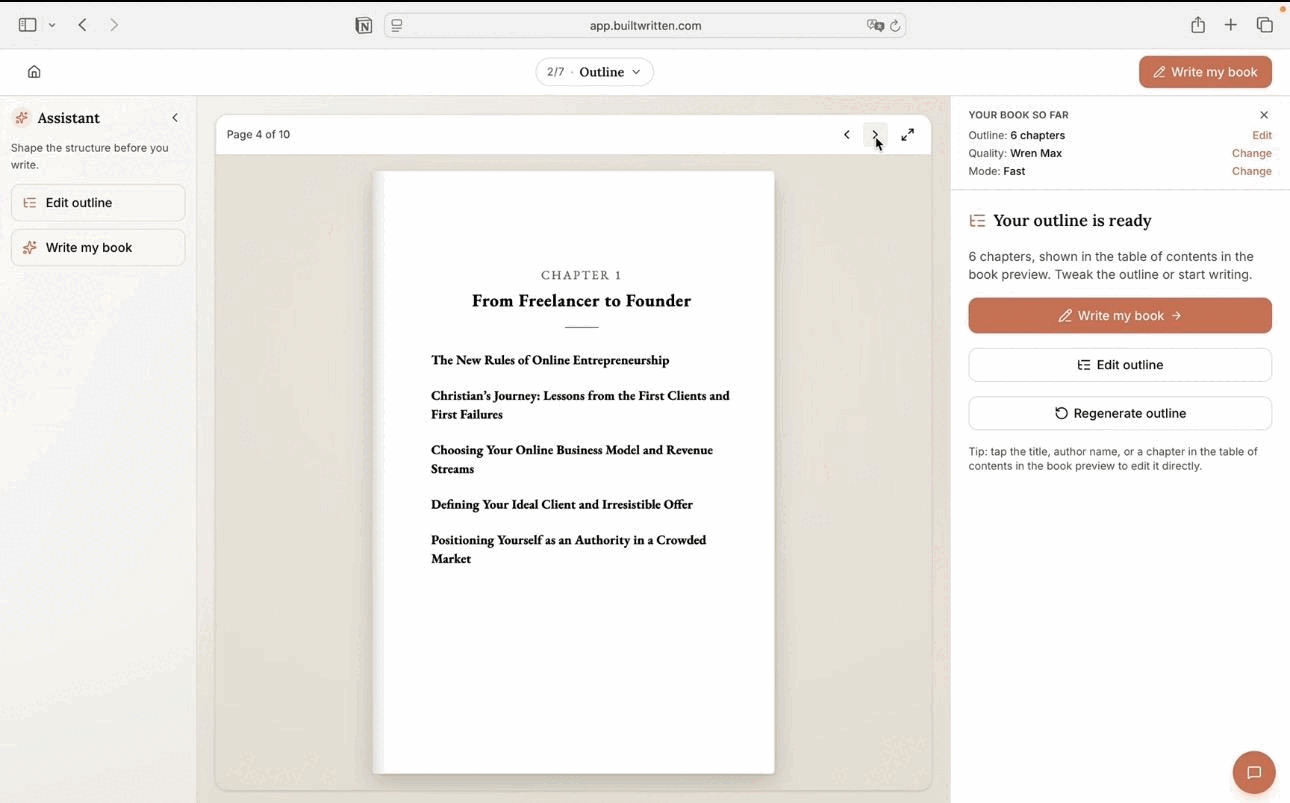
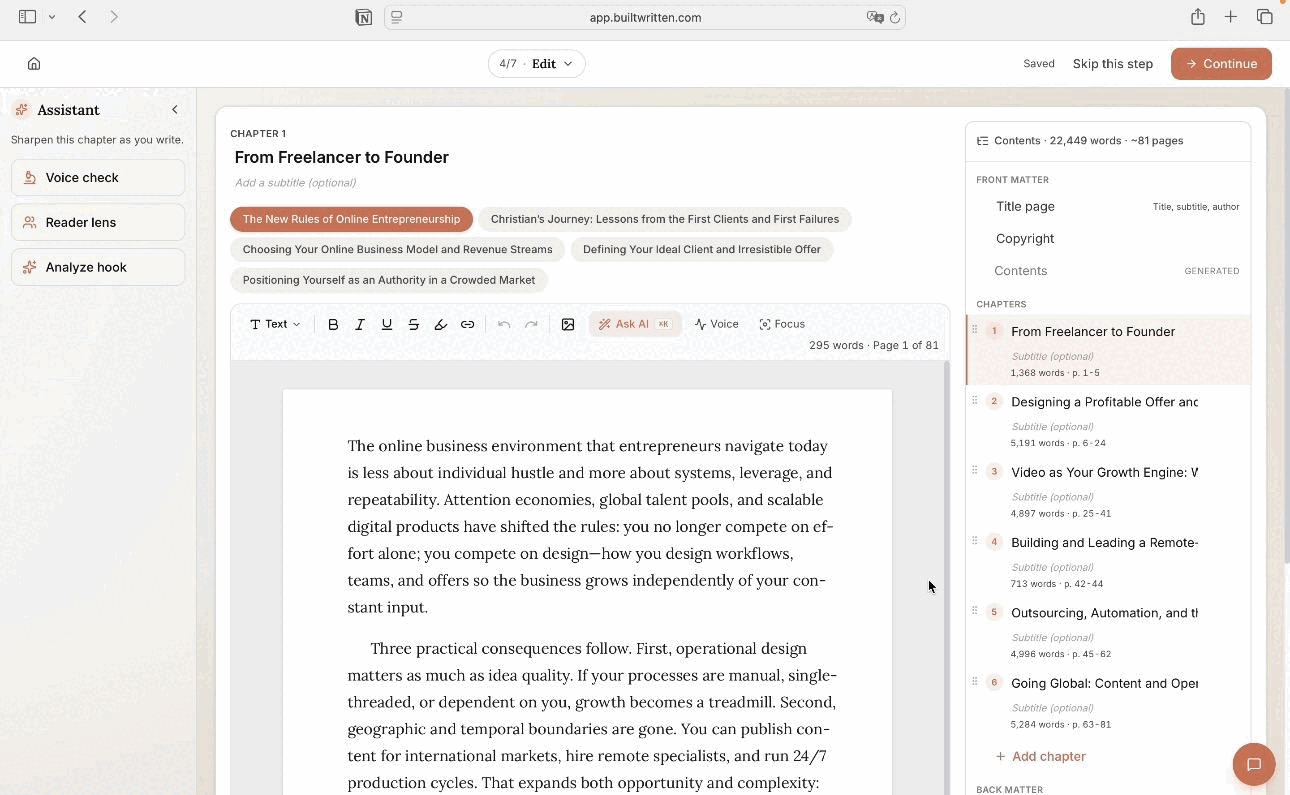
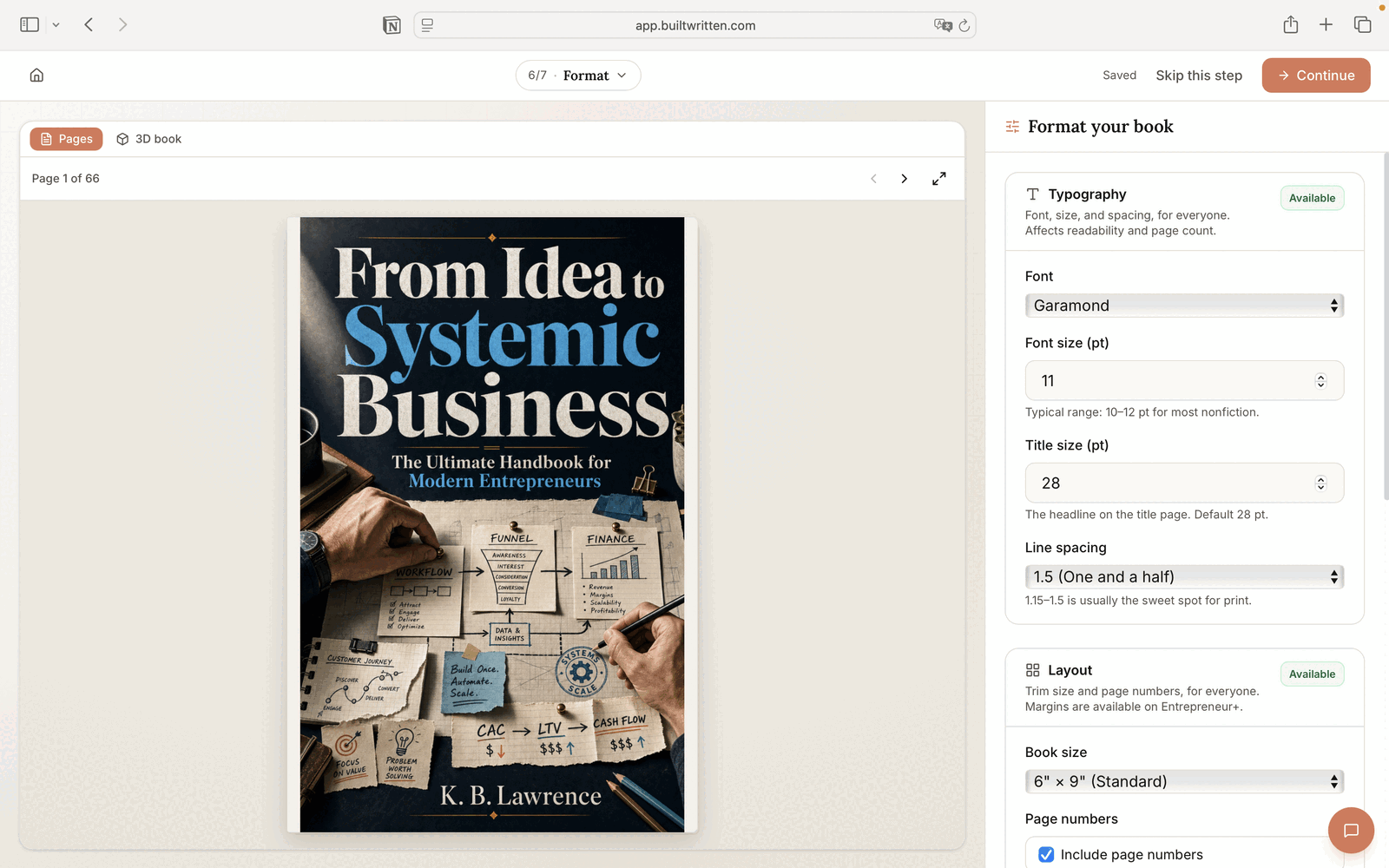
- Built&Written (see current plans). Took the notes and transcript as they were, proposed a chapter structure we could edit, and drafted the chapter in a voice matched to our own writing samples. The same project exported a KDP-formatted PDF, ePub, and DOCX, with the cover designer handling spine math. The only tool to pass all four stages. It is not a human editor or ghostwriter, and it does not print books: you upload the files to KDP yourself.
Go deeper: For the AI category alone, read our AI book writing software deep dive.
5. The Scorecard: 10 Programs Against the KDP-Ready Stack Test
Here is how the ten tools scored. “Partial” means the stage is possible but most of the work is still yours.
| Tool | Category | Price (checked Sept 23, 2026) | Planning | Production | Packaging | Publishing |
|---|---|---|---|---|---|---|
| Built&Written | AI assembly | See plans: AI drafting, Voice DNA, covers, PDF/ePub/DOCX export | Yes | Yes | Yes | Yes |
| Atticus | Formatting | $147 one-time | No | Partial | Yes | Yes |
| Vellum | Formatting | $199.99 / $249.99 one-time, Mac | No | No | Yes | Yes |
| Reedsy Studio | Formatting | Free, add-ons from $4.99/mo | Partial | Partial | Yes | Yes |
| Kindle Create | Formatting | Free | No | No | Partial | Amazon only |
| Scrivener | Drafting | $59.99 one-time per OS | Yes | Partial | Partial | Partial |
| Microsoft Word | Drafting | $9.99/mo or $99.99/yr | No | Partial | Partial | Partial |
| Google Docs | Drafting | Free | No | Partial | No | Partial |
| Squibler | AI assembly | Free tier; Plus $29.99/mo | Partial | Yes | Partial | Partial |
| ChatGPT | AI assembly | Free; Plus $20/mo | Yes | Partial | No | No |
Competitor prices from each vendor's site on September 23, 2026 (Scrivener's desktop price via Kindlepreneur, as the store page lists it dynamically). Built&Written plans: builtwritten.com/pricing.
6. Which Book Writing Software Fits You
You are a founder or consultant with existing content. Years of posts, client notes, talk transcripts. Your problem is assembly, not typing. Built&Written is built for exactly this: it starts from your material, keeps your voice, and ends with a file KDP accepts. Ujjwal Majumder did this with his notes and published Nara-Simha on Amazon as a Kindle ebook and a paperback.
You are an expert starting from zero. Draft in Google Docs or Word, or in Scrivener if the book is long and complex. Use ChatGPT to pressure-test the outline. Choose a formatter once the draft is done.
You already have a finished manuscript. Skip drafting and AI. Atticus if you are on Windows or want one tool everywhere; Vellum if you are on a Mac and care most about the page; Reedsy Studio if you want to spend nothing. Built&Written also imports finished manuscripts for its KDP formatting and cover designer.
For the full toolchain around the book, from ISBN to launch, see our self-publishing software stack.
7. When You Need No Book Writing Software at All
Some books need no dedicated program. A short, text-only, ebook-first book can go to KDP as a clean Word or Google Docs file with consistent heading styles, and Amazon's free Kindle Create will preview it.
Software earns its cost when the material is scattered and needs assembling, when the print interior has to look professional, or when you plan more than one book. Otherwise, spend the money on an editor and the time on the writing.
Final thoughts
The best book writing software depends on where your book is today. For most founders and experts, it already exists in pieces: posts, client notes, talks given a dozen times. A formatter cannot help with that, and a blank page makes it worse. That gap is what Built&Written was made for. If your book is already written, Atticus or Vellum will serve you well.
Frequently asked questions
It depends on your starting point. With existing content, Built&Written covers every stage from notes to a KDP-ready file. From scratch, draft in Google Docs, Word, or Scrivener. For a finished manuscript, format in Atticus or Vellum.
Google Docs for drafting and Reedsy Studio for formatting, which exports EPUB and a print-ready PDF at no cost. Kindle Create is also free, but its files only work on Amazon.
AI can draft chapters, but the best results come from your own material. Built&Written works from your posts, notes, and transcripts and matches your voice. You still review and edit every chapter.
No. KDP accepts Word files, and Kindle Create is free. Dedicated software matters when you want a professional print interior, a cover with correct spine math, or files you can use outside Amazon.
Atticus, Google Docs, Word, Reedsy Studio, and Built&Written all work on both. Scrivener needs a separate license per operating system. Vellum is Mac only.
Sources & References
About the author

Khrystyna Balushka
More in AI Book Tools
Ready to write your book?
Turn your expertise into a professional book with Built&Written.