
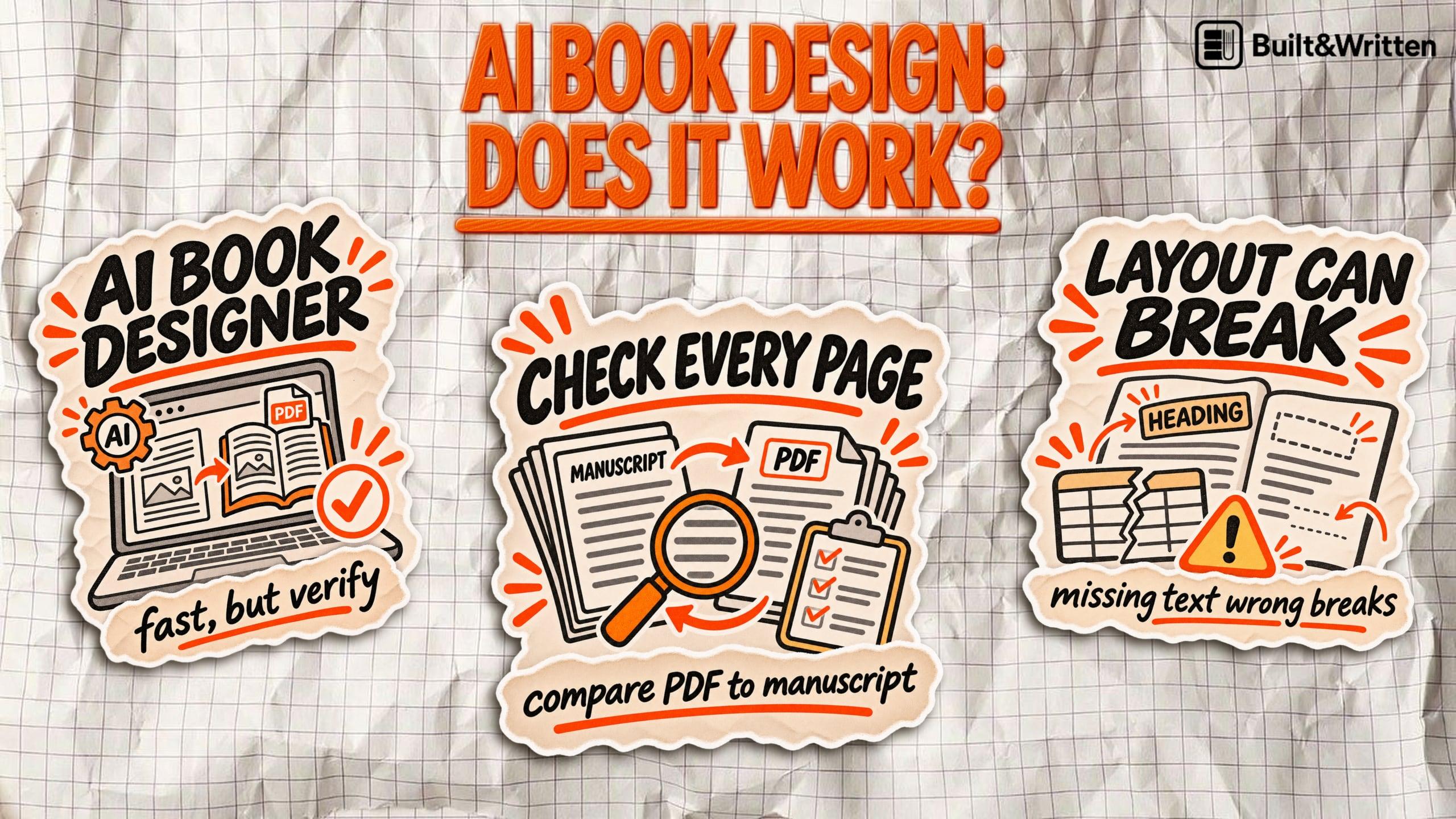

Can an AI Book Designer Lay Out Your KDP Print Book?
An AI book designer can turn your nonfiction manuscript into a polished PDF in minutes. But clean pages on a screen can hide incorrect margins, missing text, broken tables, and other problems that only become obvious when the book goes to print.
What does an AI book designer actually do?
An AI book designer is software that turns a manuscript into print-ready pages: page size, margins, chapter openings, page numbers and fonts. Instead of formatting every chapter by hand, it finds the headings, paragraphs and lists, then applies the same typography, spacing and page breaks throughout.
Tools sold as AI book design software work in different ways:
| Tool type | Examples | How it works | Print layout control |
|---|---|---|---|
| AI chatbots | ChatGPT, Claude | You attach the manuscript and ask for a PDF | Only what you ask for, and you check it |
| AI formatters | Bookalope, Inkfluence AI | Read the file, guess its structure, apply a template | Preset trim sizes and margins |
| Template formatters | Built&Written, Reedsy Studio | Find chapters from your headings and apply a fixed design, with no AI | Preset trim sizes and margins |
| Layout software | Adobe InDesign | You place every element yourself | Full control of page geometry and type |
Some tools sold as AI are plain automation. A preset chapter style gives consistent pages without a single design decision.
Outputs differ too: a fixed-page PDF for print, an editable document, or a reflowable EPUB for ebooks.
For Amazon KDP, what counts is reliable control over trim size, margins, bleed and pagination. An AI assistant in the interface adds nothing if those are wrong.
What does Amazon KDP require from a print book layout?
Amazon KDP doesn't judge a print interior by appearance alone. Your file must meet specific requirements for page dimensions, margins, bleed, fonts, and pagination. An AI book designer needs to get these details right before the book can be printed.
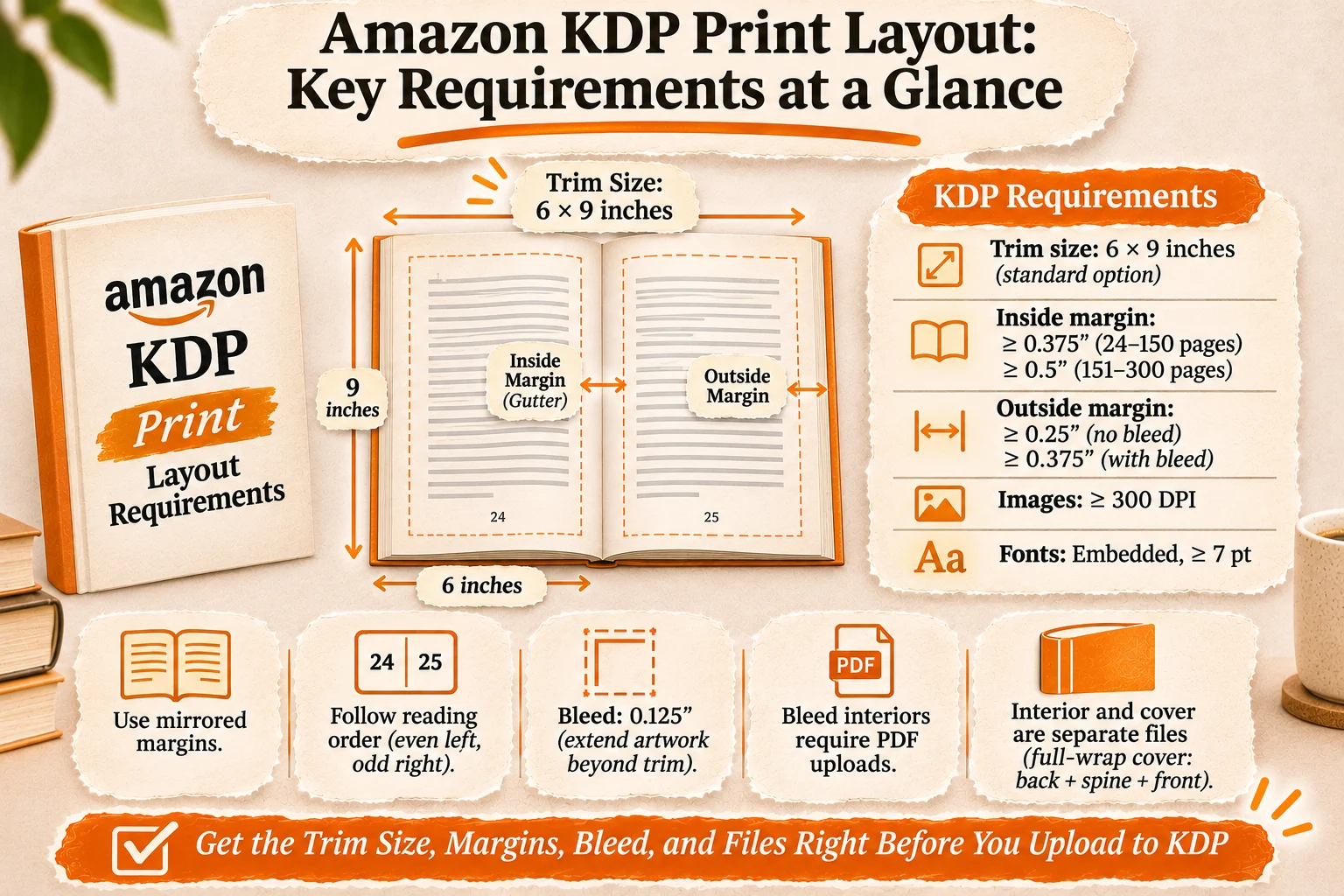
Start with trim size, the finished book's physical dimensions. A common choice for business nonfiction is 6 × 9 inches. Your interior pages must match that size unless you're including bleed.
Margins require particular attention. KDP's minimum inside margin, or gutter, increases with page count because thicker books need more space near the spine.
| KDP specification | Requirement |
|---|---|
| Trim size | 6 × 9 inches is a standard option |
| Inside margin, 24-150 pages | Minimum 0.375 inches |
| Inside margin, 151-300 pages | Minimum 0.5 inches |
| Outside margin, no bleed | Minimum 0.25 inches |
| Outside margin, with bleed | Minimum 0.375 inches |
| Images | Minimum 300 DPI |
| Fonts | Embedded, minimum 7 pt |
These figures come from Amazon KDP's official paperback submission guidelines.
Use mirrored margins so the gutter alternates correctly between left and right pages. Page numbers must follow the reading order, with even numbers on the left and odd numbers on the right for English books.
For full bleed, artwork must extend 0.125 inches beyond the top, bottom, and outside trim edges. Bleed interiors require PDF uploads. Without bleed, KDP also accepts formats including DOCX and RTF.
Finally, the interior and cover are separate files. The full-wrap cover includes the back, spine, and front, with dimensions calculated from the book's specifications.
Which parts of book formatting can AI handle well?
AI-assisted book formatting works best when the manuscript has a simple, predictable structure. Think of a 40,000-word business book with standard chapters, subheadings, short lists, and occasional quotations. Much of its interior layout follows repeatable rules, making it a good candidate for automation.
Dedicated formatting tools can help with several tasks:
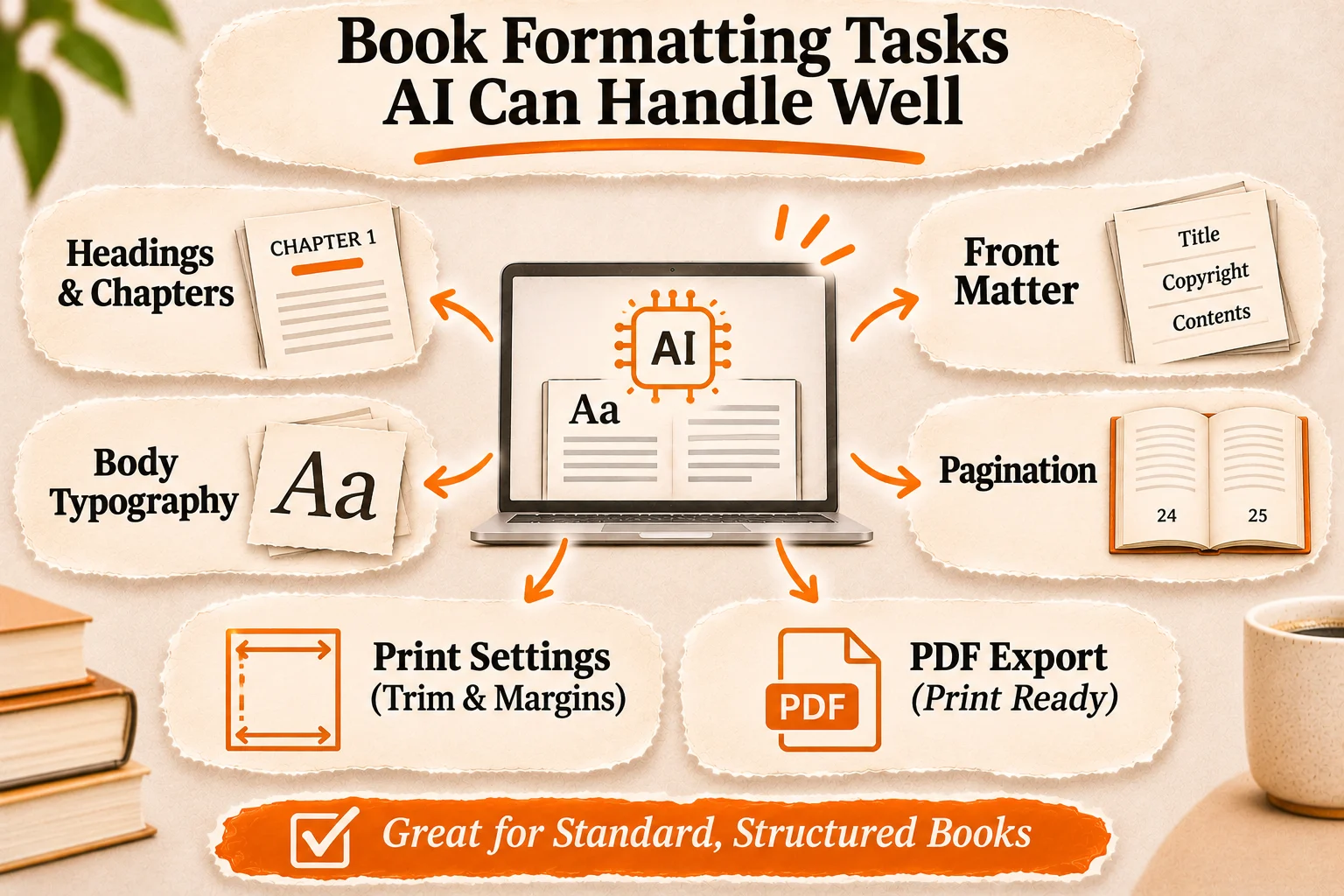
- Chapter and heading styles: Apply consistent fonts, sizes, spacing, and chapter openings throughout the manuscript.
- Body typography: Set paragraph indentation, line spacing, alignment, and readable text styles without adjusting each page individually.
- Front matter: Organize title pages, copyright information, and a table of contents when supported.
- Pagination: Insert chapter breaks, assign page numbers, and maintain consistent page layouts.
- Print settings: Apply preset trim sizes and margins, including settings appropriate for KDP.
- PDF export: Generate a fixed-layout interior file for printing when the platform offers that option.
A tool that offers a feature can still get it wrong. Automatic pagination can leave a heading alone at the bottom of a page, or break a chapter in the wrong place.
Treat the automated layout as a first draft. Check the exported PDF against the KDP table above before you call the interior finished. For what a finished interior gets right, see what typesetting means.
Where does AI book layout still go wrong?
A book can pass an automated formatting check and still look unfinished. AI-assisted layout tools struggle most when a manuscript contains elements that don't follow predictable formatting rules.
Common problems include:
- Misidentified headings: A chapter title formatted as bold text rather than a heading style may be treated as an ordinary paragraph, leaving chapters incorrectly combined.
- Poor page breaks: Headings can appear alone at the bottom of a page, while unnecessary breaks create excessive white space.
- Broken tables and diagrams: Tables may disappear, charts can shift, and worksheets may lose the spacing readers need to complete them.
- Incorrect margins: A narrow gutter can make text difficult to read near the spine. Wrong page dimensions can also prevent KDP approval.
- Font problems: Substituted or improperly embedded fonts can change line breaks and cause printing errors.
- Missing content: Importing or reformatting a manuscript can accidentally remove, duplicate, reorder, or alter text.
These problems showed up in Built&Written's November 2026 formatting test, where one 2,988-word nonfiction manuscript went through six tools. Reedsy Studio dropped a whole table, and Inkfluence AI dropped the subtitle, the author's name and the dedication, both without a warning. Built&Written kept every word but missed one unstyled chapter heading and left the dedication on the title page, both fixed on its Structure step. Three tools, Built&Written among them, printed the account or file name on the title page instead of the author's name, and Claude made the cleanest file.
Each tool ran once on a short manuscript, so read these as warning signs for your own file. In a nonfiction book built on frameworks, exercises and data, one lost table makes a chapter unusable.
Amazon's Print Previewer checks margins, cover size and fonts. It doesn't judge design.
Check both: the technical specifications and the reading experience. A PDF can pass every KDP check and still read badly.
How to use an AI book designer for a KDP paperback
An AI-assisted book designer can simplify formatting, but you still need to inspect the finished pages. Follow these seven steps before uploading your nonfiction book to Amazon KDP.
- Prepare your manuscript. Remove unnecessary line breaks, apply consistent heading styles, and check that tables, images, and chapter titles are correctly organized.
- Choose your print specifications. Select a trim size, such as 6 × 9 inches, along with your ink, paper type, and bleed settings. These choices affect the layout and printing requirements.
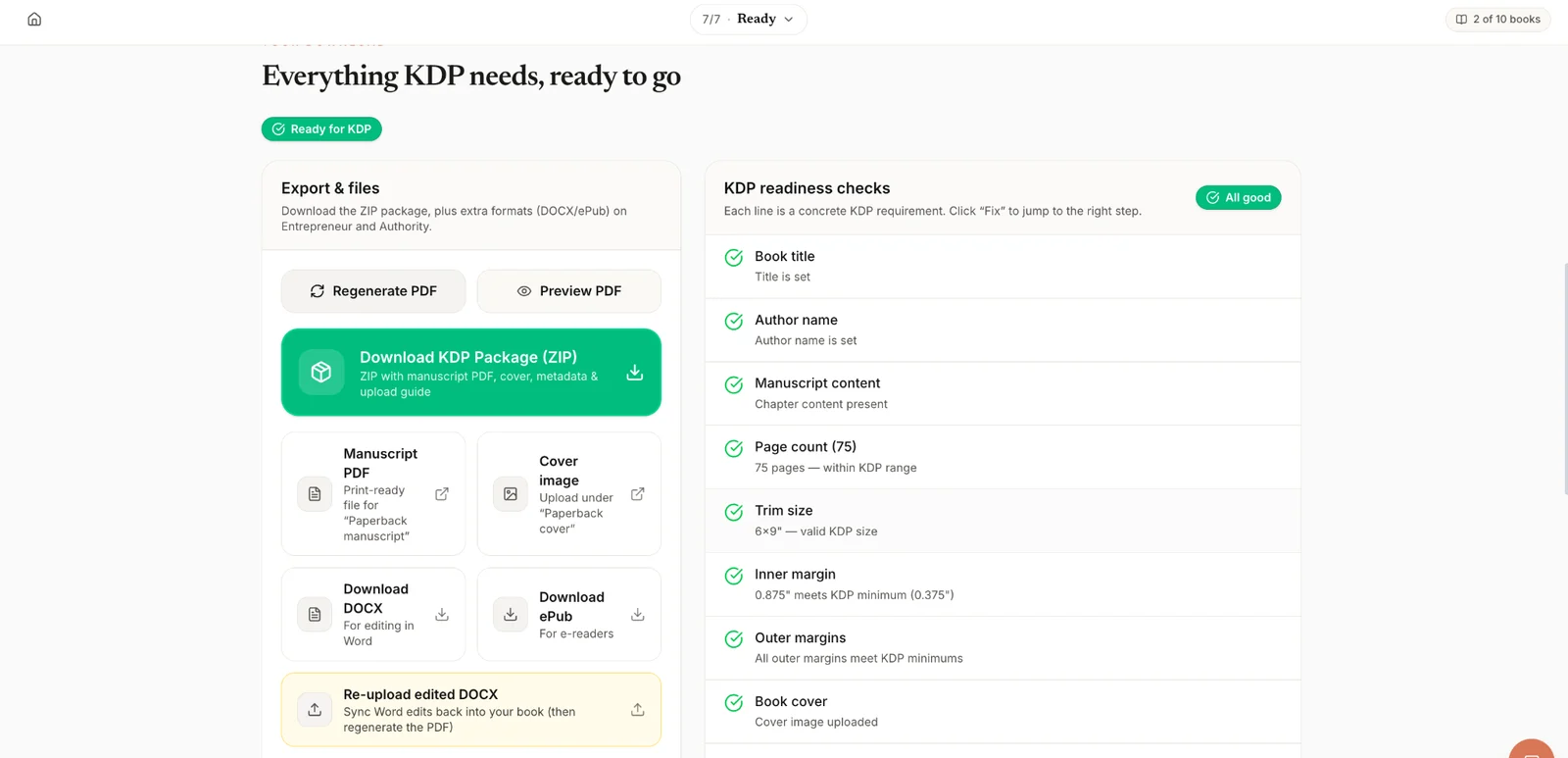
- Import and format the book. Upload your manuscript to a formatting platform. Built&Written's book formatter lets you check chapter divisions, choose typography, adjust spacing, and preview pages before exporting.
- Inspect the interior. Review every chapter opening, heading, page number, table, and illustration. Compare the formatted pages against your original manuscript to catch missing content.
- Export the print PDF. Confirm that page dimensions, margins, and fonts meet KDP's requirements. Keep the interior separate from the cover file.
- Run KDP Print Previewer. Upload your files through KDP and launch the previewer. Amazon checks issues involving margins, fonts, and cover dimensions.
- Fix errors and order a proof. Make corrections in your formatting project, export again, and inspect a physical copy for readability and printing problems.
Passing Print Previewer isn't final approval. Amazon also conducts a manual review after submission.
When should you use AI layout instead of a professional designer?
Structured practical nonfiction: Books with worksheets, tables, templates, exercises or callout boxes need closer attention. Some automated tools handle these elements. Check spacing, alignment and page breaks on every one of those pages.
Design-intensive publications: Books with complex illustrations, custom diagrams, unusual page layouts or a controlled visual system justify a professional designer. Designing those pages by hand is faster than correcting automated output again and again. Check what formatting services cost before you decide, and see what a designer adds in our guide to book interior design that sells.
| Your book | Best fit | Why |
|---|---|---|
| Chapters, headings, short lists | AI layout or a template formatter | The layout follows repeatable rules |
| Worksheets, tables, callout boxes | Automated layout, then a page-by-page check | A tool can drop a table without a warning |
| Custom diagrams, unusual layouts, a visual system | A professional designer | Correcting automated output takes longer than designing |
The deciding factor is how much correction your interior needs. If automated formatting gives clean, consistent pages with a few adjustments, it's enough. If you're rebuilding layouts or fixing problems on nearly every page, a professional is the better investment.
Either way, you're responsible for the final print quality.
The verdict: Can AI produce a print-ready KDP book?
For straightforward nonfiction, AI layout is enough, as long as you check what it produces. Keep three outcomes apart: a file that looks finished, a file that passes KDP's checks, and a printed book that reads well.
AI-assisted layout cuts the repetitive formatting work, provided you verify the exported PDF, check every page and inspect a printed proof. Interiors built on tables, worksheets and custom graphics need a designer.
Upload your finished manuscript to Built&Written and fix the chapter structure. It checks page count, trim size and margins against KDP's rules before you download, and then you upload the files to KDP yourself.
Frequently asked questions
Yes, for a simple book. AI and template tools can organize chapters, apply typography, set KDP margins and export a print PDF. Check the final file against KDP's specifications and order a proof before you publish.
Not without an account. In Built&Written's November 2026 test, logged-out ChatGPT described a sensible layout but made no PDF and asked the user to log in. Signed-in ChatGPT wasn't tested, so if it gives you a PDF, check the page size, margins and embedded fonts yourself.
Sometimes. In Built&Written's test, Claude and Built&Written kept the manuscript's table, while Reedsy Studio dropped it without a warning. Worksheets weren't part of the test, so inspect every table, image and worksheet page after export.
Not necessarily. Standard nonfiction layouts work well with automation. Books with intricate page layouts or custom visual elements benefit from a professional designer.
No, not for layout alone. KDP's content guidelines require disclosure for AI-generated text, images or translations. Content you created and improved with AI tools counts as AI-assisted and needs no disclosure, and your file still has to meet the same print rules as any other book.
Confirm the page size, embedded fonts and margins, and check that no content is missing. Then run KDP's Print Previewer and inspect a printed proof before publication.
Sources & References
About the author

Polina Karlashchuk
More in AI Book Tools
Ready to write your book?
Turn your expertise into a professional book with Built&Written.