
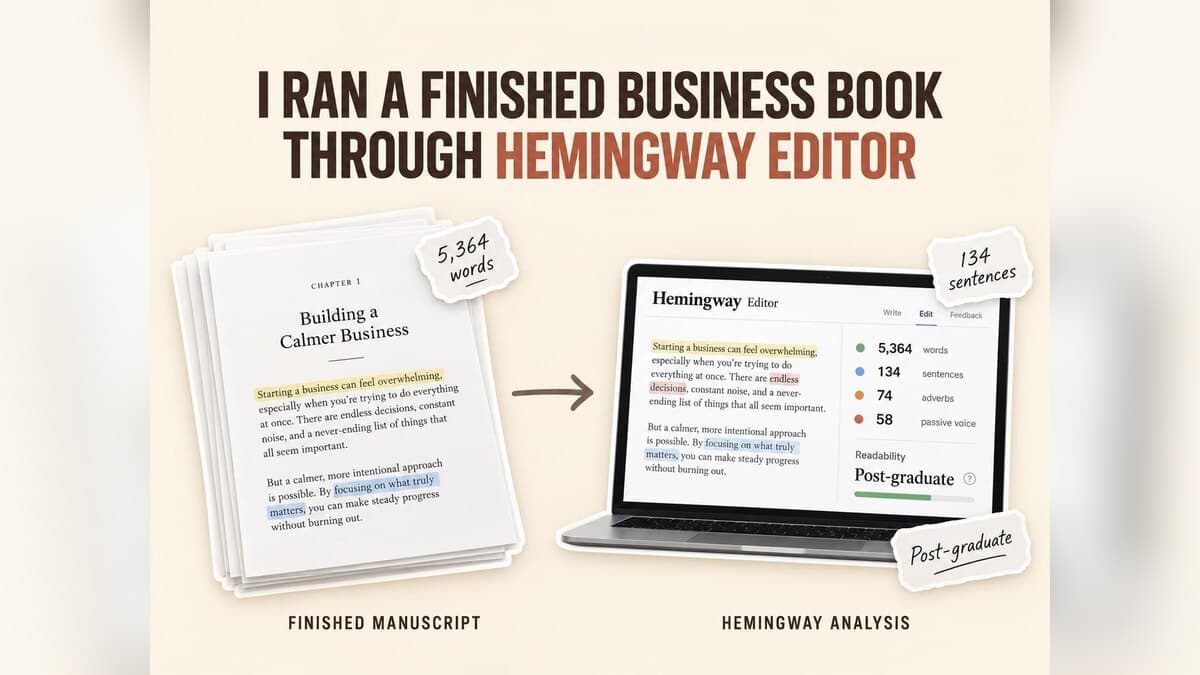

I Ran a Finished Business Book Through Hemingway Editor
Key takeaways
- Who this is for: founders, consultants, and experts who have content (posts, notes, talks) but no book yet, and want to know which tool actually gets them to one.
- What it is: Hemingway Editor is a free readability checker. It highlights long sentences, adverbs, passive voice, and words with simpler alternatives in text you have already written.
- Can it write a book? No. It checks sentences one at a time. It does not draft chapters, build a structure, or prepare files for Amazon KDP.
- Our test: a 5,364-word business book chapter scored Post-graduate, with 107 of 134 sentences flagged. Some flags were useful, three would have made the chapter worse, and none touched the chapter's real problems: repetition and structure.
- Where Built&Written fits: it works one stage earlier, turning posts, notes, and transcripts into a structured nonfiction book in your voice and exporting KDP-ready files. Hemingway can then serve as a final sentence check.
- Price, checked September 24, 2026: the web version is free; Hemingway Editor Classic is $19.99 one-time; Hemingway Editor Plus with AI rewrites starts at $100 a year.
To see how far a readability checker goes on a real book, we ran a finished business book chapter through it. Here is what it caught, what it missed, and what that means if you are writing your first book. Who this is for: founders, consultants, coaches, and experts who already share their expertise in posts, talks, or client work but do not have a book yet.
About Built&Written: Built&Written is an AI book creation platform for founders, consultants, and experts. It turns material you already have (posts, notes, talk transcripts) into a structured nonfiction book in your own voice, then formats it and exports KDP-ready PDF, ePub, and DOCX files. You review and edit every chapter, so the book stays yours.
1. What Is Hemingway Editor?
Hemingway Editor is a readability checker, named after Ernest Hemingway's short, plain sentences. You paste in text, and it colors the parts that are hard to read: yellow and red for long or tangled sentences, blue for adverbs and passive voice, purple for words with a simpler alternative. It also gives the text a reading grade level.
What it does not do matters just as much for a first-time author. The free version does not write text, suggest a chapter structure, check spelling or grammar, or compare one chapter with another. It needs a finished text to work on. So the short answer to “can Hemingway Editor help write a book?” is: it can help you polish sentences you have already written, not create the book.
2. How We Tested Hemingway Editor on a Real Business Book
On September 24, 2026, we pasted one complete chapter into the free web version with default settings. The chapter is Chapter I of Frederick Winslow Taylor's The Principles of Scientific Management (1911), from the Project Gutenberg edition: a finished, influential business book in the public domain, so anyone can repeat the test. Taylor wrote long 1911 sentences, so a modern draft will score better, but the pattern of what Hemingway flags holds for any manuscript. We did not buy the paid versions; their details come from Hemingway's own pages.
3. Is Hemingway Editor Good for Books? What It Flagged
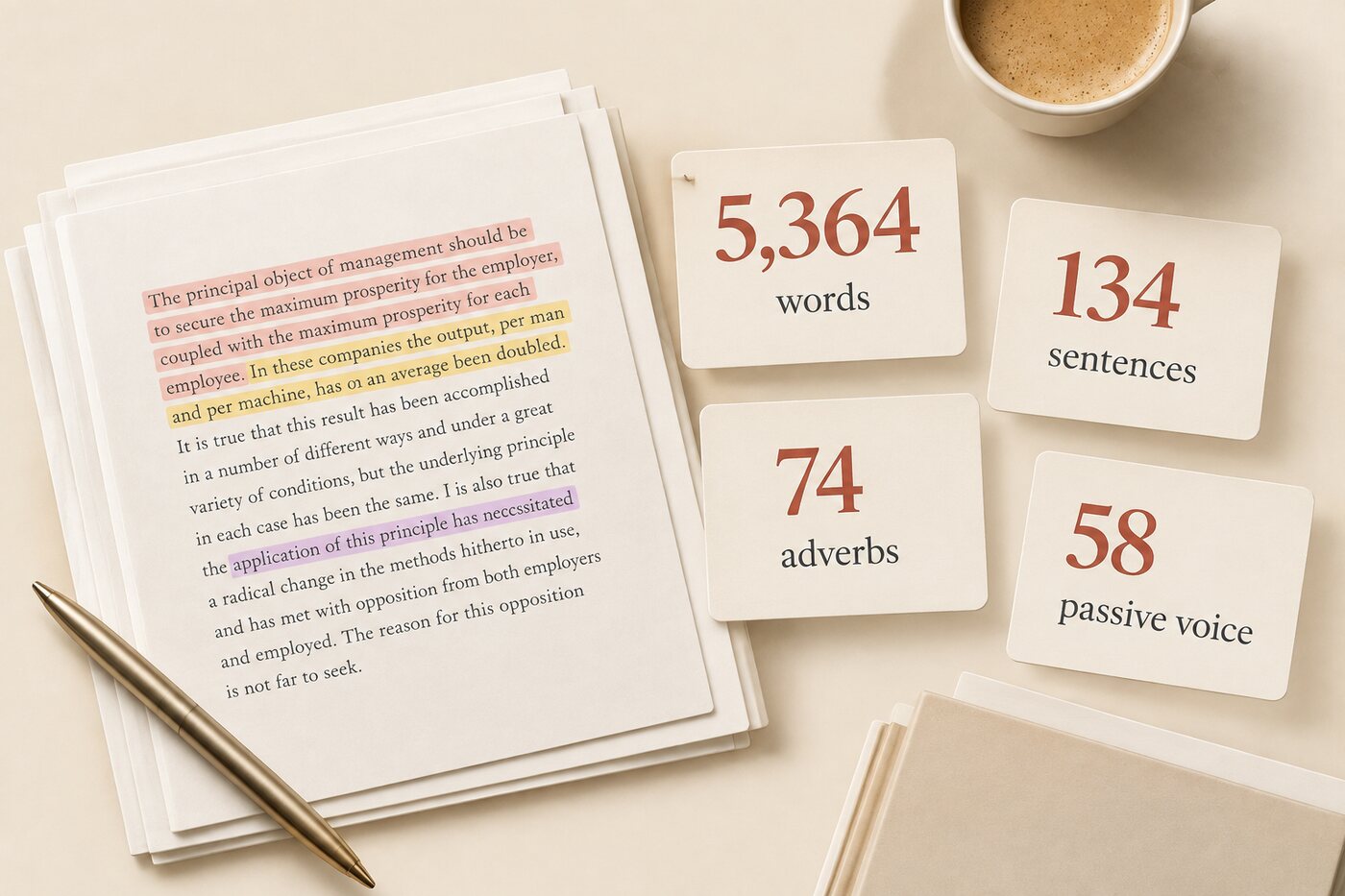
Hemingway graded the 5,364-word chapter Post-graduate (“Poor. Aim for 9”) and highlighted 107 of its 134 sentences. The main counts:
- Useful: many adverbs (“very,” “just,” “entirely”) did no work, and the phrase “as to” was flagged 11 times for good reason.
- Repetitive: 14 of the 60 “simpler word” flags were the same word, “maximum,” which is the author's key term.
- The takeaway: Hemingway is good at showing which sentences are heavy. It is a sentence checker, not a book editor.
| What Hemingway flags | Count in our chapter | Hemingway's target |
|---|---|---|
| Hard or very hard to read sentences | 107 of 134 | As few as possible |
| Adverbs | 74 | 21 or fewer |
| Passive voice | 58 | 27 or fewer |
| Words with simpler alternatives | 60 | None given |
| Readability grade | Post-graduate | Grade 9 |
Hemingway Editor free web version, Chapter I of The Principles of Scientific Management, run September 24, 2026.
4. Three Hemingway Suggestions That Would Make the Book Worse
A book carries an argument across many pages. Hemingway's rules do not know that, so some flags point the wrong way:
- The thesis sentence. “The principal object of management should be to secure the maximum prosperity for the employer, coupled with the maximum prosperity for each employee.” Flagged as very hard to read. Split it, and you lose “coupled with,” the whole point: both sides win at once.
- A term being named. “‘Soldiering,’ as it is called in this country.” Flagged as passive voice. But passive voice is the normal way to introduce a term.
- The key result. “The output, per man and per machine, has on an average been doubled.” Flagged as passive. An active version would have to credit either workers or managers, and Taylor's point is that they did it together.
The flip side: The one sentence written in a worker's plain voice, “Why should I work hard when that lazy fellow gets the same pay that I do and does only half as much work?”, got no highlight at all. That is Hemingway's real value: it rewards the way people talk.
5. What Hemingway Editor Cannot Do for a Nonfiction Book
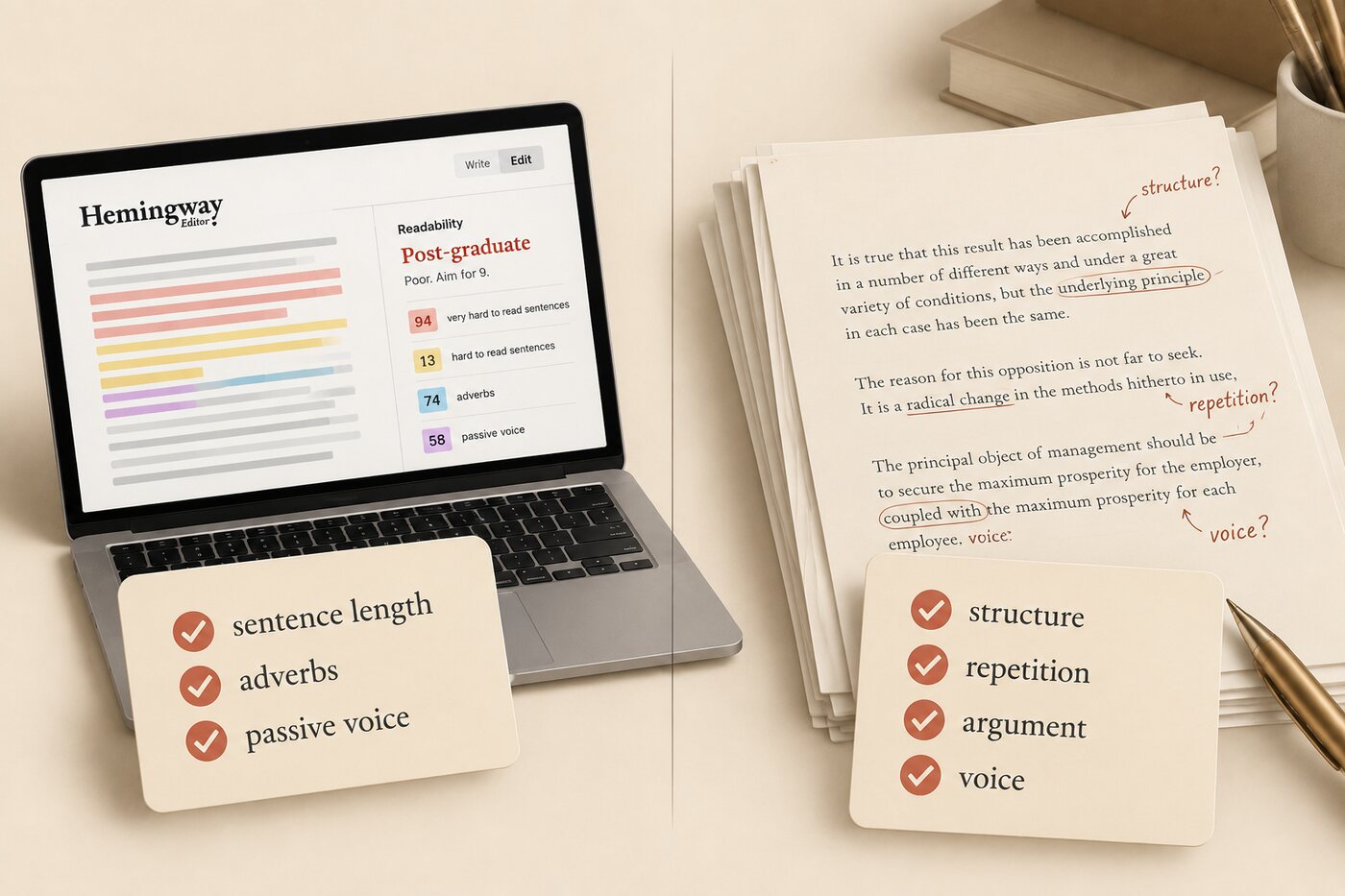
Hemingway reads one sentence at a time. The chapter's real problems sit above the sentence, and none of them was flagged:
- Repetition. The same claim about 30 to 100 percent higher wages appears three times.
- Structure. About a quarter of the chapter (1,417 words) is a quotation from Taylor's earlier paper, and it promises eight times that proof will come “later.”
- Hidden typos. The text says “employer and employs” instead of “employees.” Because “employs” is a real word, only a human reader catches it.
- The whole book. Hemingway sees one pasted document, so it cannot tell whether Chapter 7 contradicts Chapter 2 or whether the voice drifts.
What this means: Structure, repetition, and argument are the job of a human editor; our guide to book editing services explains the types and costs. And if your problem is that the book does not exist yet as a structured manuscript, no sentence checker can help: that is a book creation problem.
6. Is Hemingway Editor Free? Free, Classic, and Plus
Prices checked on Hemingway's own pages on September 24, 2026:
- Hemingway Editor (web): free. Everything in our test. Grammar fixes, AI rewrites, and document feedback are locked to Plus.
- Hemingway Editor Classic: $19.99 one-time. A Mac and Windows app with the same highlights offline. Its page says it does not include the new AI features.
- Hemingway Editor Plus: from $100 a year. Adds AI sentence rewrites (5,000 a month on the $100 plan, 10,000 on the $150 plan), grammar fixes, tone changes, and document feedback. There is a two-week trial.
7. Hemingway Editor vs AI Writing Tools and Book Creation Software
“AI writing tool” covers very different products, and a new author can easily buy the wrong one. It helps to see creating a nonfiction book as stages:
1. Material (your posts, notes, talks) → 2. Structure and draft → 3. Editing (argument, then sentences) → 4. Proofreading → 5. Formatting and publishing on Amazon KDP.
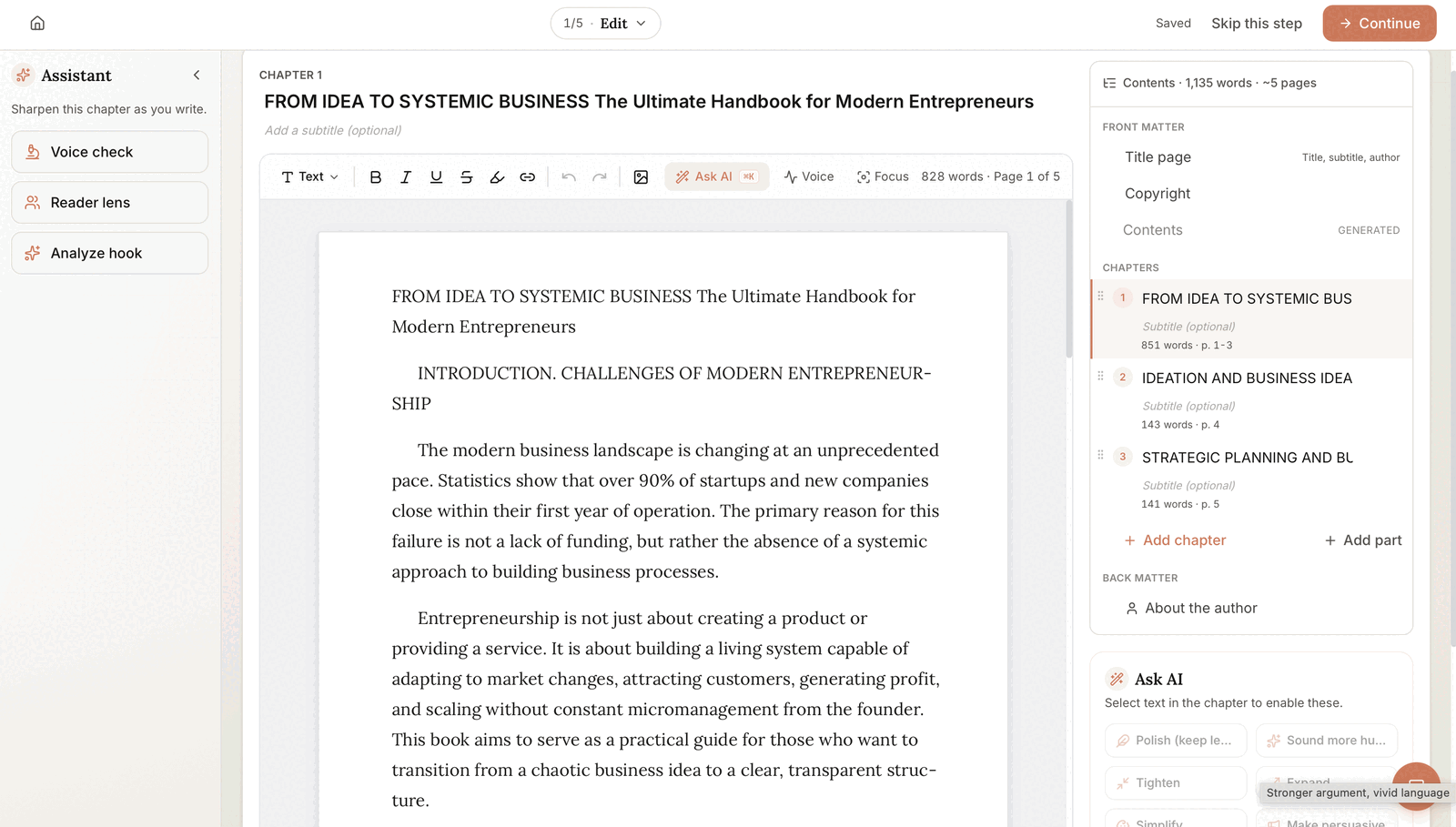
Editing software such as Hemingway, Grammarly, and ProWritingAid works on stages 3 and 4: it improves text that already exists. Book creation software works on stages 2 and 5. Built&Written is in that second group: it structures your existing material into chapters, drafts them in your voice with Voice DNA, and exports files for KDP. Its editor also has an assistant panel that runs Polish, Tighten, and Simplify on a passage you select, a passage-level edit you control rather than a whole-manuscript pass. For a wider comparison, see our guide to the best AI book writing software for nonfiction.
- Your book is written? Use Hemingway free for readability and Grammarly or ProWritingAid for errors, then a human editor for the argument.
- Your book is still in posts, notes, and transcripts? Start with Built&Written, and use a readability checker at the end.
- Worried AI will flatten your voice? Read six signs writing sounds like AI and our piece on AI versus human writing quality.
| Tool | Stage it covers | Price (Sept 24, 2026) | Best for |
|---|---|---|---|
| Built&Written | Structure, draft, passage edits, KDP-ready export | See pricing | Experts turning existing material into a finished book |
| Hemingway Editor | Sentence readability | Free; Classic $19.99; Plus from $100 a year | A quick readability check on written chapters |
| Grammarly | Grammar, spelling, tone | Free; Pro $12 a month | Catching errors in everything you write |
| ProWritingAid | Grammar and in-depth style reports | Free (500 words per check); Premium $120 a year | Detailed reports on a finished manuscript |
Competitor prices from each company's own pricing page, September 24, 2026.
8. How Built&Written Helps Turn Your Ideas Into a Book
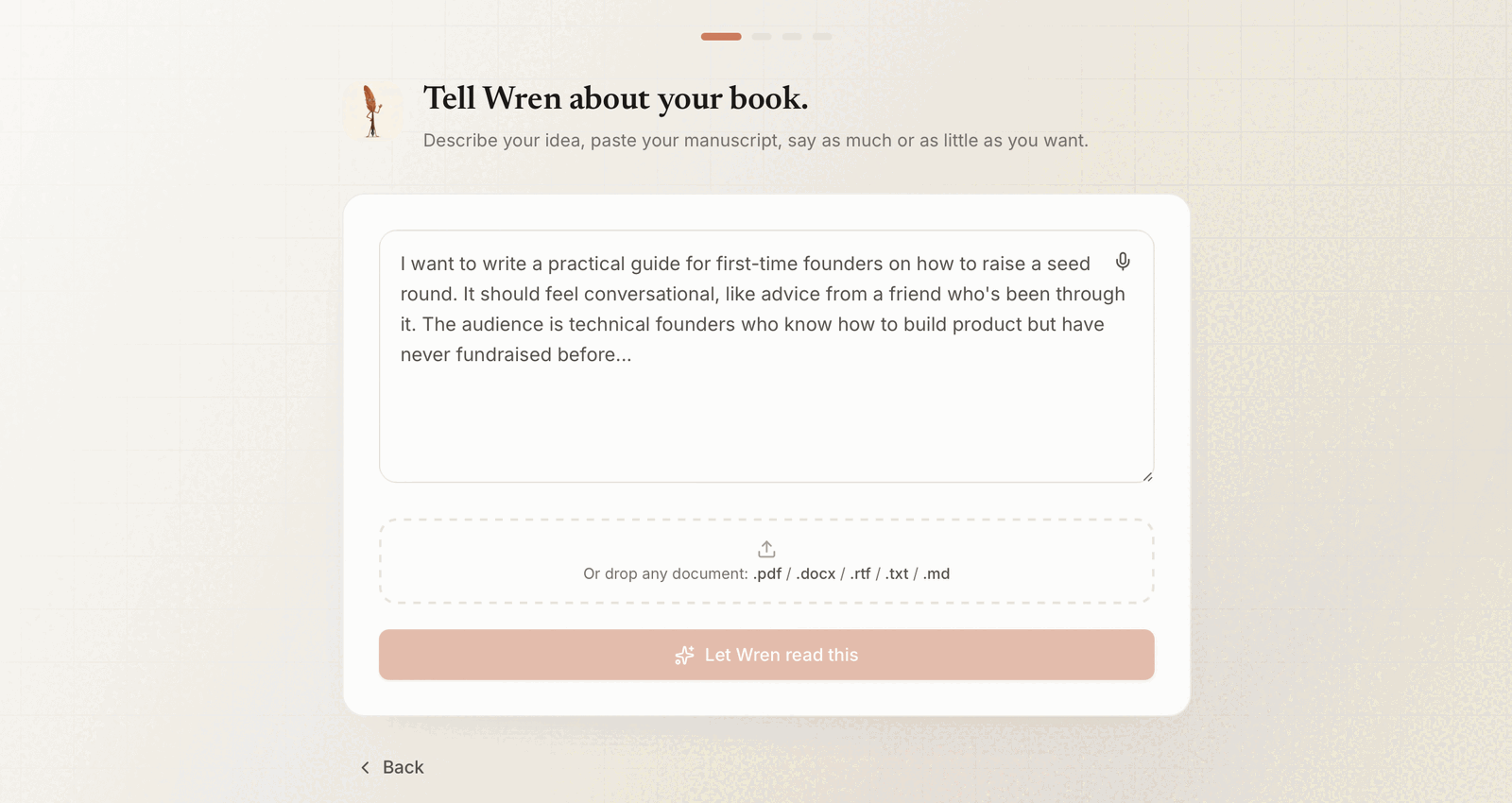
Most experts do not lack material. They have years of posts, client notes, and recorded talks, and no time to turn them into chapters. That gap between ideas and a manuscript is where Built&Written works:
Posts, notes, and transcripts → structured nonfiction book → KDP-ready files.
A concrete example: “I have 100 LinkedIn posts. What next?” Say you have posted about your field for two years. If an average post runs about 200 words, 100 posts hold roughly 20,000 words of your thinking, but in feed order, with the same ideas repeated and no beginning or end. Hemingway would grade each post's sentences. It would not tell you which 30 posts belong in Chapter 1. Here is what changes when you take the same posts through Built&Written:
- You already have the expertise and the material. Paste or upload what you have written or said; our walkthrough on how to write a book from notes shows how much of a book is often already there.
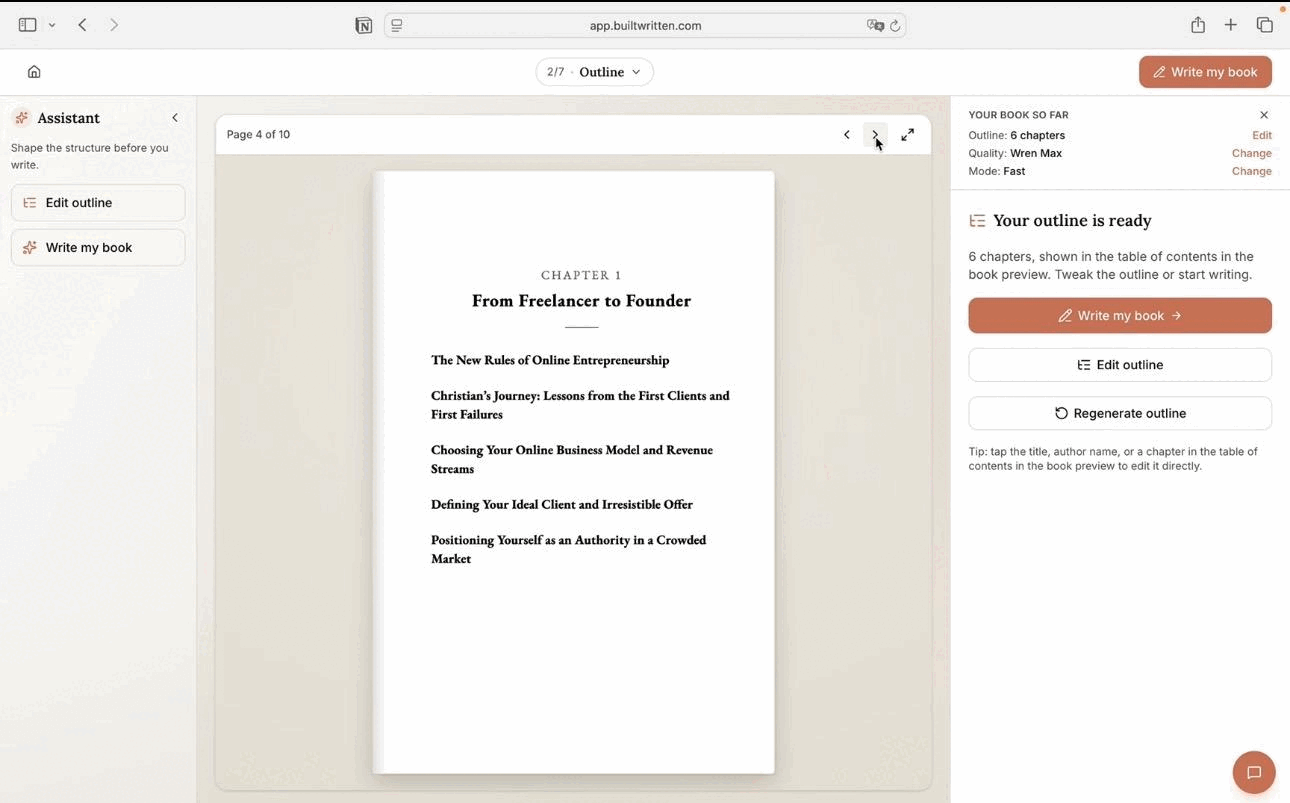
- AI proposes the structure. Wren, the platform's AI, suggests a chapter outline you can reorder and rename before drafting. See three proven nonfiction book structures.
- You stay the author. Voice DNA learns from your own writing so the draft sounds like you, and you edit every chapter in the editor.
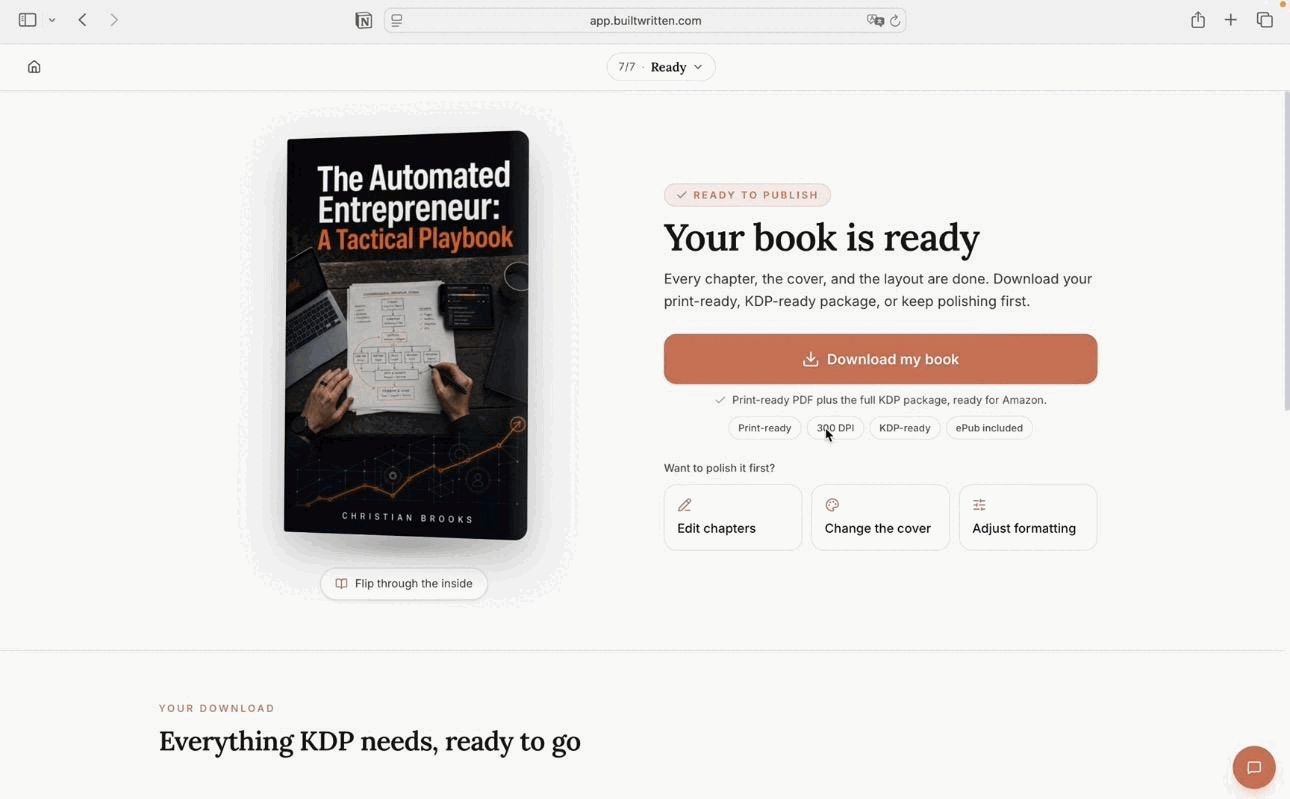
- The book is ready for Amazon. Export a formatted interior PDF, ePub, and DOCX, then upload them to KDP yourself. Our guide on how to self-publish a book covers the full route, and can you publish an AI-written book on KDP covers Amazon's disclosure rules.
| Before: 100 LinkedIn posts | After: a book draft in Built&Written | |
|---|---|---|
| Order | Feed order, newest first | A proposed chapter outline you can reorder and rename |
| Repeated ideas | The same point made in many posts | Related posts grouped into one chapter, so duplicates are easy to spot and cut while you edit |
| Voice | Yours, but scattered | Voice DNA learns from the posts, so the chapters read like you |
| Gaps | Invisible | Visible once the outline is laid out: you see which chapter still needs a story or example |
| Result | Posts that disappear in the feed | A manuscript you edit chapter by chapter, then export as KDP-ready files |
How the same material looks before and after structuring. You paste the posts in yourself; Built&Written does not connect to LinkedIn.
Final thoughts
Hemingway Editor did what it promises: it measured a 5,364-word chapter in seconds, for free, and pointed at heavy sentences. It also flagged the author's thesis and missed a typo, a quarter-chapter quotation, and a repeated claim. The lesson for a first-time author is about order: build and structure the book first, edit the argument next, and use a readability checker last.
If you have the expertise but no book, you are not starting from zero. Your posts, talks, and client notes are the raw material. The missing piece is the structure.
Frequently asked questions
A readability checker. It highlights long sentences, adverbs, passive voice, and complex words in text you paste in, and gives it a grade level. The web version is free.
No. The free and Classic versions only analyze text you have already written. Plus adds AI rewrites of single sentences, but it does not draft chapters or structure a book.
No. It checks readability sentence by sentence. A book also needs a check of structure, argument, repetition, grammar, and spelling, which takes a human editor plus a grammar tool.
The free web editor and the $19.99 Classic app work by fixed readability rules. AI rewrites and grammar fixes come only with Hemingway Editor Plus, from $100 a year as of September 24, 2026.
Editing software (Hemingway, Grammarly, ProWritingAid) improves text that already exists. Book creation software, such as Built&Written, helps you get from raw material to a structured manuscript and publish-ready files.
Collect what you already have: posts, articles, talk transcripts, client notes. Put it in one place, then build a chapter structure from it before writing anything new. A book creation tool like Built&Written proposes that structure from your own material, and you edit it before any drafting starts.
Yes. A tool like Built&Written takes your notes, posts, or transcripts, proposes a chapter structure, and drafts the chapters in your voice. You then review and edit every chapter.
AI can draft one, but a useful nonfiction book still needs your expertise, examples, and review. The strongest results come from AI working on your own material rather than from a blank prompt.
It depends on the stage: book creation platforms like Built&Written for structure and drafting, general assistants for brainstorming, and editing tools like Hemingway or Grammarly for sentences and errors.
Yes. Amazon KDP accepts AI-assisted and AI-generated books. Its content guidelines ask you to disclose AI-generated content when you publish; AI tools used only to edit or refine your own writing need no disclosure.
Sources & References
About the author

Khrystyna Balushka
More in Writing
Ready to write your book?
Turn your expertise into a professional book with Built&Written.