

Is Publisher Rocket Worth It for a Nonfiction Book?
Key takeaways
- What is Publisher Rocket? Desktop software for Amazon book research. It estimates keyword searches, finds KDP categories, analyzes competing books, and builds keyword lists for Amazon Ads.
- How much does Publisher Rocket cost? $199 one-time (checked September 24, 2026), with a 30-day money-back guarantee. It runs on Mac, Windows, and Chromebook.
- Is Publisher Rocket free? No. There is no free version and no trial period.
- Is Publisher Rocket worth it? Yes for authors with several books or anyone running Amazon Ads. For a single nonfiction book that sells through your own network, free KDP keyword research covers what you need.
- Free Publisher Rocket alternatives: Amazon's search bar and autocomplete, KDP's own help pages, and Built&Written's free KDP Keywords Generator. None of them estimates search volume.
- Our test: seven KDP keywords and a category check for a real nonfiction-shelf title, by hand, in under an hour. Four keywords had autocomplete support; three were educated guesses, which is where Rocket's estimates would have helped.
This Publisher Rocket review answers the questions people ask before buying: what the tool does, how much it costs, whether there is a free version, who it pays off for, and which free alternatives exist. The evidence is a dated test of free KDP keyword research on one real title, Nara-Simha, with every point marked where Rocket's data would have changed a decision.
Disclosure: Publisher Rocket is made by Dave Chesson, who also runs the Kindlepreneur blog, and its affiliate program pays $60 per sale. Many reviews earn that commission. Built&Written has no affiliate link to Rocket.
About Built&Written: Built&Written is an AI book creation platform for founders, consultants, and experts. It turns material you already have (posts, notes, talk transcripts) into a structured nonfiction book in your own voice, then exports KDP-ready PDF, ePub, and DOCX files. Its free KDP tools, like the KDP Keywords Generator, cover the listing side.
1. What Is Publisher Rocket and How Does It Work?
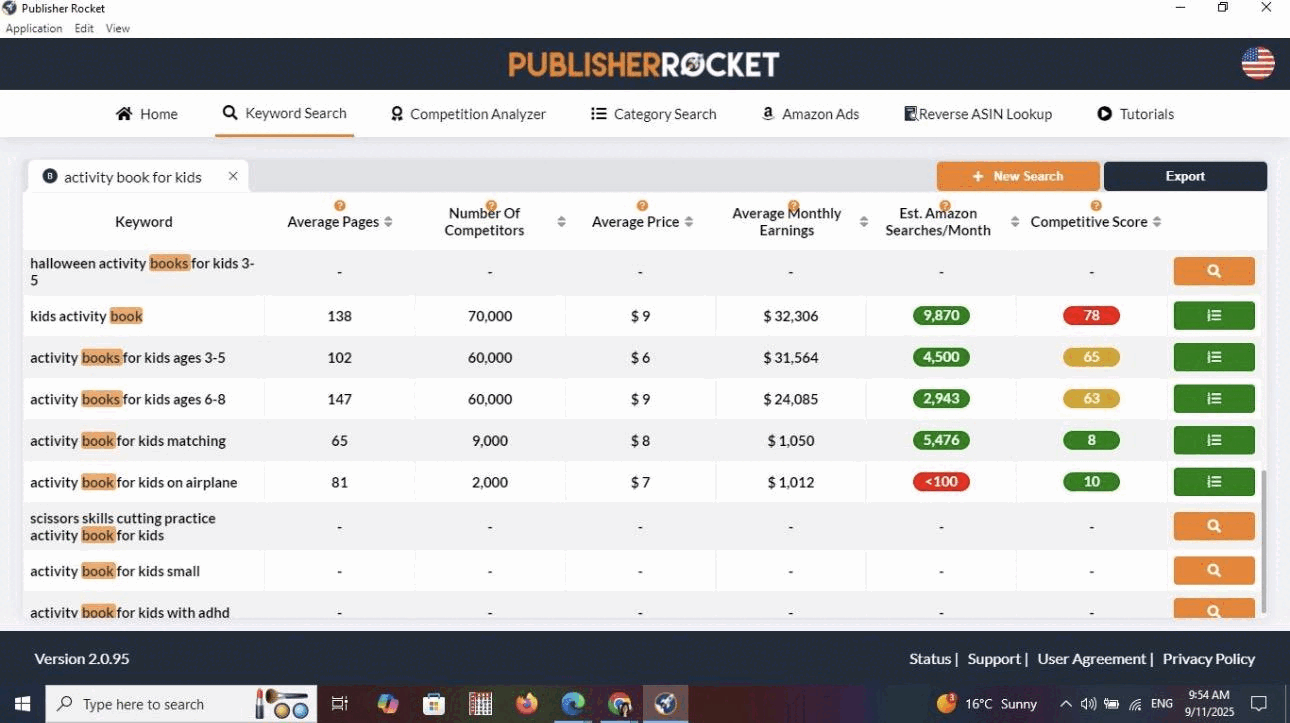
Publisher Rocket is paid desktop software that researches Amazon's book market for you. You type a phrase or a category, and it returns estimates of how often shoppers search for it, how much competing books sell, and how hard it is to rank. Its tutorials page lists the tools:
- Keyword Search. Shows related phrases with estimated Amazon searches per month, a competitive score, and the average monthly earnings of the books that rank, as independent reviews describe it.
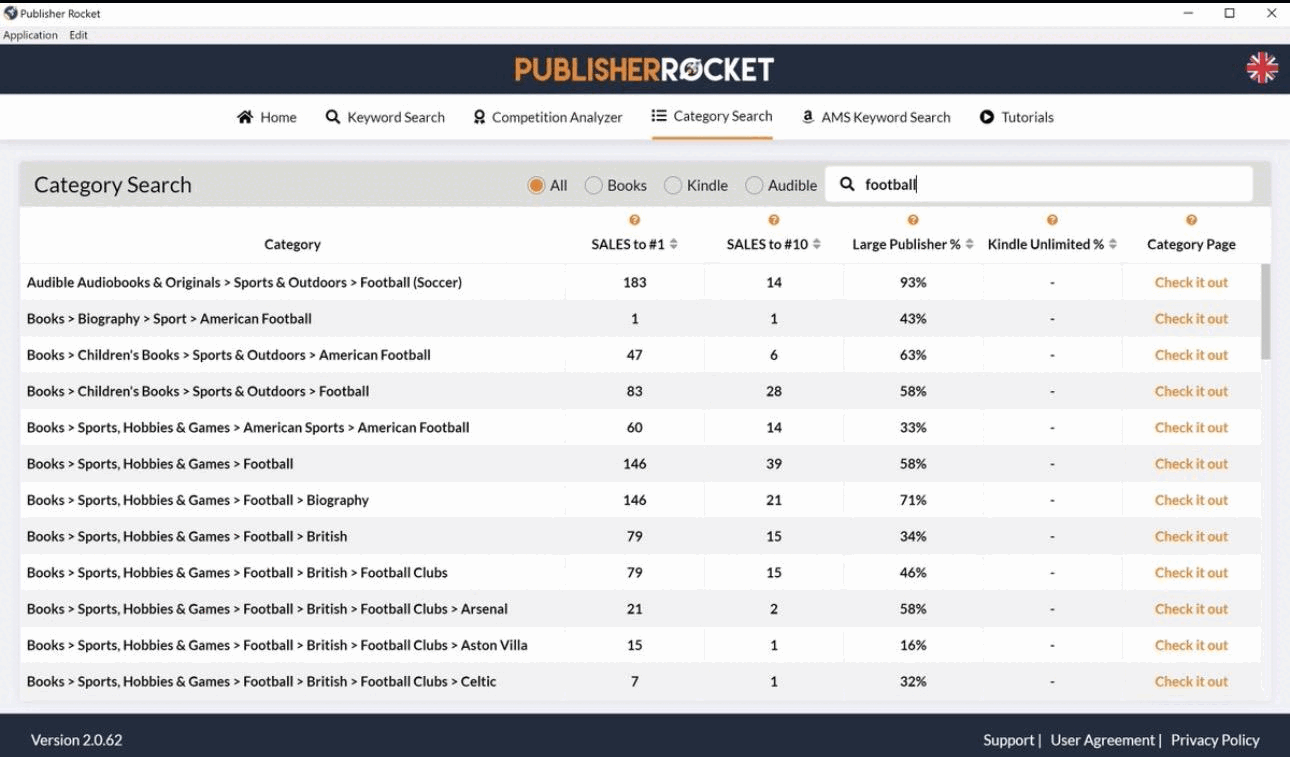
- Category Search. Covers Amazon's 19,000+ book categories, per Rocket's site, with the sales needed to reach the top of each and flags for ghost and duplicate categories.
- Competition Analyzer. Shows the books ranking for a keyword with estimated sales, earnings, and reviews.
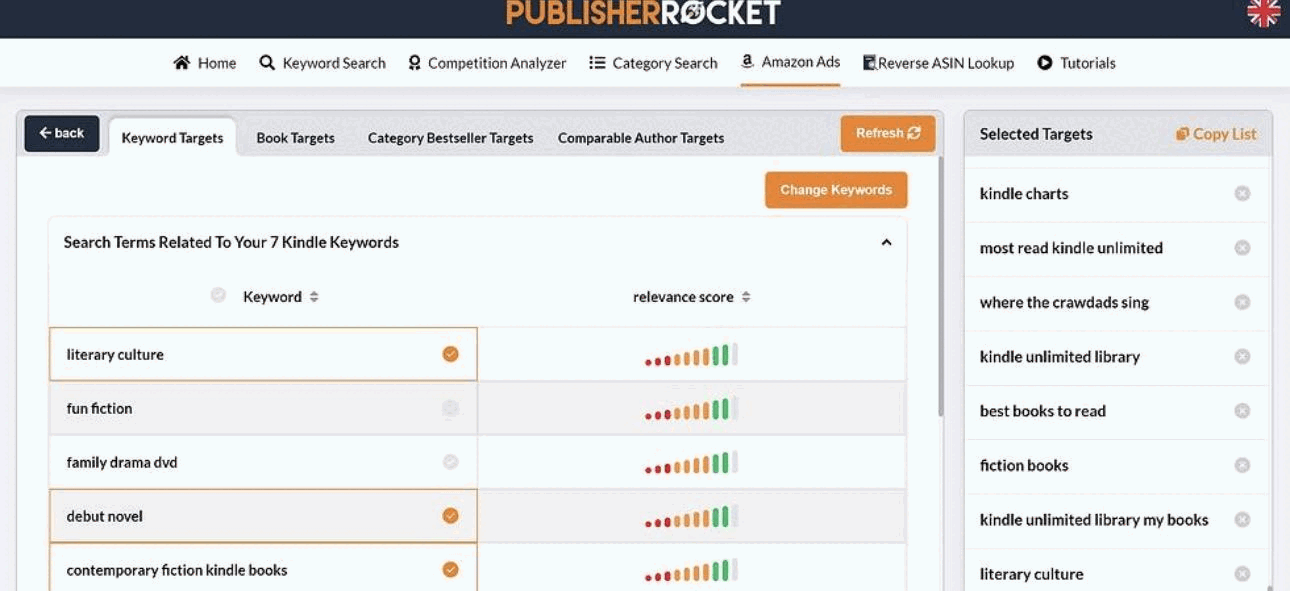
- Amazon Ads keywords (AMS). Generates “hundreds” of keywords per book for Amazon Ads campaigns, plus a Reverse ASIN feature that shows which keywords other books rank for.
Read the numbers correctly: KDP does not show authors how often a phrase is searched. Every search, sales, and earnings figure in Rocket is the tool's own estimate. Use it to compare phrases, not as Amazon data.
2. How Much Does Publisher Rocket Cost? Is It Free?
Publisher Rocket costs $199 one-time, and it is not free: there is no free version and no trial period, only a 30-day money-back guarantee. Details from publisherrocket.com and its support pages, checked September 24, 2026:
- Price: $199 one-time, shown as reduced from $299. The page says the offer runs before it “becomes an annual subscription,” so check the licence terms on the day you buy.
- Refunds: 30-day money-back guarantee.
- Platforms: downloadable software for Mac (10.9 and later), Windows, and Chromebook. No web app, iPad, or phone version.
- Marketplaces: Amazon US, UK, Germany, Australia, Spain, France, Canada, and Italy.
3. How We Tested Free KDP Keyword Research on a Real Nonfiction Title
How we tested, September 24, 2026. The title is Nara-Simha: What The Forest Never Forgot About Being Human by Ujjwal Majumder, written with Built&Written and published on KDP in August 2026. It is a leadership fable: a story in form, sold to the business-book reader, and its description pitches it to readers of Patrick Lencioni and Ken Blanchard. That makes it a hard keyword case.
In the amazon.com Kindle Store, logged out, we typed each seed phrase into the search bar, recorded the autocomplete suggestions, then searched it and noted the result count and whether the top results were books like this one. For categories, we opened the first eight Kindle results for “leadership fable” and noted where each ranks. Publisher Rocket's features and price in this review come from its own site and help pages, checked the same day.
4. How to Find KDP Keywords for Free: Seven Amazon Book Keywords by Hand
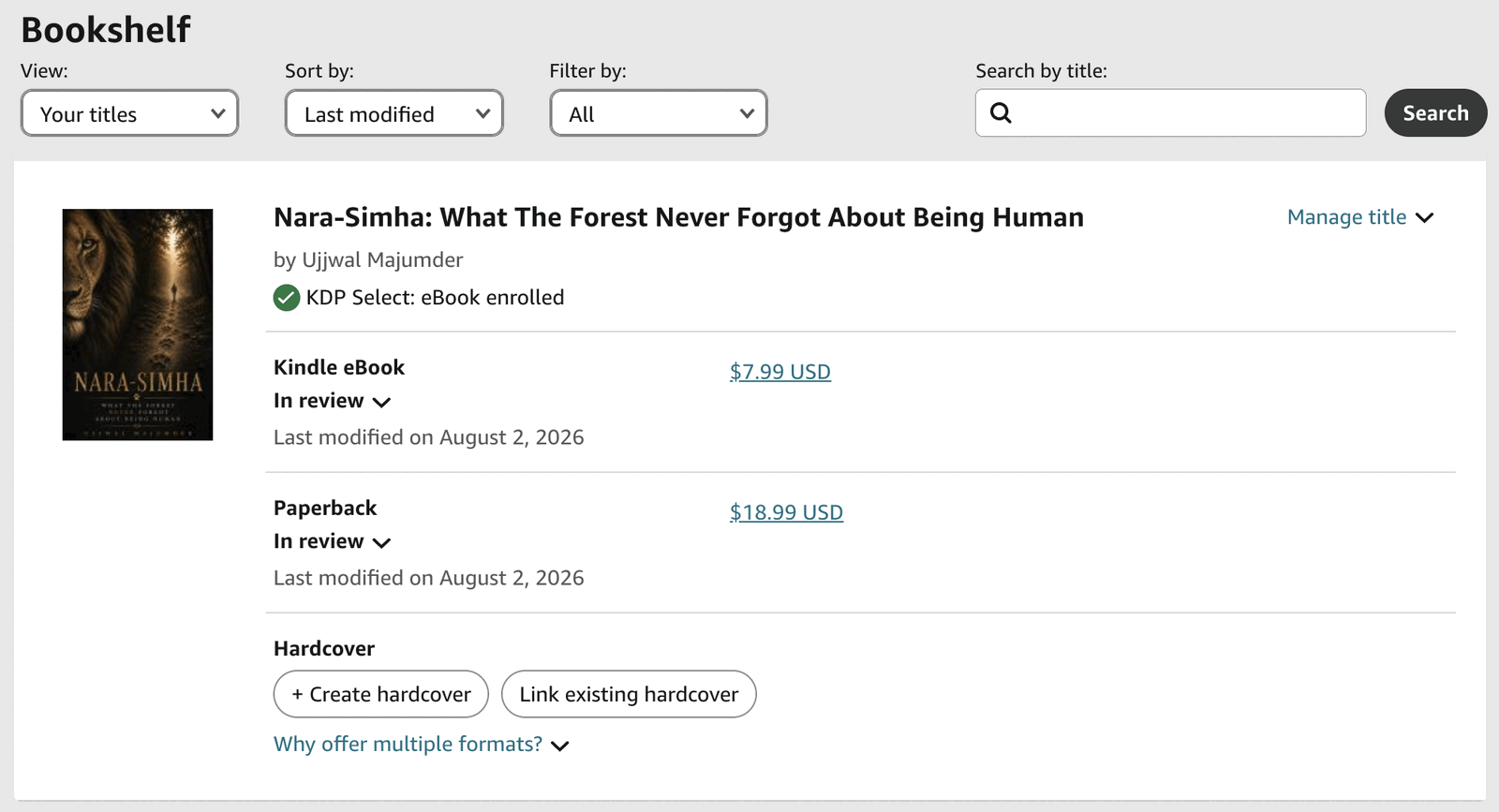
To find KDP keywords for free, type seed phrases into Amazon's search bar, note what autocomplete suggests, then search each phrase and keep it only if the top results are books like yours. KDP gives you seven keyword slots, and its metadata guidelines recommend phrases of two to three words.
We started from twelve seed phrases taken from the book's description and audience. These seven made the final list:
| KDP keyword | Amazon autocomplete | Kindle results | What ranks for it |
|---|---|---|---|
| business fable books | Yes | Over 1,000 | Business fables: the right shelf |
| leadership fable | Only inside a Lencioni title | 772 | Leadership fables, led by Lencioni |
| business leadership books | Yes | Over 50,000 | Major leadership bestsellers |
| leadership lessons from nature | Partly (“lessons from nature”) | Over 6,000 for the short form | Nature-wisdom books |
| finding meaning after success | No | 292 | Books on meaning in midlife |
| executive burnout | No | 615 | Burnout recovery guides for leaders |
| meaning at work | No | 356 | Books on purpose at work |
Amazon.com Kindle Store, logged out, September 24, 2026. Result counts are what Amazon displayed for each search.
What we rejected, and why: “Wildlife photography” has autocomplete support and over 10,000 results, but every top result is a camera manual: wrong buyer. “Burnout” returns thrillers and romance series called Burnout, so we narrowed it to “executive burnout.” “Asiatic lions gir forest” returned 6 results, mostly fact books for children. One more pattern: autocomplete often suggests book titles, not topics (“leadership fable” offered only Lencioni's). KDP's keyword rules ban other authors' names and misleading references, so a title can guide you but should not go in a box.
5. How to Choose KDP Categories: What the Free Check Found
To choose KDP categories, open books like yours on Amazon, note the categories they rank in, and pick the three that match your reader. KDP lets you select three categories when you set up a book. Rocket would add how many daily sales each one needs for a #1 badge; the free check answers the more basic question first: where do books like yours already sit?
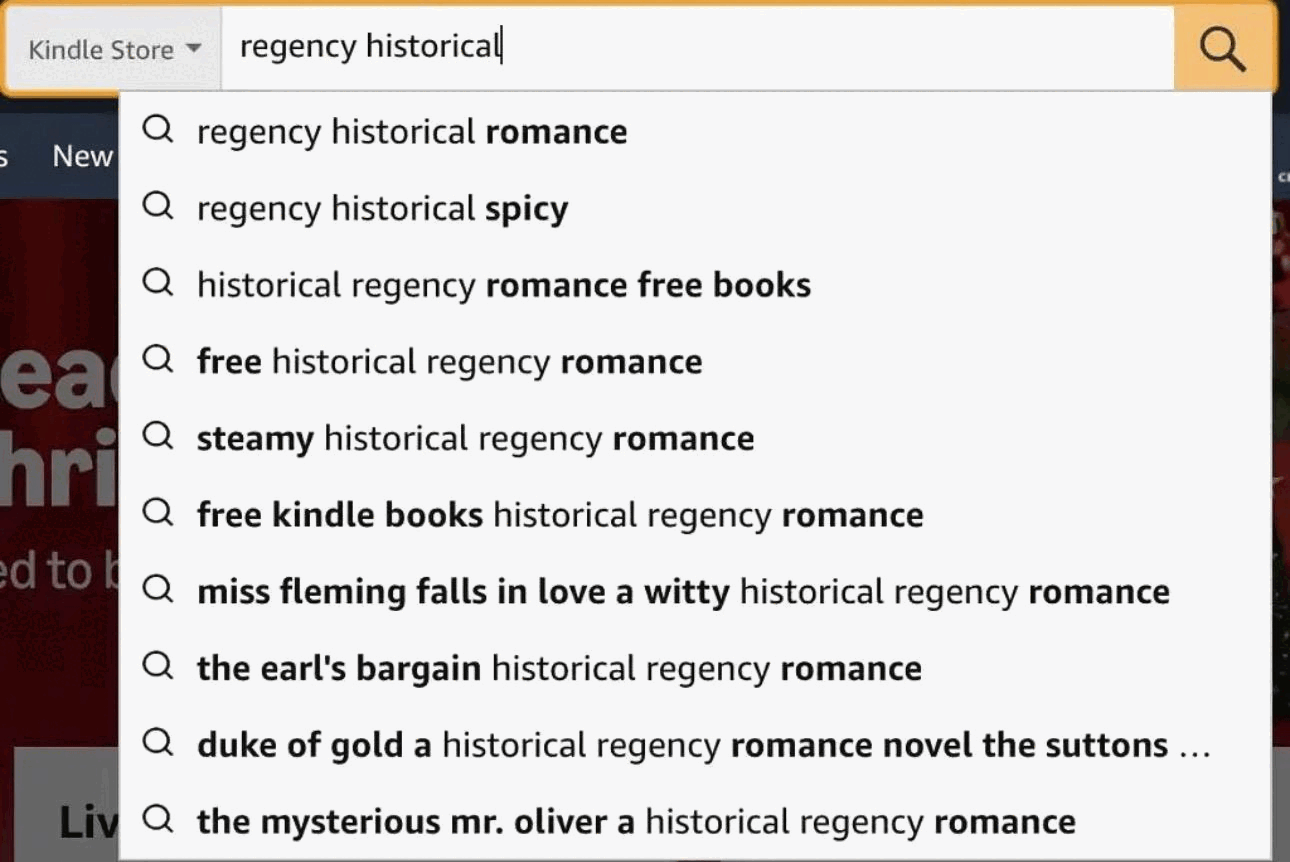
All eight leadership fables we checked rank in at least one Business & Money category, such as Business Leadership, Business Teams, Management Skills, or Business Mentoring & Coaching. Nara-Simha, the same day, showed a Kindle rank in Literary Fiction and paperback ranks in Mythology, Folklore, and Contemporary Literature & Fiction.
The author calls it a literary fable, so that may be deliberate. The lesson for your own book is how cheap the check is: ten minutes showed which Amazon book categories these readers browse. For the full process, see our guide to KDP categories and keywords.
6. What Publisher Rocket Adds That Free Keyword Research Can't
The free method did well on four keywords and guessed on three. For a single book, Publisher Rocket would have helped in two places, and a third, Amazon Ads, is covered in the next section:
- The three guesses. The last three keywords have relevant results but no autocomplete signal. Autocomplete tells you a phrase is typed, not how often. Rocket's search estimates would have ranked them against alternatives in seconds.
- The broad keyword. “Business leadership books” puts a new title next to major bestsellers. Rocket's competitive score shows how steep that is before you spend a box on it.
Where it would not have helped: Rocket shows data; it does not know your book. It would not have rejected “wildlife photography,” because that phrase has real volume. Only looking at the results, a step both methods need, catches a keyword that brings the wrong buyer.
7. Does Publisher Rocket Help With Amazon Ads?
Yes, and this is its strongest use. Amazon Ads campaigns for books, set up through KDP's advertising options, need long lists of Amazon Ads keywords and competing books to target, and they need fresh lists for every book and every test. Rocket's AMS keyword tool and Reverse ASIN feature build those lists in minutes. Seven keywords by hand took us under an hour; a list of 100 or more by hand is not realistic.
8. Free Publisher Rocket Alternatives: What They Can and Can't Do
There is no free tool that copies Publisher Rocket. There are free ways to do most of what a single book needs:
- Amazon search and autocomplete. Can: show which phrases shoppers type, how many books compete, and whether the results match your book. Can't: say how often a phrase is searched.
- KDP help pages. Can: give the official rules for keywords, categories, and metadata, including what is banned. Can't: suggest keywords for your book.
- Built&Written's KDP Keywords Generator. Can: turn a short description of your book into seven keyword phrases and three category paths to test on Amazon. Can't: estimate search volume or sales. Its own page calls the results a starting point to check in Amazon search.
Bottom line: Together, the free options cover keyword ideas, rule checks, and relevance checks. Search estimates, competition data at scale, and Amazon Ads lists are what you pay Publisher Rocket for.
9. Is Publisher Rocket Worth It? Who It Pays For
Publisher Rocket is worth it for authors with several books and for anyone running Amazon Ads. It is usually not worth it for a single business book that sells through your own network.
It pays for authors with several books. Research you would repeat by hand for each title takes minutes in Rocket, and $199 over five or ten books is small.
It pays for anyone running Amazon Ads. Campaigns need long keyword and competitor lists for every book and every test. This is Rocket's strongest feature.
It does not pay for a single business book that sells through your network. Buyers who come from your LinkedIn, talks, or clients arrive through a link, not through Amazon search. Seven good keywords still matter, but they do not need $199 of software. The listing that converts those visitors matters more: see how to write an Amazon book description that sells, then check your draft with the free Book Description Grader.
10. Publisher Rocket vs Free KDP Keyword Research vs Built&Written
What each approach gives you, and when to use it:
| Approach | Data it gives you | Price (Sept 24, 2026) | Use it when |
|---|---|---|---|
| Built&Written KDP Keywords Generator | Seven keyword phrases and three category paths from a description of your book, to test on Amazon | Free: a few generations without an account, more with a free account | You need a strong starting list for a first book |
| Manual Amazon research (search bar and autocomplete) | Autocomplete signals, result counts, and the categories comparable books use | Free, about an hour per book | You want to check any keyword or category before it goes live |
| Publisher Rocket | Search and sales estimates, competitive scores, category data, Amazon Ads keyword lists | $199 one-time, 30-day refund | You publish several books or run Amazon Ads |
Publisher Rocket's price from its own site; Built&Written tool terms from the tool page, both on September 24, 2026.
11. Where Built&Written Fits When You Are Preparing a Book for KDP
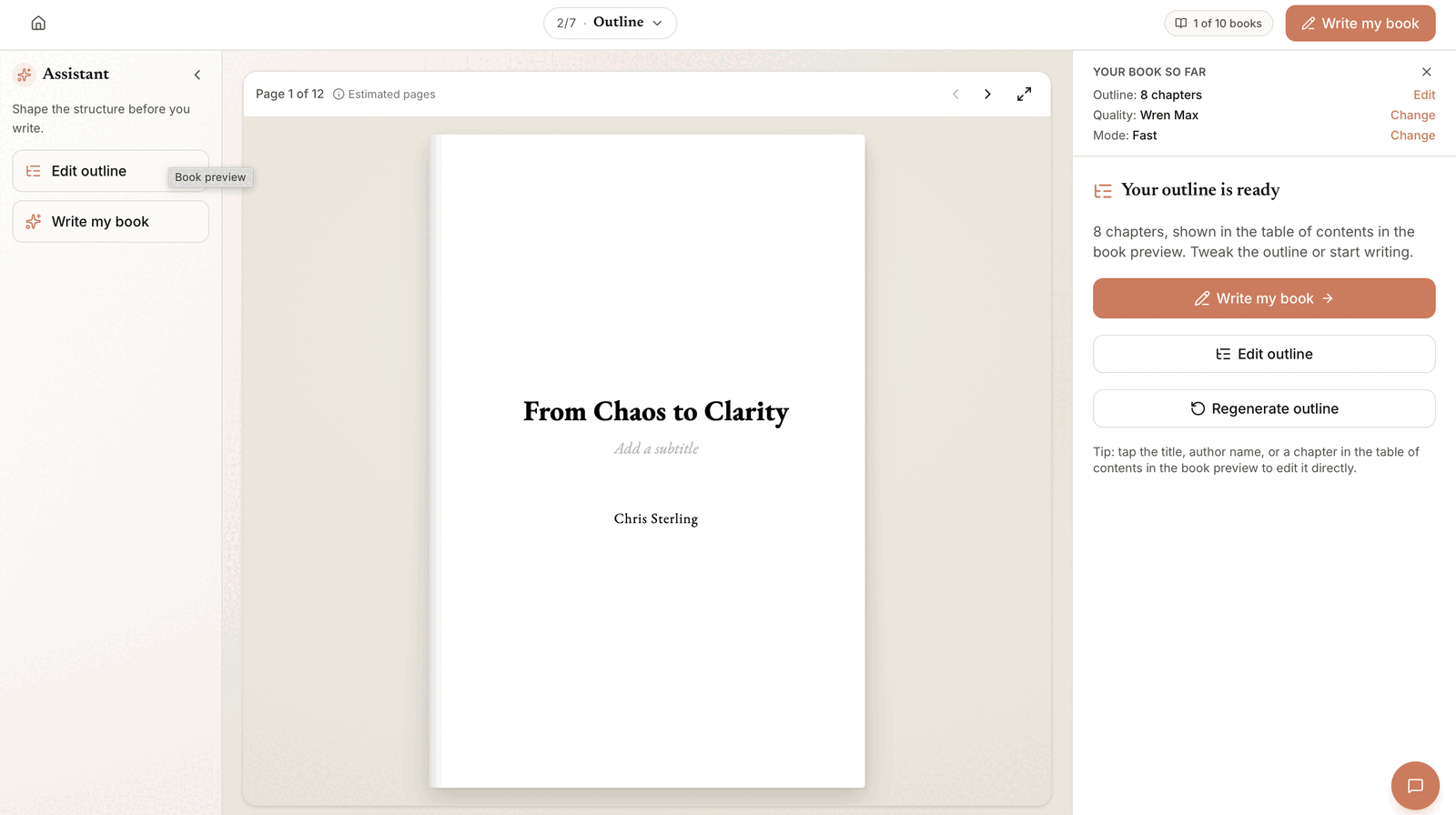
If you are researching KDP keywords and categories, you are close to publishing. For many founders, consultants, and experts, the harder part comes earlier: the book itself. That is the job Built&Written is built for.
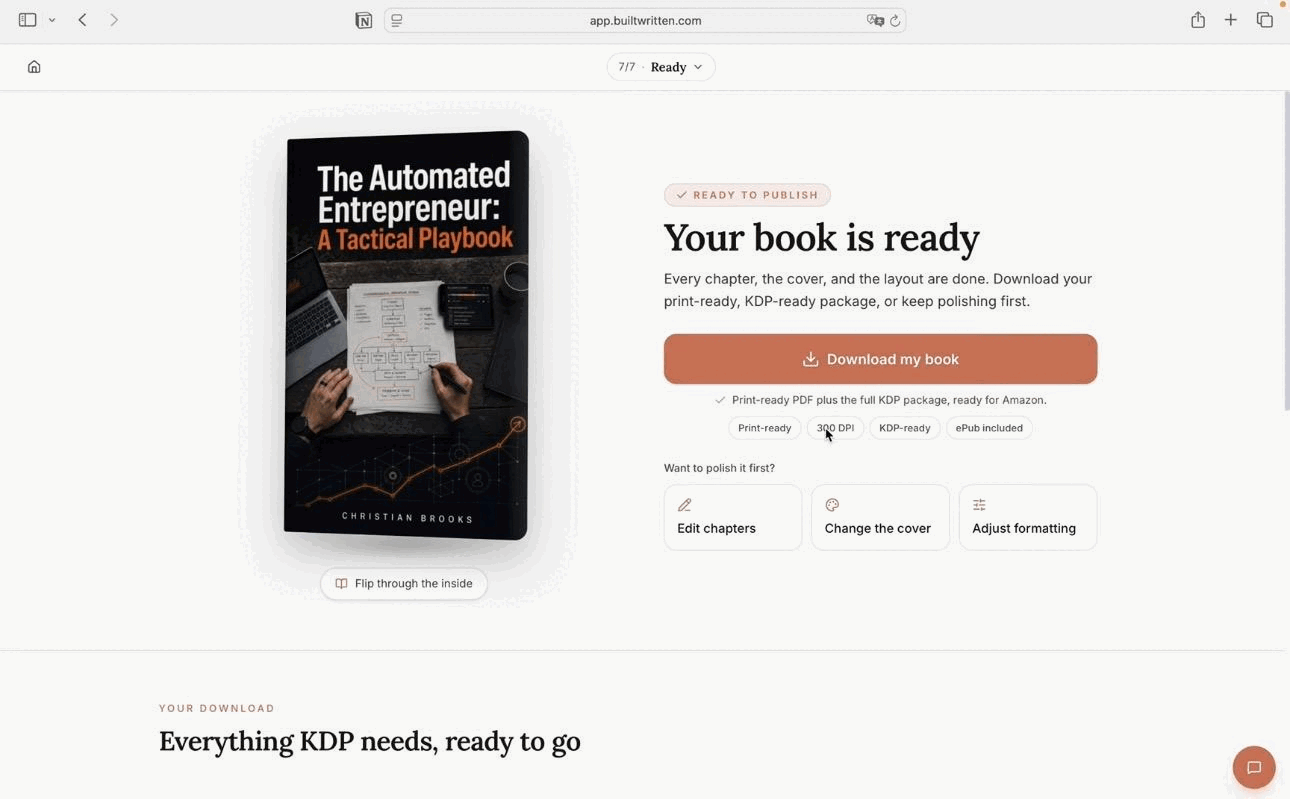
It takes material you already have, such as posts, notes, and talk transcripts, and turns it into a structured nonfiction book in your own voice with Voice DNA. You edit every chapter, then export KDP-ready PDF, ePub, and DOCX files, and the KDP export includes the listing copy. How it works shows each step, and Nara-Simha, our test title, was written with it and published on Amazon.
For the listing, the free tools cover the rest: the KDP Keywords Generator, the Book Description Grader, and the KDP Royalty Calculator. For AI help with the description, see how to use ChatGPT to sell your book on Amazon, and for the whole route to publication, our guide to self-publishing a book as an entrepreneur.
Final thoughts
Publisher Rocket is a good tool for volume: many books, many ads, many keyword decisions. For one nonfiction book, its main value is a search estimate next to the few keywords you would otherwise guess, while the check that matters most, looking at what actually ranks, is free.
The real risk our test found was not a low-volume keyword. It was a keyword or category that sends a book to the wrong shelf, and no tool makes that call for you.
Frequently asked questions
Publisher Rocket is paid desktop software for Amazon book research. It estimates keyword searches, finds KDP categories, analyzes competing books, and builds keyword lists for Amazon Ads. It is made by Dave Chesson of Kindlepreneur.
Yes for authors with several books or anyone running Amazon Ads: its estimates and ad keyword lists save hours per book. For a single nonfiction book that sells mainly through your own network, free KDP keyword research plus Built&Written's free KDP Keywords Generator covers what you need.
Yes, as a research tool. Its search, sales, and earnings figures are its own estimates, because KDP does not show authors search volumes, so use them to compare phrases rather than as exact numbers. You still need to check that the results for each keyword are books like yours.
Publisher Rocket costs $199 one-time (checked September 24, 2026), shown as reduced from $299, with a 30-day money-back guarantee. It runs on Mac, Windows, and Chromebook.
No. Publisher Rocket has no free version and no trial period, only a 30-day refund after purchase.
Amazon's search bar and autocomplete, KDP's help pages on keywords, categories, and metadata, and Built&Written's free KDP Keywords Generator. They cover keyword ideas, rule checks, and relevance checks. None of them estimates search volume or builds Amazon Ads lists at scale.
Yes. Its AMS keyword tool and Reverse ASIN feature build long keyword and competitor lists for Amazon Ads campaigns, which is its strongest use.
Type seed phrases from your book's topic and reader into Amazon's search bar, note the autocomplete suggestions, then search each phrase and keep it only if the top results are books like yours. KDP allows seven keywords and recommends phrases of two to three words.
Open books similar to yours on Amazon, note the categories they rank in, and choose the three that fit your reader best. KDP lets you pick three categories at setup.
No. Autocomplete often suggests popular titles, but KDP's keyword guidelines ban other authors' names and misleading references. Use the topic behind the title instead.
Sources & References
About the author

Khrystyna Balushka
More in KDP Publishing
Ready to write your book?
Turn your expertise into a professional book with Built&Written.