

We Uploaded an AI-Made Book to Amazon KDP. Here Is What Passed
Yes. An AI book creator can help you make a book cover, format the inside pages, and prepare print files for Amazon KDP, Amazon's self-publishing platform. But creating a book takes more than writing text and exporting a PDF.
You need to gather your material, build a clear chapter plan, write and edit the chapters, set up the pages and make a cover that fits the paper. Built&Written brings these steps together in one place.
This article is a test of our own platform, and we say so. We made a 67-page paperback, took the files and uploaded them to Amazon KDP. Then we read what KDP said. Here is what worked and what is still your job.
Key takeaways
- One place. The cover, the inside pages and the KDP files came from one platform.
- Right size. The cover matched the exact size KDP needs for our book.
- Accepted. Both files uploaded without an error. The previewer showed one note about links on page 3.
- Not automatic. You still set up the KDP draft, answer its questions and press upload.
How does an idea become a book in one platform?
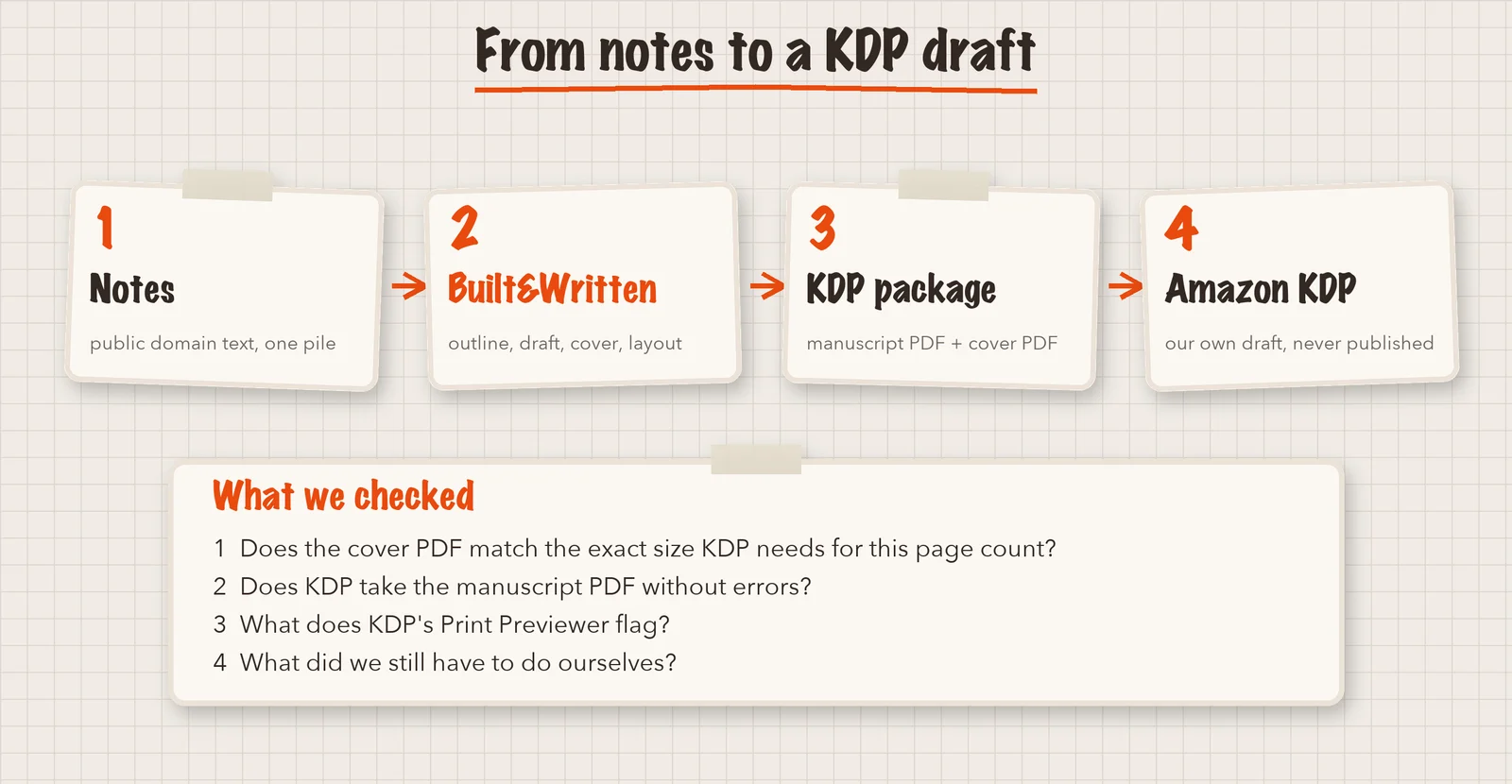
A book is a chain of jobs, and a PDF is only the last link. In Built&Written the path looks like this:
- Bring your material. Notes, articles, recordings, documents or a finished manuscript.
- Shape the chapters. The platform builds a chapter plan. You edit it.
- Write and edit. The platform helps you write a draft from your material. You change anything you like.
- Make the cover and the pages. You get a cover, a page layout and a print PDF.
- Prepare the files. You download a package for Amazon KDP.
You stay in charge of the content. The platform organizes the work and does the parts that are hard to do by hand.
What does a print-ready book need?
A paperback on KDP needs two files.
- The manuscript. The inside of the book as a PDF, cut to your page size, with safe margins and embedded fonts.
- The cover. One PDF with the back cover, the spine and the front cover side by side. Its size depends on the page size and the number of pages.
KDP gives a cover calculator for that size. Our guide to AI book covers and KDP rules explains the math. A print file is more than a document saved as PDF.
How we tested an AI book creator
On November 5, 2026, we used a book we had already made in Built&Written from public domain notes: "Maximum Prosperity: A Practical Guide to Scientific Management". It has 7 chapters and 67 pages at 6 × 9 inches.
We checked three things: a cover and an inside PDF for print, the match with KDP's technical rules, and an upload to KDP without an error that stops you.
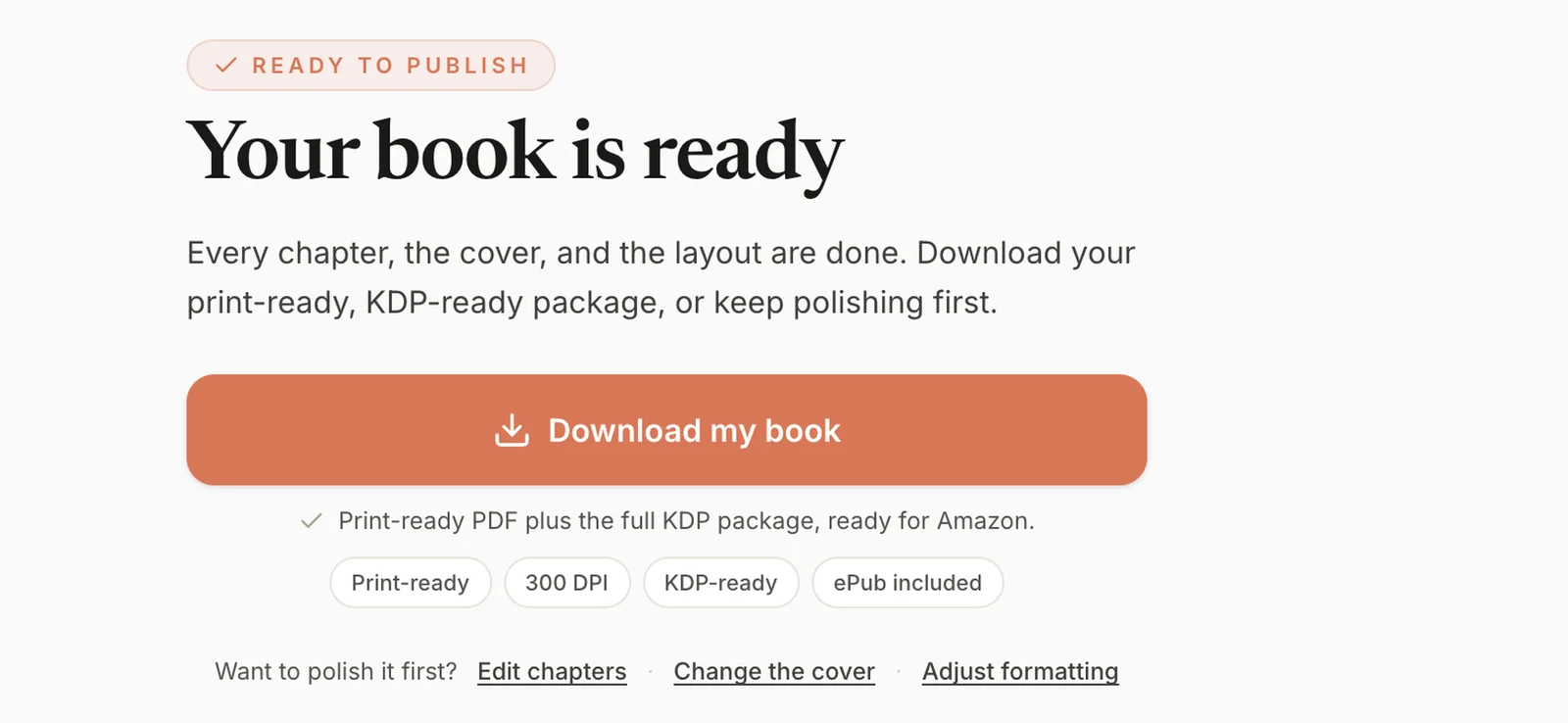
We pressed "Download my book" and got a ZIP package. Inside were the manuscript PDF, the cover PDF, an ebook cover, a text file with the book's description and a step-by-step upload guide.
Then we made a paperback draft in our own KDP account. We chose the page size (6 × 9 inches), black and white ink on white paper and a matte cover, and uploaded both files. We used a free ISBN, the number that identifies a book, which KDP gives for paperbacks. Uploading to KDP is not publishing, and we never pressed Publish.
Did the platform make a cover that fits?
Yes. The platform's own check said 26 points passed, 2 gave warnings and none failed. One warning was the missing ISBN, which KDP gives for free. The other said the cover is in RGB colors, while print prefers CMYK.
The cover was one wraparound page of 12.401 by 9.250 inches. That is the size a 6 × 9 inch book with 67 pages needs, because the width includes the spine. There was no text on the spine, because KDP allows spine text on books with at least 79 pages.
One thing went differently from what we planned. The cover PDF was 12.7 MB, and the tool we used to upload it takes 10 MB at most. So we re-saved the same picture, at the same pixels, as a PDF of 1.9 MB. The page size changed by less than a hundredth of an inch, and KDP took it. In your own browser you may not need this step.
What can the platform do that you cannot easily do yourself?
By hand, this is five separate jobs: turn your material into chapters, edit, format for print, work out the spine and design a cover to the exact size. The cover step of the platform shows how they fit together.
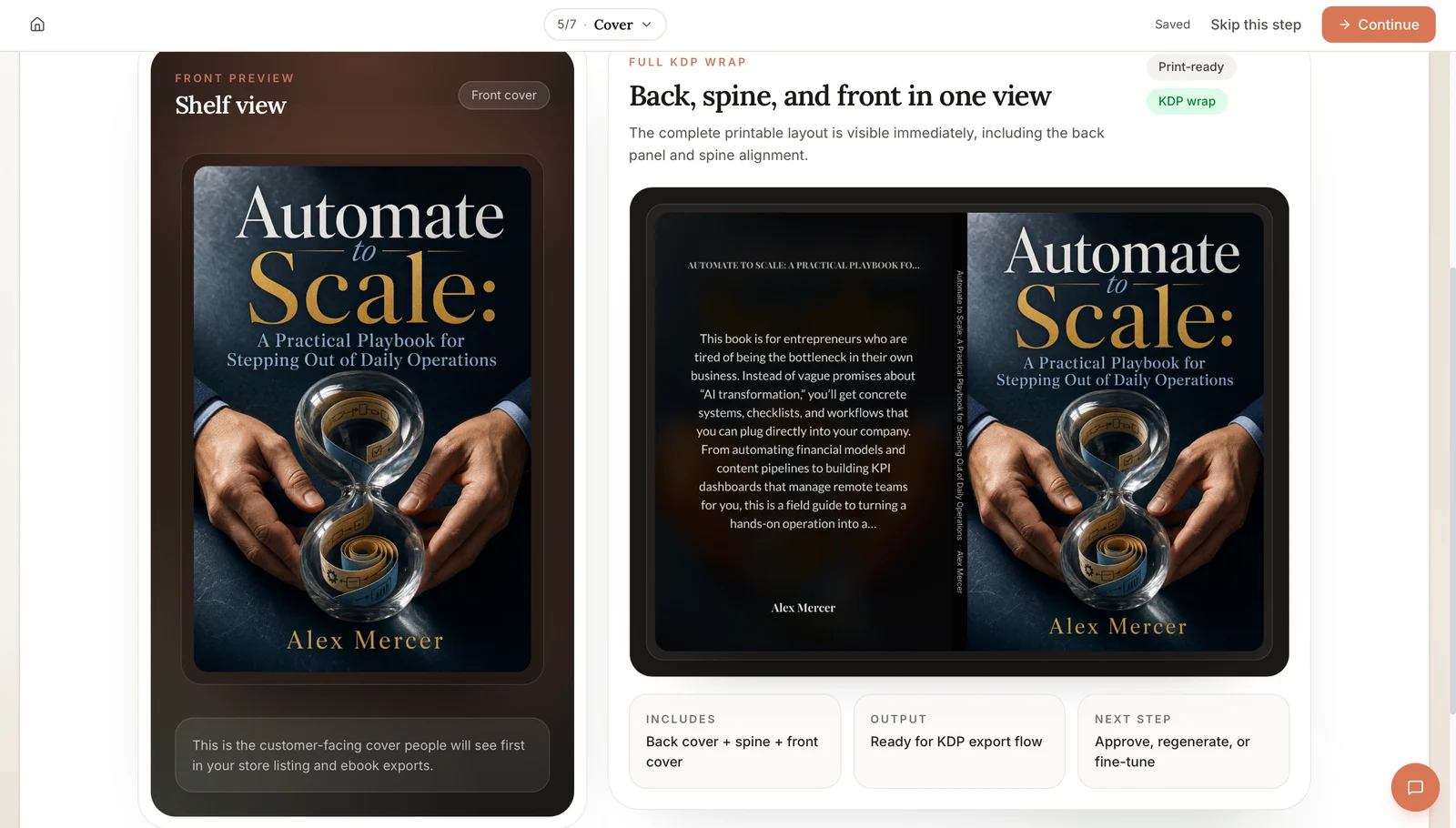
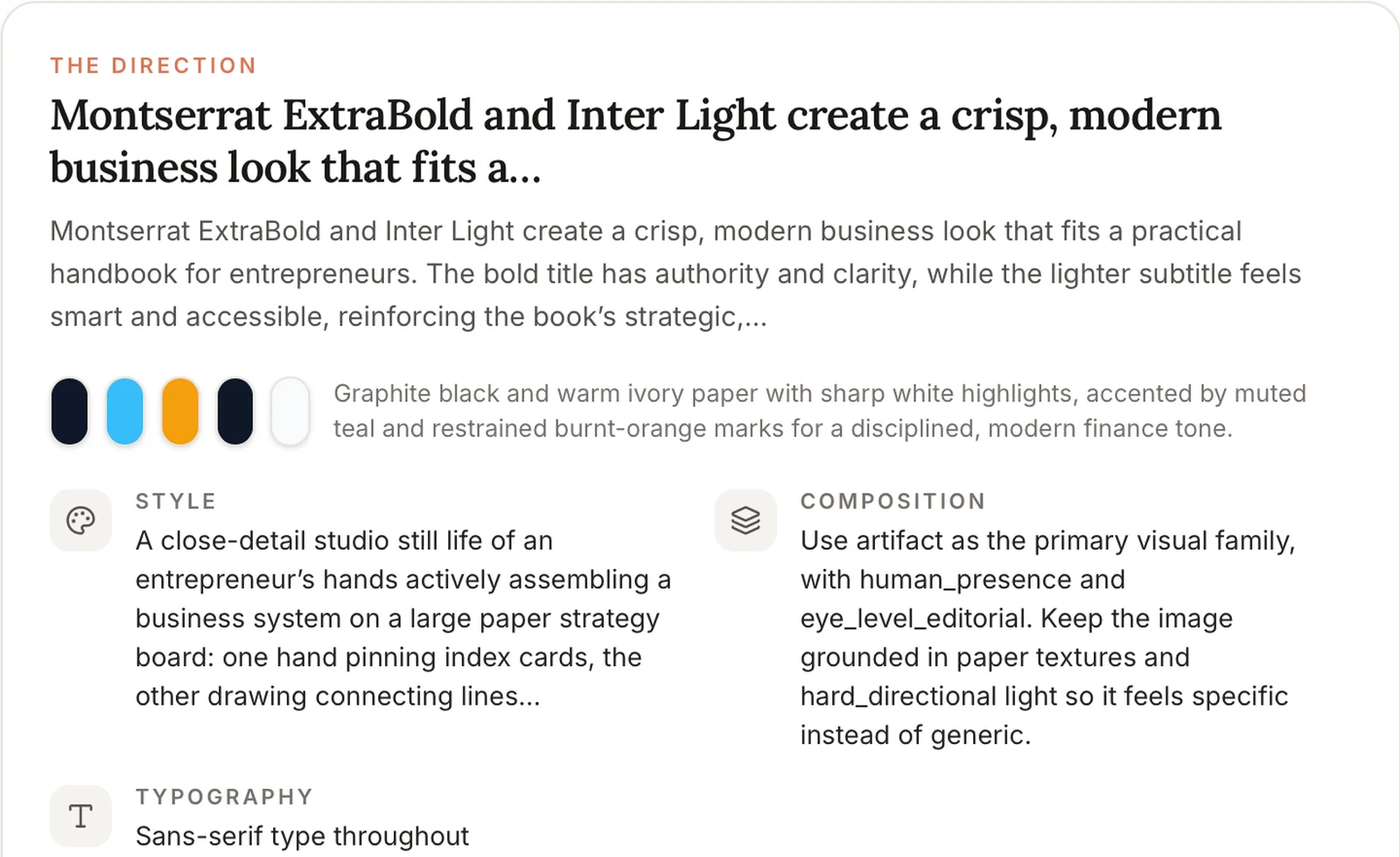
The platform knows how many pages your book has, so it works out the spine. If the book changes, the wrap follows. You can let the platform design the cover, design it yourself or upload your own. Before anything is made, you see a plan with the direction, colors and style, and you can ask for a different one.
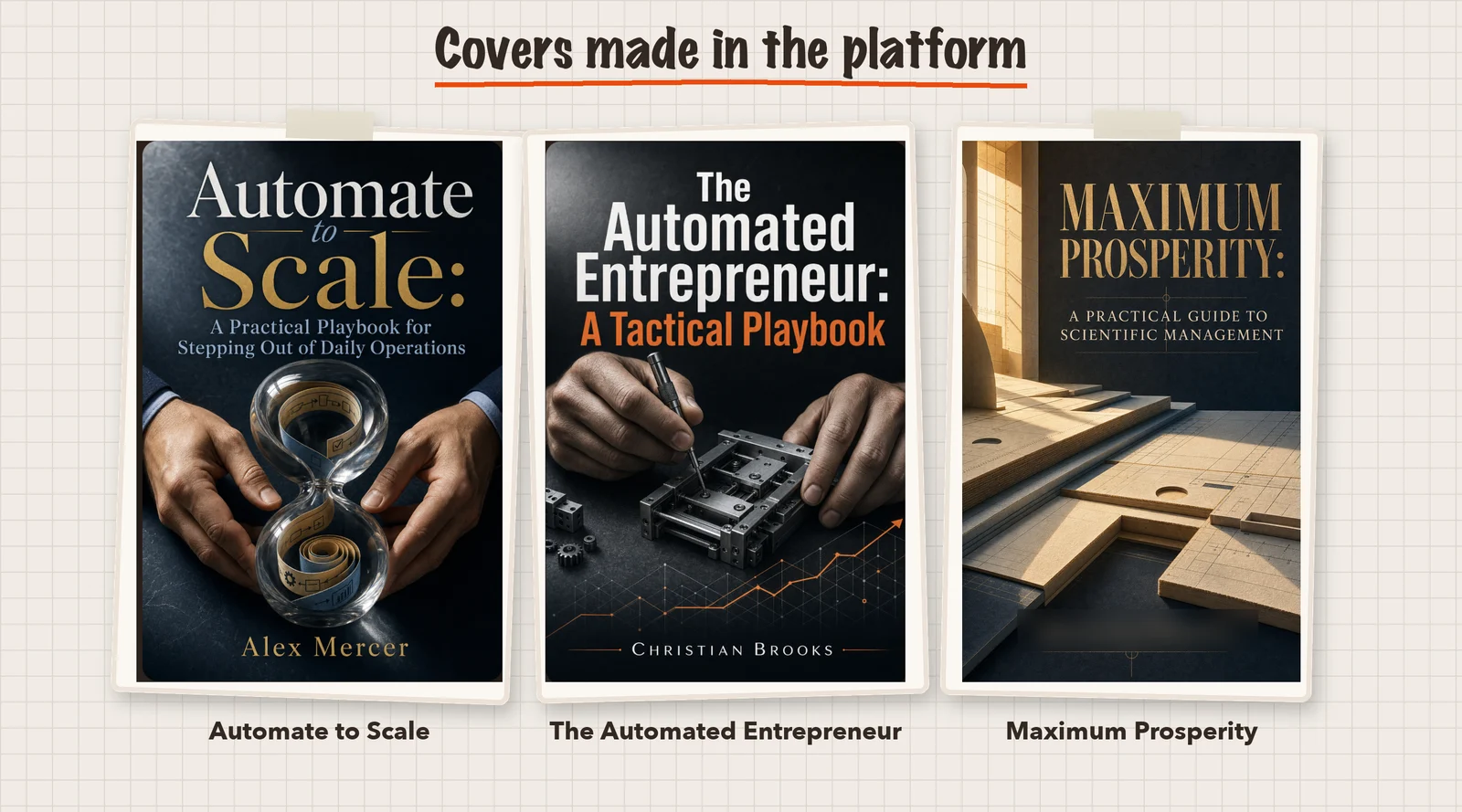
Compare this with a design tool such as Canva. In our Canva cover test, Canva could make a KDP paperback cover, but we had to calculate the spine size ourselves and set the cover to the size KDP's calculator gave us. This works well if you like to design. It adds extra steps if you want the platform to handle the technical setup.
Did KDP accept the manuscript and the cover?
Both uploads ended with the words "uploaded successfully". KDP showed no error for either file. We left the box "my cover has a barcode" unchecked, so KDP added its own barcode. In the previewer it sat in the lower right corner of the back cover and did not cover any text.
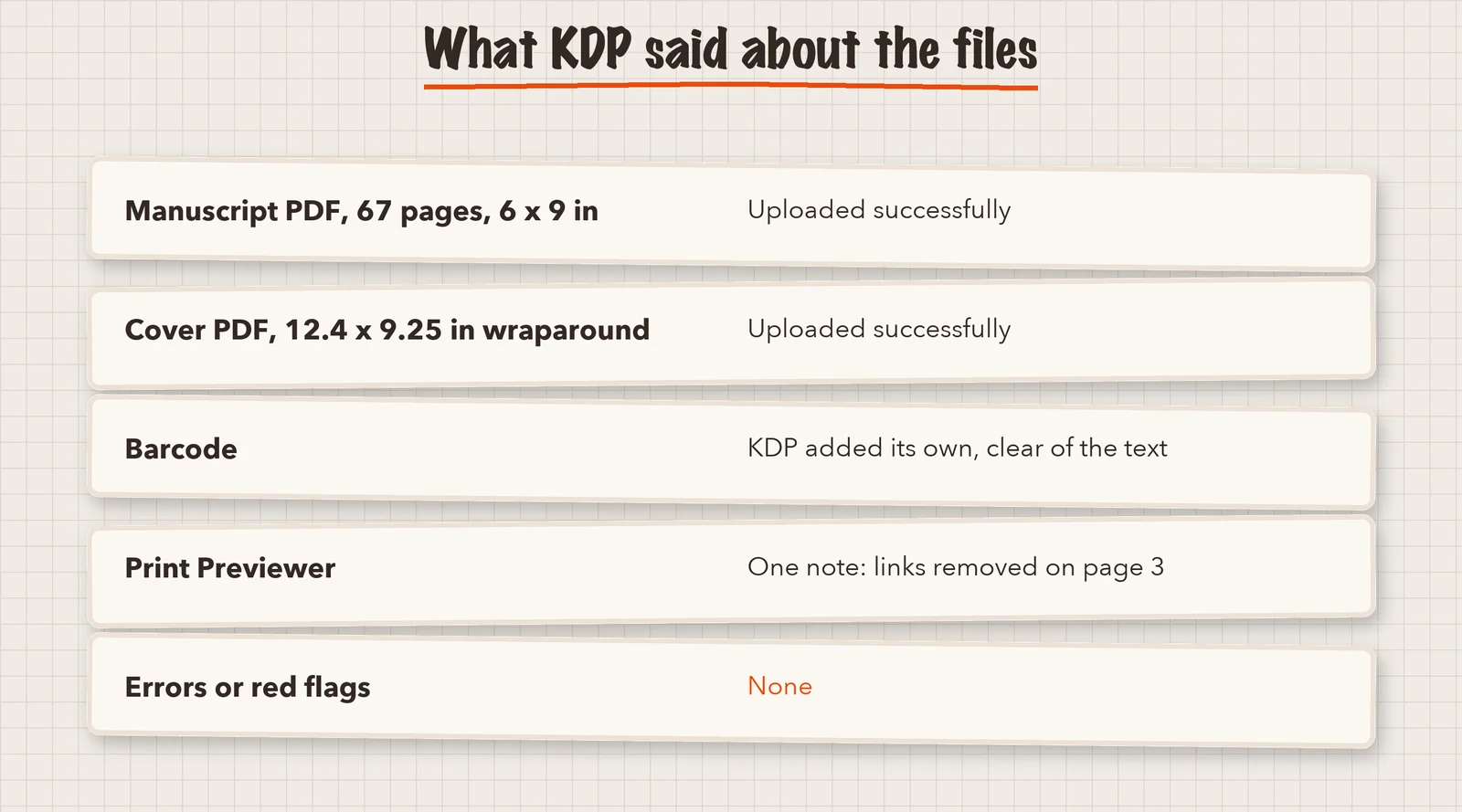
KDP's previewer gave one note. It said: "We've removed non-printable markup from your document. Check these pages to confirm that your book still appears as intended." It pointed to page 3, the table of contents. In the PDF, each chapter title is a link a reader can click on a screen. A printed page cannot be clicked, so KDP took the links out. The page itself looked right, with all 7 chapters.
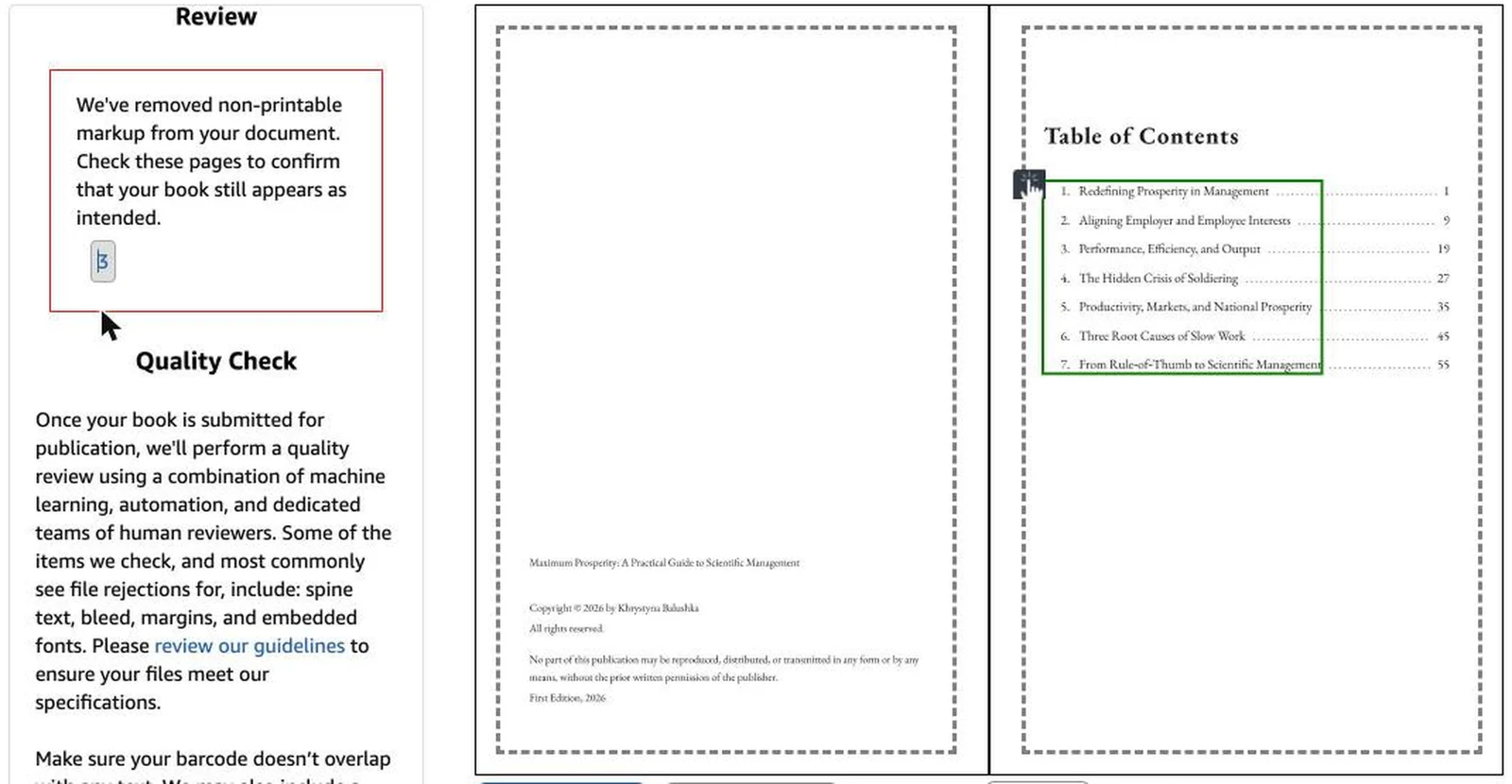
A note is not an error: an error stops you, a note asks you to look. We did not order a printed copy, so we cannot say how the paper book looks.
What did we still have to do ourselves?
An AI book creator is not a publisher. These steps stayed with us.
- Make the KDP draft. Title, author, description and category are typed in KDP. The package gives you the description text.
- Choose the print options. Page size, paper and cover finish must match the files.
- Answer KDP's AI question. KDP asks you to tell it about AI-generated text, images or translations. The platform wrote our test book's text and made its cover, so we reported both as AI-generated, with the platform as the tool, and no translations. This matches KDP's own rule (checked November 5, 2026). If an AI tool creates the content, it counts as AI-generated, even if you edit it afterwards. If you write the content yourself and only use AI to edit or improve it, it counts as AI-assisted, and you do not need to report it.
- Check the previewer. Look through the pages before you approve.
- Set the price and press Publish. We stopped before this step.
Built&Written does not publish for you. You upload in your own KDP account, and our KDP guide walks through it.
How do other tools compare in our tests?
These are results from our own tests, run on different days with different material. They are not a ranking. We used free plans, and each tool may do more on a paid plan.
| Tool | What we saw |
|---|---|
| Built&Written | Cover and inside came as print files at the right size. KDP took both, with one note about links |
| Inkfluence AI | The free PDF export offered US Letter (8.5 by 11 inches). The KDP export was locked, so we could not test a paperback upload. In our November 1 test, its free PDF lost letters on Kindle |
| Canva | Its free PDF in the November 1 test was A4. A paperback cover can be made there, but the size is up to you |
| ChatGPT | In the November 1 test, it wrote the text and said it could not attach a file. We did not test a print layout there |
For the inside pages alone, see our guide on AI book formatting.
Can an AI book creator give you a print-ready book?
For the files, yes, in our test. For the decisions, no. With any tool, compare the cover size with KDP's calculator, look at every page in the previewer and read your own book. A tool can lay out the words, but it cannot tell you the words are right.
So, can an AI book creator for KDP help you make a book? It can help you gather your material, shape the chapters, write a draft, make the cover and prepare the files for print. You still decide what the book says, check the facts, edit the text and make the final choices. Built&Written is built to turn your own knowledge and notes into a structured nonfiction book and get it ready for the next step: publishing. See how it works.
Frequently asked questions
Yes. In our test, the platform made a wraparound cover for a paperback with a front, a spine area and a back. You can see a plan first and change the direction before the cover is made.
If an AI tool created your text, images or translations, yes. KDP calls this AI-generated, and editing it afterwards does not change that. If you wrote the content and used AI only to edit or improve it, it is AI-assisted and you do not have to report it. Check KDP's current rules before you publish.
Not for a KDP paperback. KDP gives a free one. It lists KDP as the publisher, so read the terms if you plan to sell outside Amazon.
No. Built&Written gives you the files and a step-by-step guide. You upload them in your own KDP account and press Publish yourself.
Sources & References
About the author

Khrystyna Balushka
More in AI Book Tools
Ready to write your book?
Turn your expertise into a professional book with Built&Written.