
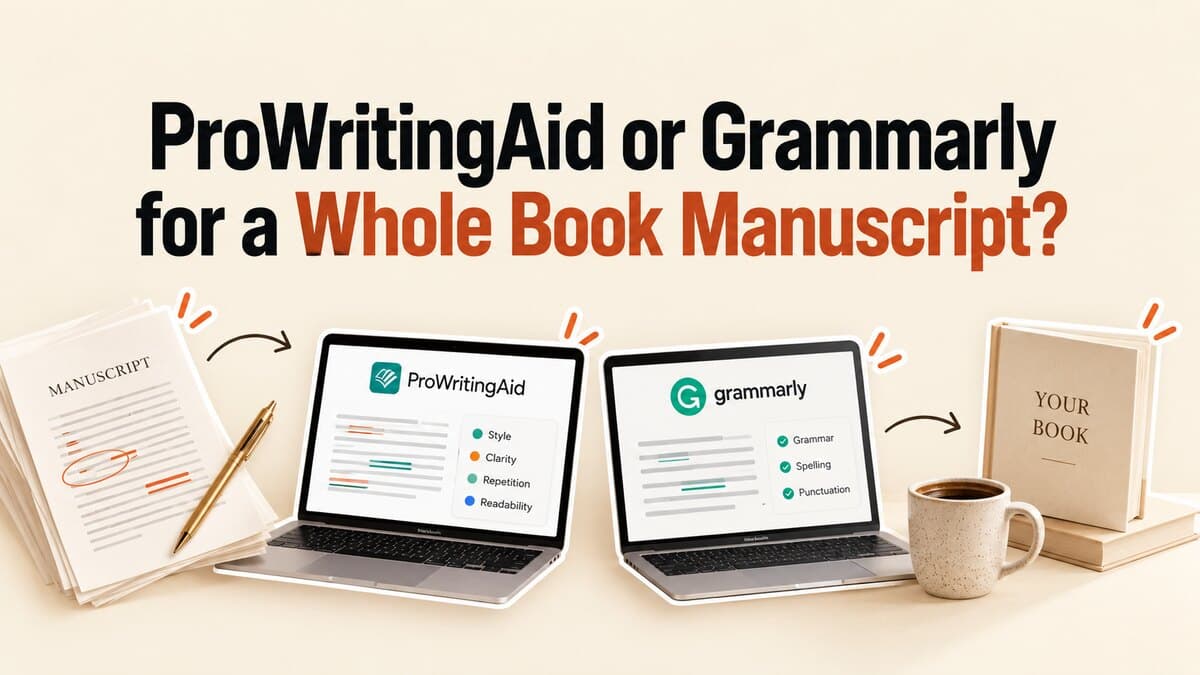

ProWritingAid or Grammarly for a Whole Book Manuscript?
Key takeaways
- What we tested: the free, no-login checkers of both tools on the same 459-word passage from a published business book, on September 24, 2026.
- Result: free ProWritingAid made 20 style suggestions; free Grammarly made 0, because the passage had no grammar or spelling errors and Grammarly's style rewrites sit in its paid plan.
- Which tool for which job: ProWritingAid for book-length style editing, Grammarly for everyday correctness in email, docs, and the browser.
- No manuscript yet? Neither checker writes or structures a book. That step comes first.
1. Do You Need a Finished Manuscript Before Using Grammarly or ProWritingAid for a Full Book Pass?
For a full-book editing pass, yes. Both tools work on text that already exists. Neither turns notes into chapters or decides what the book argues.
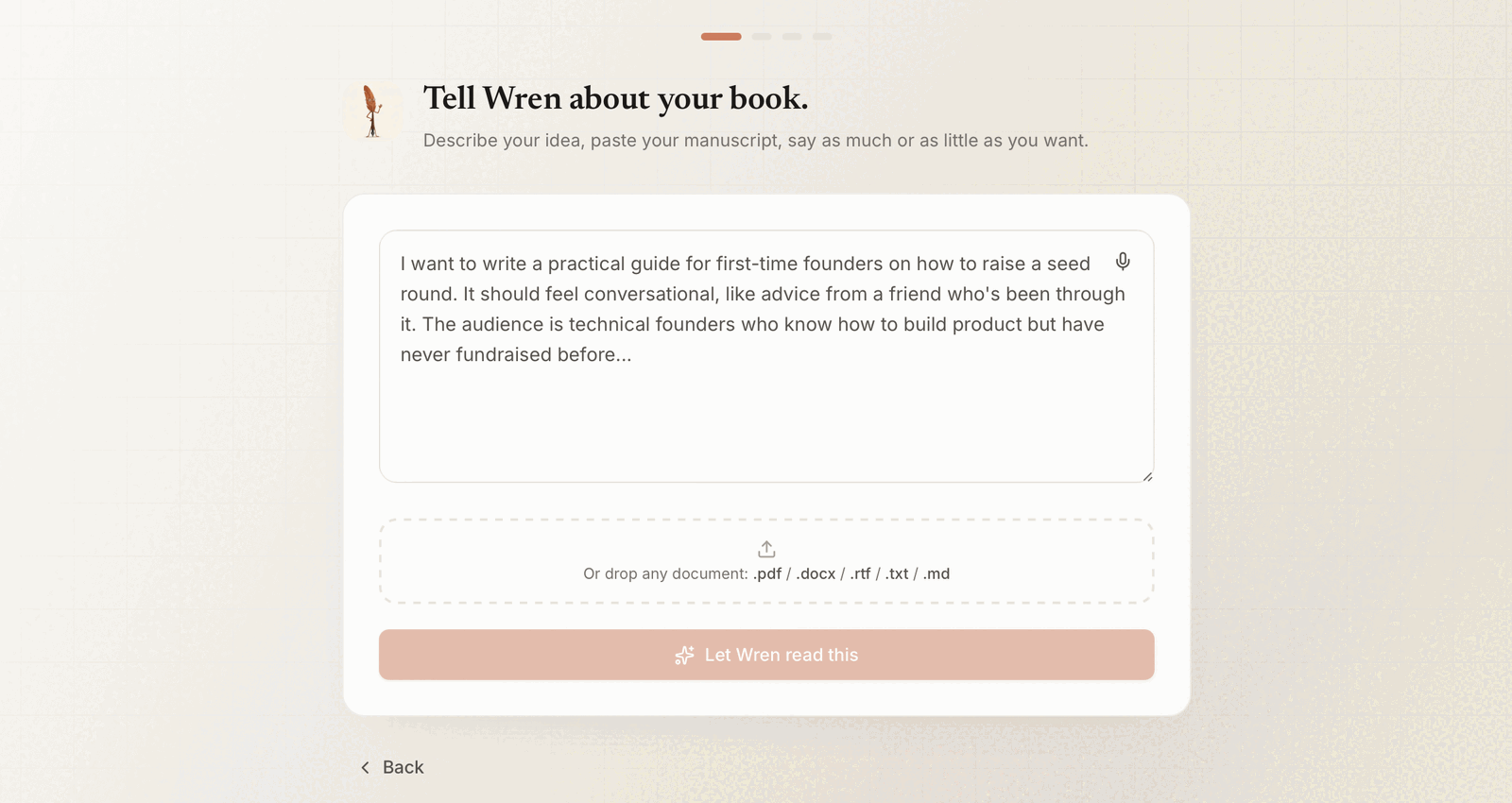
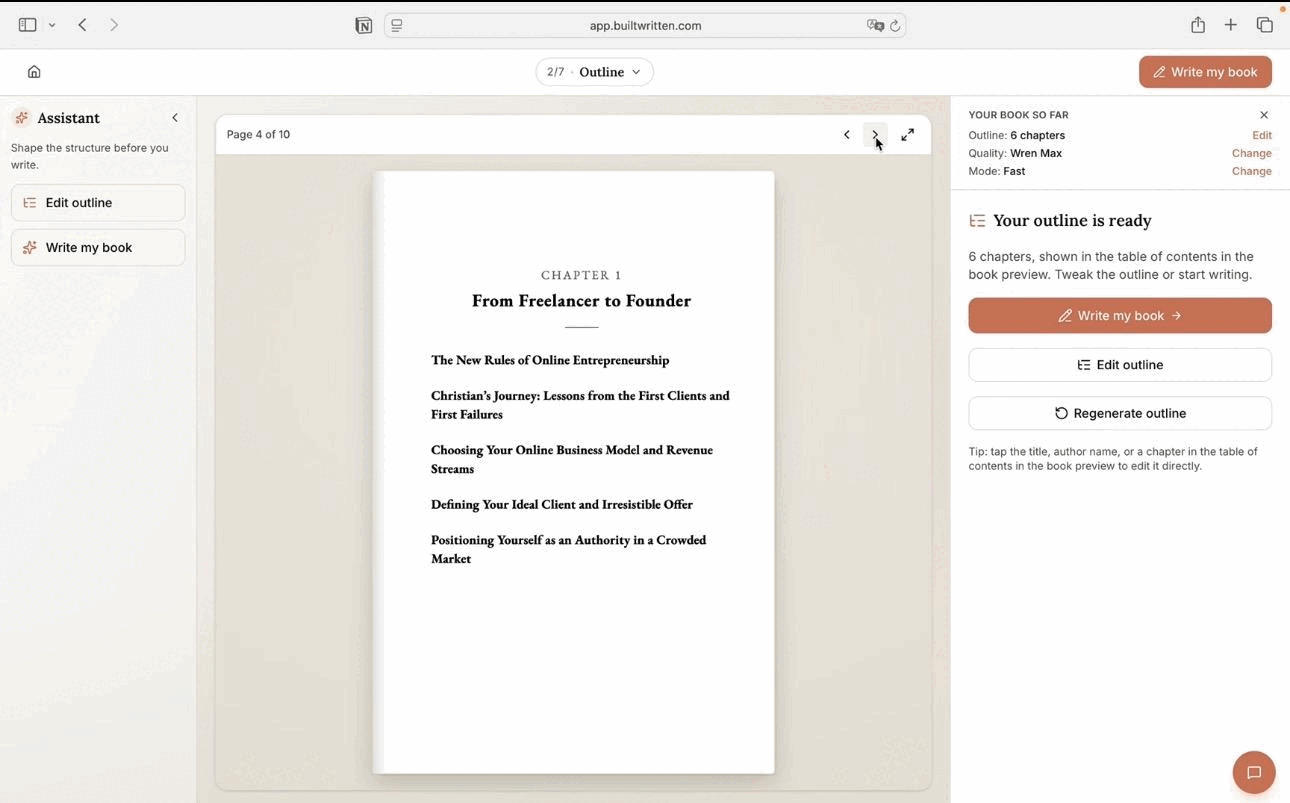
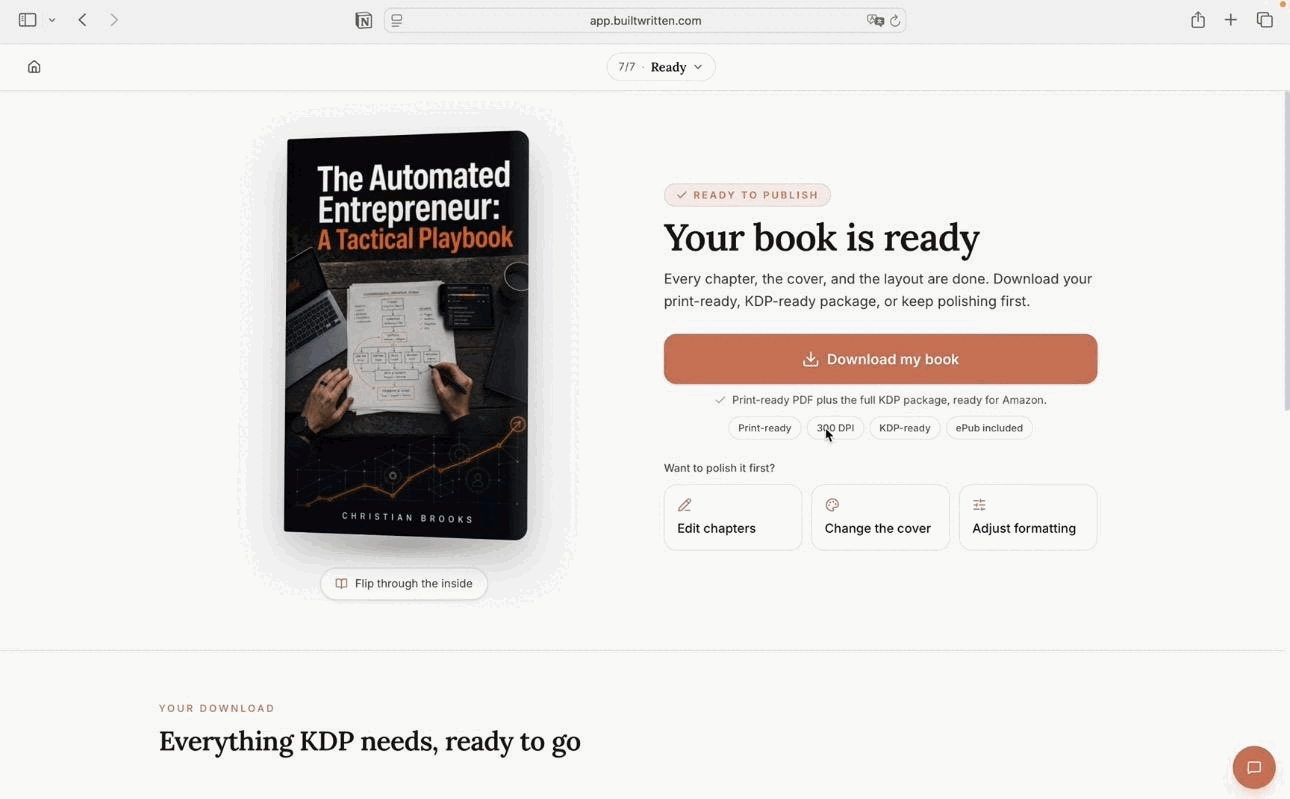
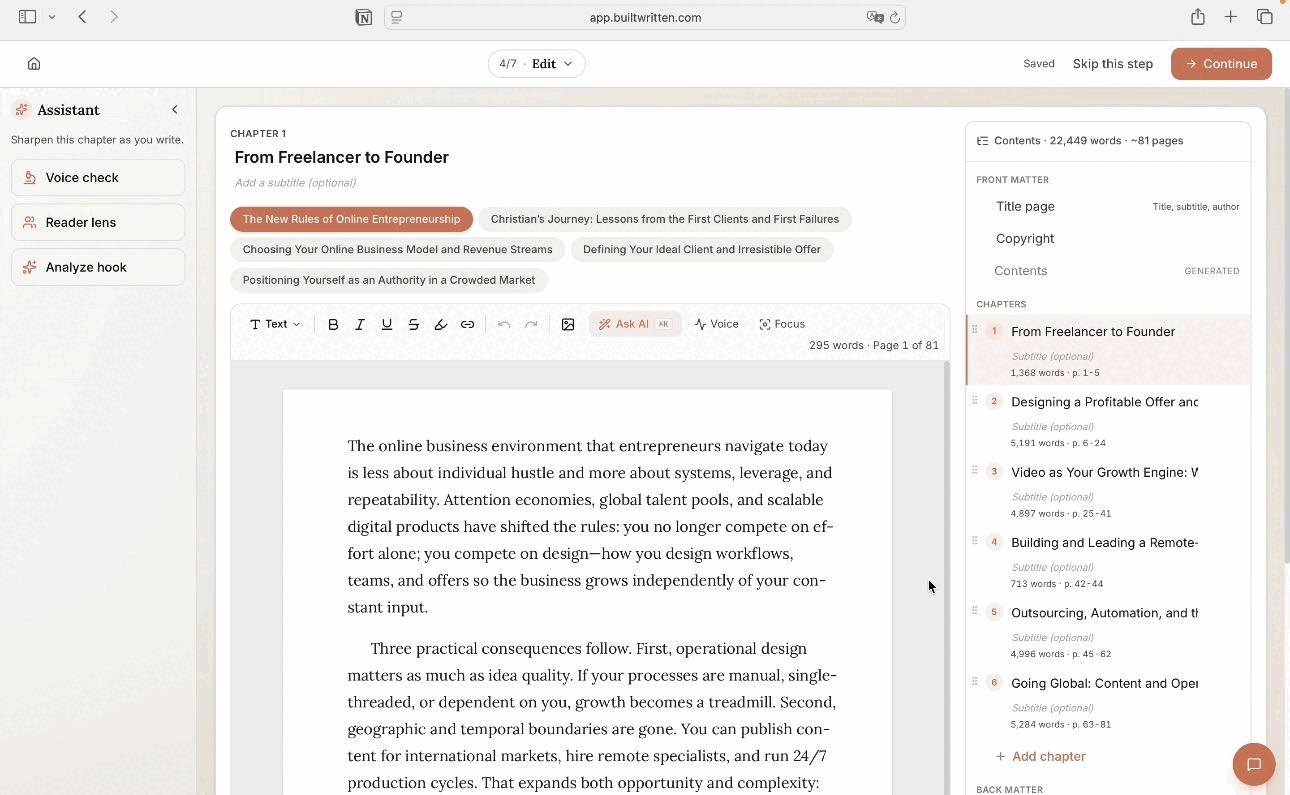
Many founders, consultants, and experts reach this question early. The ideas exist in LinkedIn posts, client notes, and talk transcripts, but there is no manuscript to paste into a checker. That earlier stage is what Built&Written handles. You bring in the material you already have; the platform organizes it into a chapter structure and drafts a nonfiction book in your own voice with Voice DNA. You then edit every chapter and export the book as PDF, ePub, or DOCX, depending on your plan.
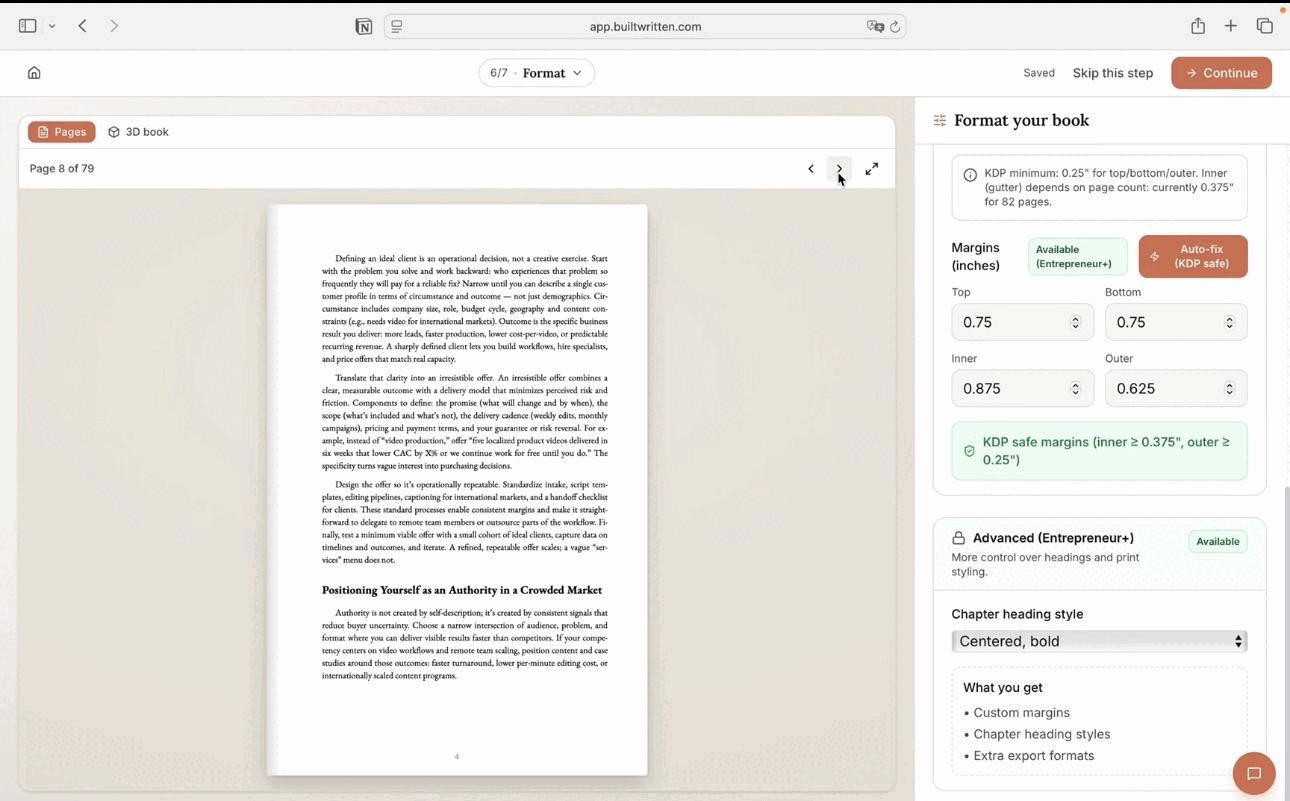
The DOCX is the file you hand to ProWritingAid or Grammarly for a final language pass. So the order is simple: Built&Written creates and structures the book; a checker polishes the finished text. If you want to do the first stage by hand, our guide to writing a book from notes in 5 stages walks through it.
2. How We Tested ProWritingAid and Grammarly
On September 24, 2026, we pasted the same passage into the free, no-login checkers on ProWritingAid's grammar checker page and Grammarly's grammar checker page, with US English and default settings.
The passage is the first 459 words of Chapter I of Frederick Winslow Taylor's The Principles of Scientific Management (1911), from the Project Gutenberg edition. It is public domain, so anyone can repeat the test. The passage has 8 sentences averaging 57 words; the longest runs 130.
Two limits shaped the test. ProWritingAid's free checker accepted all 459 words in one paste. Grammarly's free checker stops at 700 characters, so we ran the passage in 5 pastes. To confirm Grammarly was checking, we also pasted a control sentence with three deliberate errors (“This are a test sentence with a eror in it and it go on”); it flagged all three.
What we did not test: the paid plans, and any file longer than 459 words. Everything below about paid features, word limits, integrations, and prices comes from each company's own pricing and help pages, linked where each fact appears.
3. Test Results: What Each Free Checker Flagged
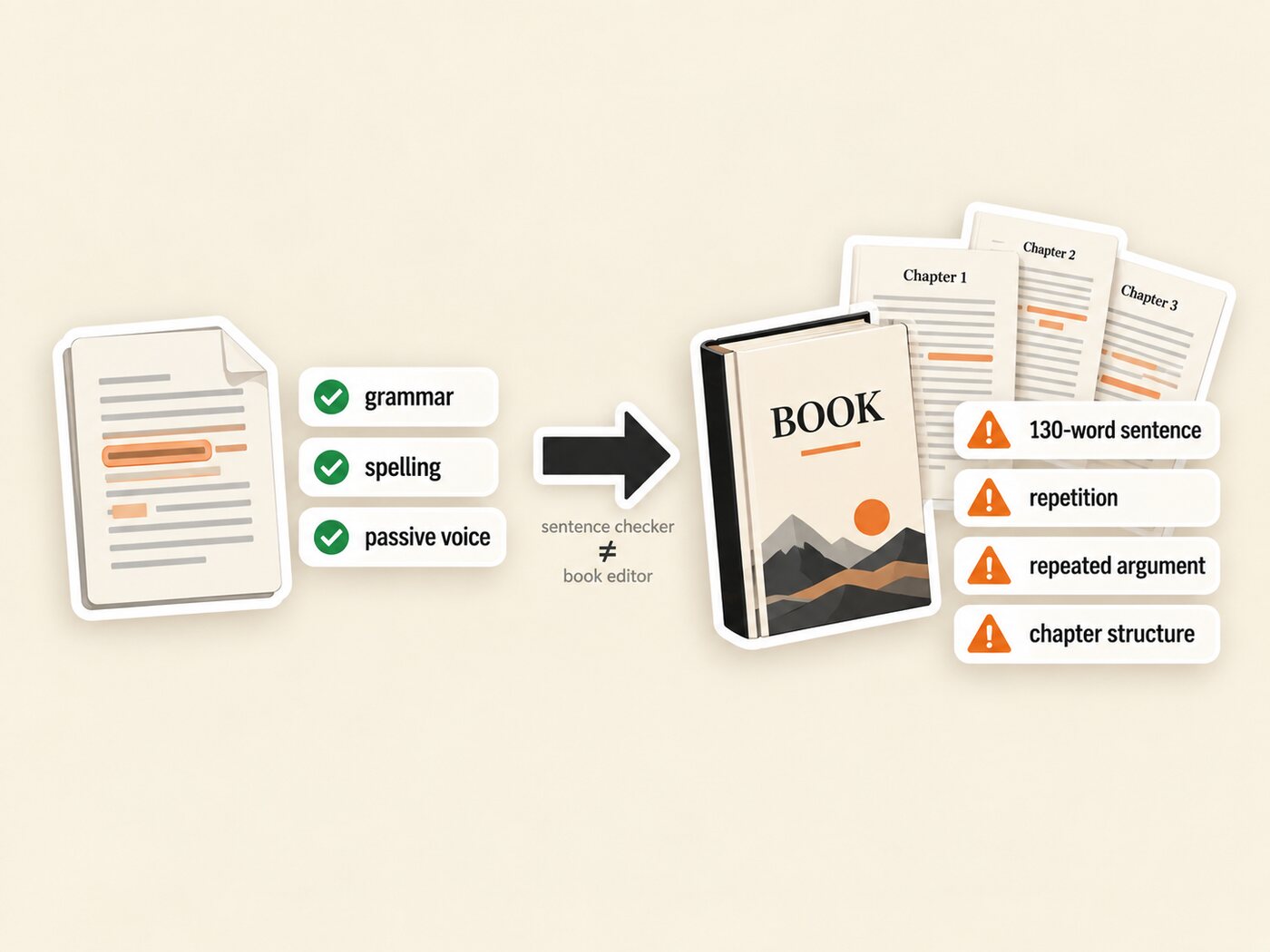
On this passage, ProWritingAid's free checker returned 20 suggestions and Grammarly's free checker returned 0. All 20 were style suggestions; neither tool found a grammar or spelling error, because the published text has none.
| What was flagged | ProWritingAid (free) | Grammarly (free) |
|---|---|---|
| Passive verbs | 6 | 0 |
| Wordy phrases (“the majority of” to “most,” “one and the same” to “the same”) | 6 | 0 |
| Double hyphens to typographic dashes | 4 | 0 |
| Inclusive language (“workman,” “workmen”) | 3 | 0 |
| “All of the” to “all the” | 1 | 0 |
| Grammar and spelling errors | 0 | 0 |
| Total | 20 | 0 |
Same 459 words from Taylor, Chapter I, free no-login checkers, US English, September 24, 2026.
- Why Grammarly showed 0. The free checker looks for correctness problems: spelling, grammar, punctuation. This passage has none. Full-sentence rewrites and tone adjustments are listed under Pro on Grammarly's plans page. The result says nothing about how the paid plan would edit this text.
- Why ProWritingAid showed 20. Its free checker already applies some style rules. Most flags were fair for a modern business book: “there is no question that” adds nothing, and “workman” reads as dated to 2026 clients.
4. What Neither Free Checker Flagged
Neither free checker flagged the passage's biggest editing problems, which sit above single words:
- Sentence length. The last paragraph is one 130-word sentence. ProWritingAid covers this in its Sentence Length report, which the free public checker does not run. Hemingway Editor marked sentences like it as very hard to read.
- Repetition. “Maximum” appears 7 times in 459 words. ProWritingAid's All Repeats report is built for this; it is one of the 25+ reports ProWritingAid lists under Premium on its pricing page.
- The argument. The passage states its thesis twice in three paragraphs. No sentence-level checker is designed to catch that.
Chapter order, repeated arguments, and missing evidence are structural edits. Our guide to book editing services explains which kind of editor handles them, and three nonfiction structure frameworks can fix most of them before any checker runs.
5. Can Grammarly Check a 60,000-Word Book?
Yes, but in pieces and over more than one day. A typical business book runs about 40,000 to 60,000 words, and Grammarly's limitations page sets two kinds of limits that matter at that length.
- Document limit: 100,000 characters. The Grammarly Editor checks and uploads up to 100,000 characters (including spaces) at a time, in files up to 4 MB (.doc, .docx, .odt, .txt, or .rtf). The limit is in characters, not words. At an approximate 6 characters per word including spaces, that is roughly 16,000 to 17,000 words, so a 60,000-word manuscript (about 360,000 characters) needs at least 4 separate documents.
- Account limit: 50,000 words per 24 hours. The same page allows up to 50,000 words or 100 documents in any 24-hour period, and 150,000 words or 300 documents in any 30-day period, for free and paid accounts (the page uses the older plan name, Premium). One full pass on 60,000 words therefore spans more than one 24-hour window. Two full passes (120,000 words) fit in a 30-day window; a third would exceed it.
- Desktop app. The page says Grammarly for Windows and Mac has no length limit beyond what your text editor imposes. It does not say the account limits above stop applying there.
6. Does ProWritingAid Have a Word Limit?
Not on Premium. ProWritingAid's word-limits page says the tool has no word limit, though some reports work best within a range, and it recommends splitting a book into chapter files for speed. The free plan checks 500 words at a time, per the pricing page.
Two book-level features have their own limits. Chapter Critique is included in Premium (1 a day) and Premium Pro (30 a day) and runs on up to 6,000 words of a chapter. Manuscript Analysis is designed for 6,000 to 300,000 words but is not included in Premium: each run costs a separately purchased Story Credit. Its feedback sections (characters, plot, setting) lean toward fiction.
7. Do They Work in Word, Google Docs, and Scrivener?
Both work in Microsoft Word and Google Docs. Only ProWritingAid lists Scrivener.
- ProWritingAid: its compatible apps page lists Microsoft Word (2016 and newer) and Scrivener on Windows and Mac through the Desktop Everywhere app, and its integrations page covers Google Docs through browser extensions for Chrome, Edge, and Firefox.
- Grammarly: it works in Microsoft Word on Windows and Mac through its desktop app, and in Google Docs through its browser extension for Chrome, Safari, Firefox, or Edge. Its where-it-works page does not name Scrivener.
If you draft in Scrivener, that settles it. If you draft in Word, our Scrivener vs Word comparison covers which one suits a business book.
8. How Much Do ProWritingAid and Grammarly Cost?
Prices below were checked on each company's own pages on September 27, 2026, in US dollars. Grammarly offers regional pricing in euros, pounds, and rupees, and both companies change plans often.
| ProWritingAid | Grammarly | |
|---|---|---|
| Free plan | 500 words at a time; basic grammar and style | Spelling and grammar, tone detection, 100 AI prompts |
| Main paid plan | Premium: $30 monthly, $120 yearly, or $399 lifetime | Pro: $30 monthly, $60 quarterly, or $144 yearly (shown as $12/month) |
| Higher tier | Premium Pro: $36 monthly, $144 yearly, or $699 lifetime | Enterprise: contact sales |
| Paid plan adds | 25+ reports, unlimited words, 1 Chapter Critique a day | Full-sentence rewrites, tone adjustment, plagiarism and AI-text detection, 2,000 AI prompts |
| Refunds and trials | 3-day money-back on yearly and lifetime; no refunds on monthly | 7-day trial on Pro |
Sources: ProWritingAid pricing, Grammarly plans, Grammarly Pro billing options. Checked September 27, 2026.
Which is cheaper for one book? For a single month of editing, both cost $30 on monthly billing. Over a year, Grammarly Pro ($144) and ProWritingAid Premium ($120) are close. ProWritingAid's $399 lifetime plan pays off only if you plan several books.
9. Can You Use Grammarly and ProWritingAid Together?
Yes, although running both on the same chapter usually adds little value because their spelling and grammar checks overlap. A cleaner split: Grammarly for daily writing in email and the browser, ProWritingAid for the manuscript.
In our KDP-Ready Stack Test (Planning, Production, Packaging, Publishing), both checkers belong to Production, at the editing step. Pick one for the book and run it chapter by chapter.
10. Where Built&Written Fits Next to a Grammar Checker
Built&Written covers the stage before grammar checking: getting from scattered material to one coherent manuscript. It sorts your posts, notes, and transcripts into chapters, drafts them in your voice, and keeps the whole book in one project, so the argument is decided before anyone counts passive verbs.
Inside the editor, the assistant panel also works on text you select: Polish, Tighten, or Simplify. For a 130-word sentence like Taylor's, Tighten or Simplify is the direct fix, without copying the paragraph into another tool.
It is not a replacement for a checker. Built&Written does not run a grammar scan across a whole manuscript, check for plagiarism, or produce a set of style reports. For that final pass, export the DOCX and use ProWritingAid or Grammarly.
11. Which Is Better for Authors: ProWritingAid, Grammarly, or Neither Yet?
It depends on where your book is:
| Tool | Use it when | Book-length text | Free vs paid | Place in workflow |
|---|---|---|---|---|
| Built&Written | Your book is still in posts, notes, or transcripts | Whole book in one project; exports PDF, ePub, DOCX by plan | Free tier; see pricing | Create and structure the manuscript |
| ProWritingAid | The manuscript is finished and needs a style edit | No word limit on Premium; split into chapters for speed | Free: 500 words at a time | Book-length style editing |
| Grammarly | You want fast correctness everywhere you write | 100,000 characters per document; 50,000 words per 24 hours | Style rewrites need Pro | Final correctness / everyday writing |
Limits from each company's help pages; checked September 27, 2026.
Final thoughts
A nonfiction book goes through three stages: create the manuscript, edit it at book and style level, then run a final check and prepare it for publishing. Editing tools enter only after the manuscript exists. If your book is still spread across posts and notes, start with Built&Written; once the manuscript exists, ProWritingAid is our pick for book-length editing.
Before upload, run the 6 signs your writing sounds like AI check, format the book for Kindle, and review what KDP asks you to disclose about AI. Our step-by-step KDP guide covers the upload itself.
Frequently asked questions
For book-length style editing, yes. ProWritingAid Premium has no word limit, reports for repetition and sentence length, and Scrivener support. Grammarly is better for quick correctness across email, documents, and the browser.
In pieces. The Grammarly Editor checks up to 100,000 characters per document (roughly 16,000 to 17,000 words), and every account can check up to 50,000 words in any 24-hour period, so a 60,000-word book needs several documents and more than one day.
Not on Premium: ProWritingAid's help center says the tool has no word limit. The free plan checks 500 words at a time, and Chapter Critique runs on up to 6,000 words.
Yes. ProWritingAid lists Scrivener for Windows and Mac through its Desktop Everywhere app. Grammarly does not list Scrivener.
For one month, both cost $30 on monthly billing (ProWritingAid Premium and Grammarly Pro, as listed on September 27, 2026). Yearly, ProWritingAid Premium is $120 and Grammarly Pro is $144.
Yes, but for different jobs. Their correctness checks overlap, so use Grammarly for everyday writing and ProWritingAid for the manuscript.
For a full-book editing pass, yes. Both tools work on text that already exists. Neither drafts or structures a book.
Then the first job is building a manuscript. Built&Written organizes posts, notes, and transcripts into chapters in your voice; after you edit and export it, a checker can polish the text.
Yes. It drafts a structured nonfiction book from your material and exports PDF, ePub, or DOCX depending on your plan. It does not replace a full grammar scan, so run ProWritingAid or Grammarly on the exported DOCX.
Sources & References
About the author

Khrystyna Balushka
More in Writing
Ready to write your book?
Turn your expertise into a professional book with Built&Written.